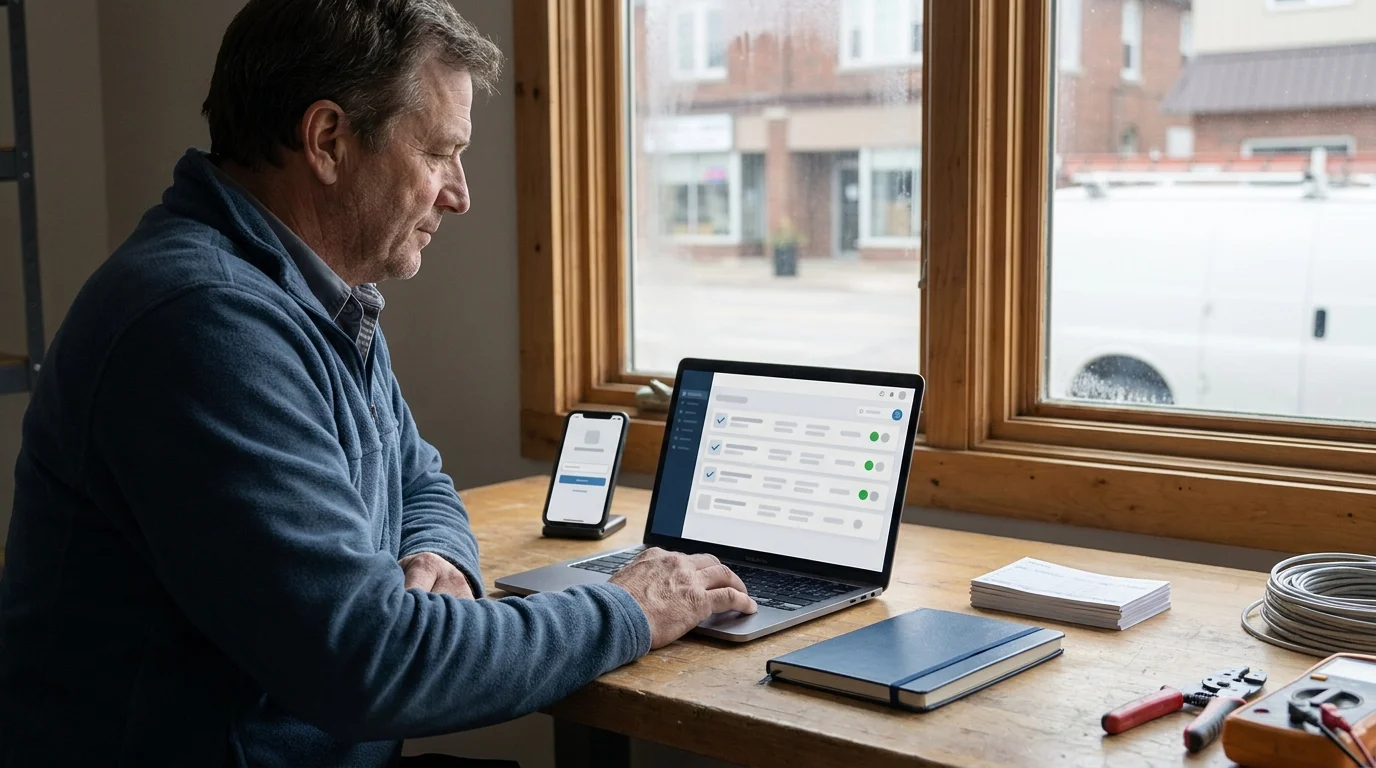

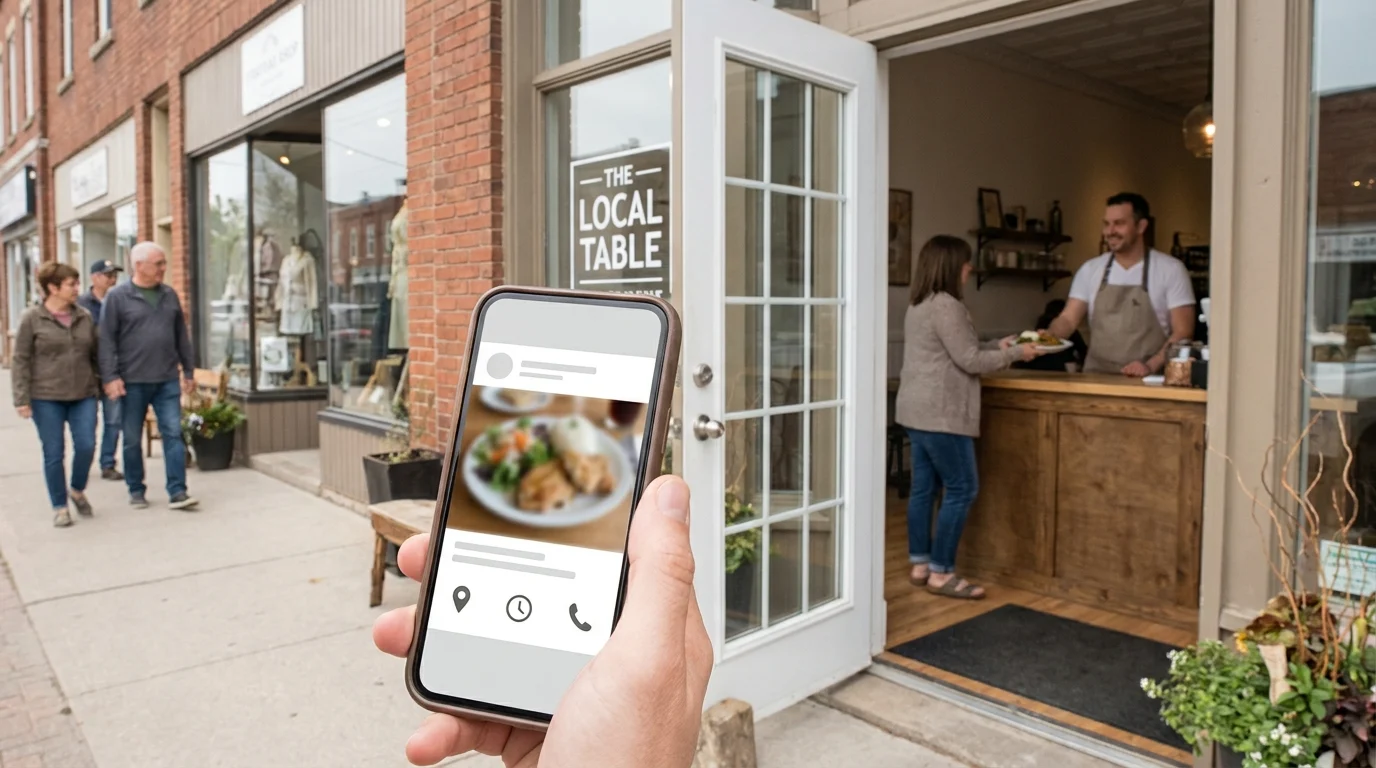
You spend an hour filming a lunch special, squeeze the editing between deliveries, and check the results after closing. Plenty of views. At the counter, nobody mentions it. Meanwhile, someone nearby is checking your profile to see whether you’re open on Sunday and whether that special is still available.
That’s where social media for local business earns its place. For established shops and restaurants serving Kingsville, Ontario and the Windsor-Essex Region, useful posts help nearby people make a decision. A Smart Digital Doorway connects that attention to answers, trust and a clear path to purchase. The work starts with choosing whose attention is actually worth your time.
Why Going Viral Is the Wrong Goal
A video can reach thousands of people who live hours away from your front door. Some might visit eventually. But a restaurant with empty tables tonight, or a retailer carrying seasonal stock, needs attention from people who can realistically buy.
Broad reach has value when it reaches potential customers. Geography, timing and the reason someone watches all affect that value. A person enjoying your joke and a neighbour checking your dinner menu have different intentions, even when both count as a view.
Match the Post to a Buying Decision
Consider a hypothetical independent restaurant. The owner could spend an afternoon recreating a trending comedy clip, or photograph tonight’s special and include its price, serving hours and reservation instructions.
The comedy clip suits a business building broader recognition, especially when the humour connects naturally to its food or service. The special suits a restaurant trying to help nearby diners choose where to eat tonight. With limited time and tables to fill, I’d prioritize the special.
A retailer faces the same choice. Showing how a rain jacket fits, which sizes are available and whether customers can try it on gives a shopper useful reasons to visit. That’s small business content with a clear job.
Count the Cost of Chasing Reach
Trend hunting takes staff time: planning, filming, editing and watching what everyone else is doing. Those hours belong in the calculation alongside the view count.
A practical local social media strategy puts customer questions first. Before making a post, identify the person it serves and the decision it helps them make. For established businesses, that discipline keeps social media connected to the shop floor, the dining room and the next customer’s reason to come through the door.
Social Media for Local Business: Make Yourself Findable
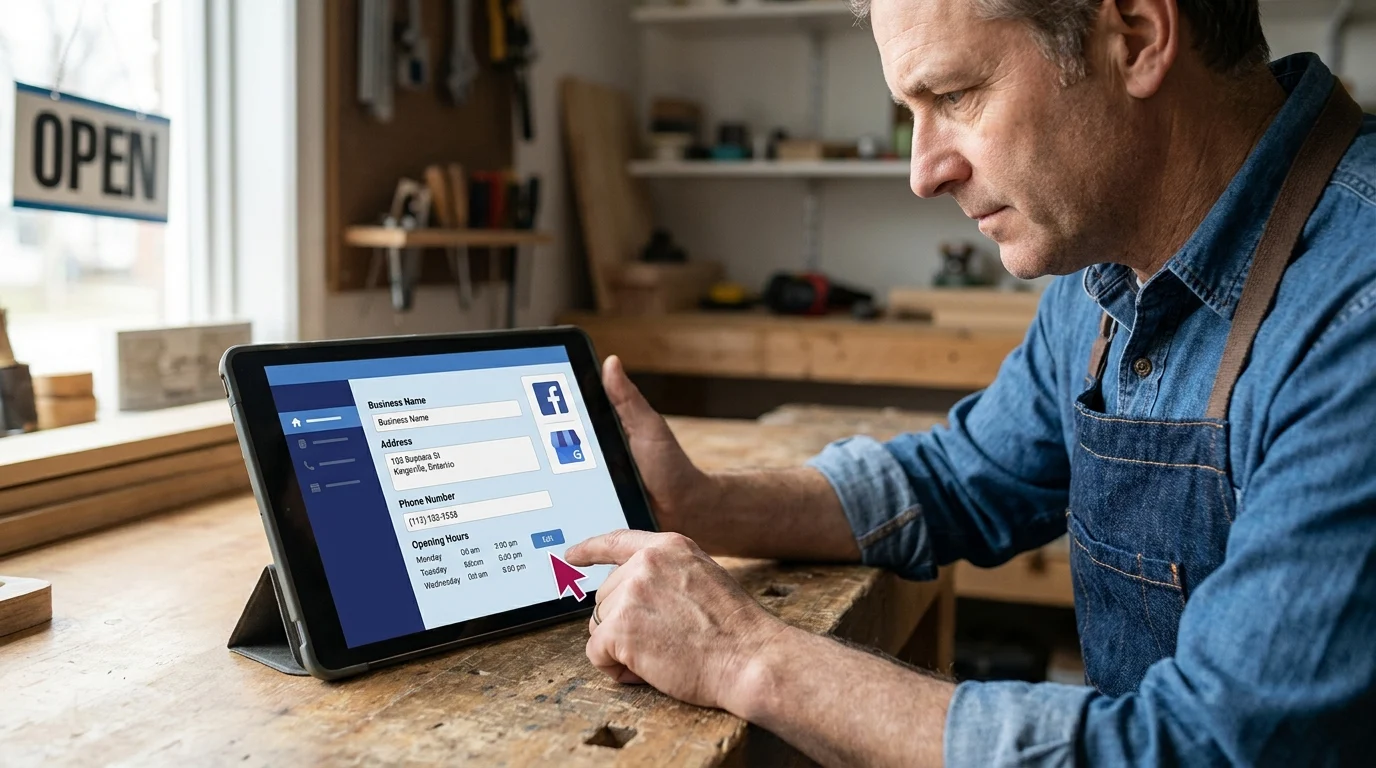
A customer lands on your Facebook page, sees conflicting hours and has to guess whether you’re open. That uncertainty can end the visit before they’ve left home. Social media for local business starts with making those everyday details dependable.
Make Your Profiles Agree
Check your business name, category, street address, phone number and opening hours across Facebook, Instagram and your Google Business Profile. Google Business Profile supports discovery in Search and Maps; social profiles give customers another place to check your business before visiting.
Facebook’s page details suit businesses whose customers check hours and send Messenger enquiries. Instagram’s bio and pinned posts suit visual browsing, with essential visit information kept easy to spot. Prioritize whichever platform your customers already use, and keep both accurate if both are public.
Give People Recognizable Location Cues
Businesses serving Kingsville, Ontario and the Windsor-Essex Region can help people get found online searches resolved faster with a clear address, relevant location tags and recognizable storefront photos. Include practical arrival details, such as which entrance is accessible or where customer parking sits.
For a hypothetical local gift shop, a pinned photo showing the entrance beside the municipal parking lot could answer a question that a product photo leaves open.
Answer the Questions That Delay a Visit
Keep holiday hours current. Pin answers about accessibility, returns or dietary options where relevant. Give each profile a clear next step, such as calling during opening hours or messaging about product availability. State when messages are usually checked.
These details form a Smart Digital Doorway: a connected system that attracts attention, answers questions, builds trust, captures enquiries and helps interested people become customers. Each accurate answer removes another reason to hesitate.
Build a Posting Rhythm You Can Actually Maintain
A sustainable local social media strategy starts with work you can repeat during an ordinary week. Try 3 posts a week as an adjustable starting point, with one person responsible for preparing them and checking responses.
Give Each Post a Job
Build repeatable small business content around a current offering, a customer question and evidence of care. A retailer might photograph a new delivery, explain sizing and show how staff inspect products before shelving them.
Collect photos while the work happens. Keep a shared folder for usable images and a short note beside each: what’s pictured, what customers should know and when the information expires.
Meta Business Suite suits owners scheduling Facebook and Instagram together. Native posting suits businesses sharing changing stock or daily specials. Scheduled posts still need a quick accuracy check before publication.
Carry Interest Through to a Purchase
Consider a hypothetical restaurant in Kingsville, Ontario preparing a weekend take-home supper. The owner photographs the finished meal, records portion sizes and the ordering deadline, then films the cook packing an order.
The meal photo attracts attention. Portion details answer purchasing questions, while the packing video builds trust by showing how orders are handled.
A staffed Messenger inbox captures leads when people ask about ordering. Staff confirm availability and price, then explain payment and collection. An enquiry becomes accepted paid work only when the customer orders and pays.
That sequence makes the Social Media Engagement Opportunity a working Smart Digital Doorway, carrying attention through questions, trust, lead capture and purchase. Social media for local business becomes manageable when the content comes from work already happening, with someone responsible for the conversation that follows.
Measure the Customer Actions That Lead to Sales
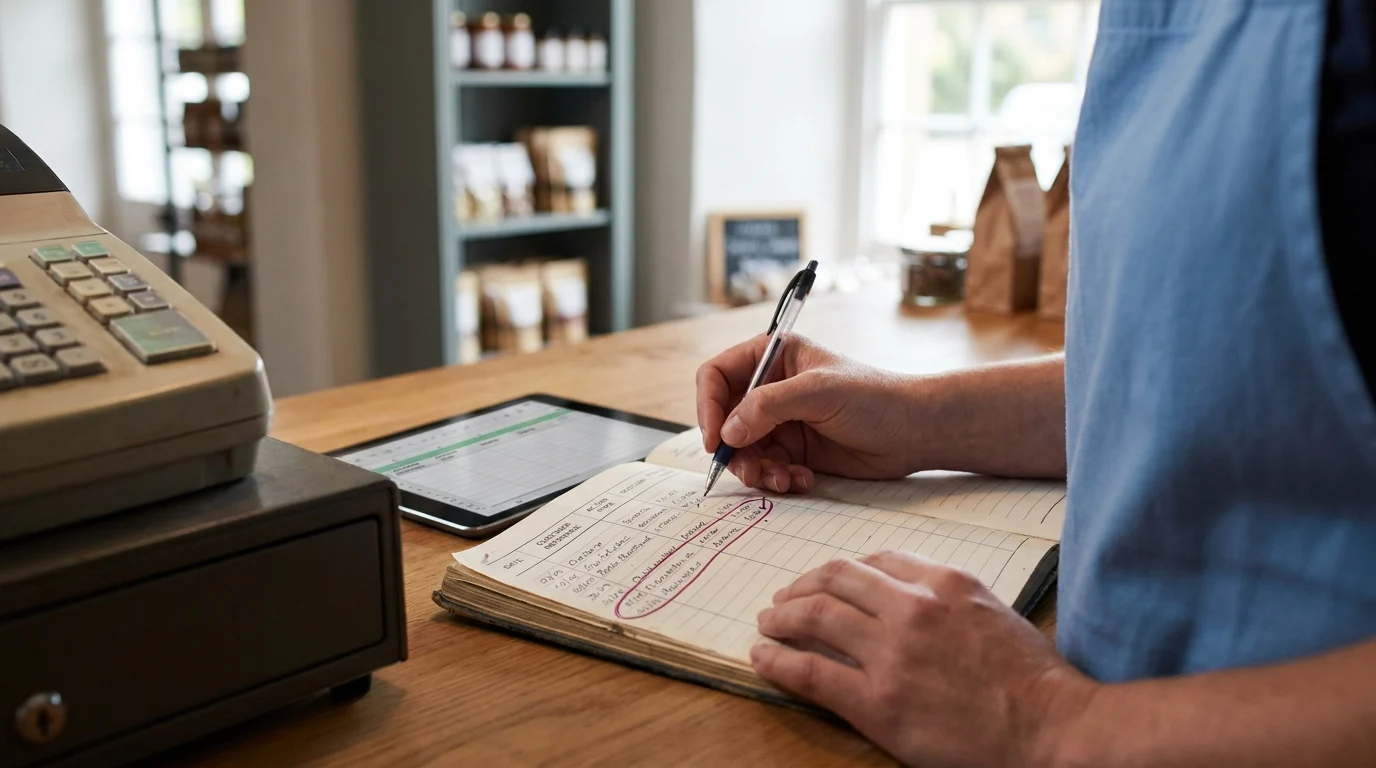
A useful monthly review connects social media for local business to buying intent and completed purchases. Likes and follower counts can provide context; customer actions deserve their own tally.
Keep a Small, Consistent Record
Use Google Sheets if several staff need access, or a paper log beside the till if one person handles enquiries. Create fields for date, customer reference, action type, source, outcome and confirmed purchase value. Keep personal details to the minimum needed.
Give action types clear definitions so staff count consistently:
- Qualified message: someone asks about a specific product, availability or service you offer and could reasonably buy.
- Reservation request: someone asks for a table or appointment. Record confirmation separately in the outcome field.
- Direction request: a navigation action reported by a platform. Keep these aggregate counts separate from individual customer records.
- Attributable purchase: a completed sale connected to social through a customer’s answer, a traceable conversation or a redeemed offer code.
Ask buyers, “What helped you find us?” Record their answer under source, including “unknown” when appropriate. Google Business Profile direction requests belong under Google; crediting them to social requires supporting evidence.
Review the Path Once a Month
Group the log by action type and source. Use the customer reference to connect a message, reservation and purchase without counting them as separate buyers.
Compare enquiry outcomes and confirmed purchase value with the previous month, allowing for seasonality. A direction request signals interest; a confirmed reservation remains a booking until a purchase happens.
Choose one adjustment: clearer availability information, faster replies or more posts about products buyers mentioned. That gives next month’s effort a specific purpose.
What To Do Monday Morning
Give one person ownership of this checklist and set aside a focused block before the week gets busy. Work through one profile from start to finish so you can check the whole customer path.
- Audit one active profile. Choose Facebook if that’s where customer conversations happen, or Instagram if shoppers regularly ask about products there. View it as a visitor on your phone. Check the profile image, business category, description, pinned content and available contact buttons. Write down anything that could leave a buyer guessing.
- Fill the information gaps. Correct opening hours, address, phone number and holiday exceptions. Make current menus, product availability or ordering instructions easy to locate. Check that staff can access the account and know who’s responsible for answering incoming questions.
- Schedule 3 useful posts. Prepare a current product or menu feature, an answer to a frequent buying question, and a practical visit or ordering guide. Give each an accurate photo and a clear next step. Use Meta Business Suite for advance scheduling on Facebook and Instagram; native scheduling suits owners already managing an eligible account inside Instagram.
- Test the route to buying. Have someone outside the account follow a post through to an enquiry or purchase. Ask them to check buttons, forms, checkout and confirmation messages. Label test submissions clearly so staff can exclude them from customer records. Repair the first obstacle they encounter.
- Save your starting point. Using the tracker already established, record the reporting period and available customer-action totals. Mark missing historical information as unknown. Save dated screenshots of platform reports. This gives your next review a baseline grounded in recorded activity.
Make the Next Visit Easier
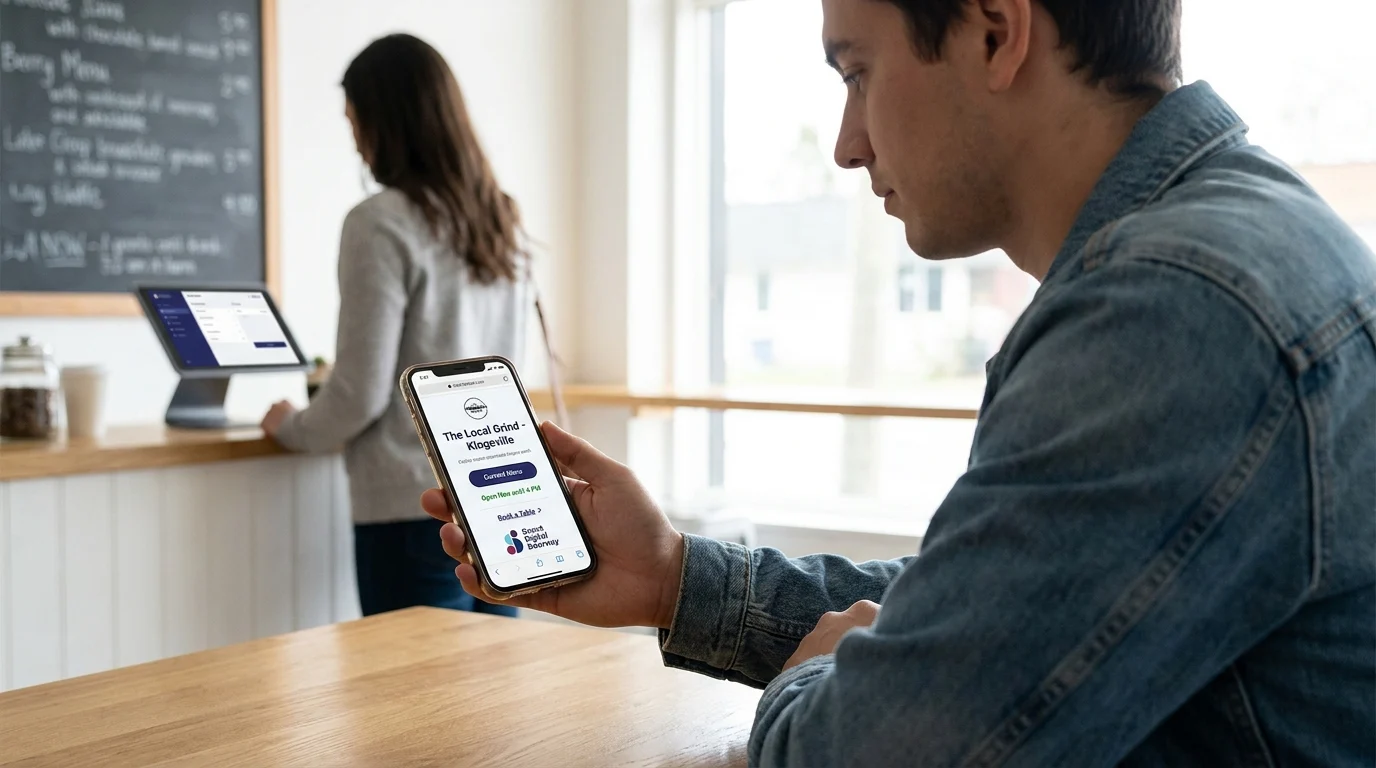
A useful test for social media for local business is whether a nearby customer can confidently take the next step. Someone checking your shop during a lunch break needs enough current information to decide whether to visit. A diner planning dinner needs confidence that the menu and booking instructions still apply.
Doorways Into Your Business frames this as a Smart Digital Doorway: a connected system that attracts attention, answers questions, builds trust, captures enquiries and helps prospects become customers. Social posts open that path; the experience that follows carries it through.
Keep the workload small enough to maintain through busy weeks. Accurate information, useful posts and a tested buying path give each person who finds you a clearer route to doing business with you.
Want this fitted rather than figured out? Doorways Into Your Business helps owner-operators put systems like this in place. Book a free consultation.
Paul Hughes founded Doorways Into Your Business after more than five decades consulting across 30+ countries, from implementing early IBM email systems in the 1980s to running multi-million-dollar IT projects for global organizations. A St. Clair College graduate (1976), he settled in Kingsville, Ontario in 2019 to help local small businesses grow with practical “smart digital doorways”, websites, customer service, reviews, bookings, and payments, matched to what a business needs, not unnecessary technology.
All articles by Paul →