


You’re under a vehicle, halfway through a furnace repair, or holding a cabinet level when the phone rings. By the time you’ve freed your hands, the caller has gone. You check voicemail between jobs, but there’s no message. That leaves you with a phone number and no clear idea whether someone needed an oil change, an urgent repair, or a quote for next month.
For businesses serving Kingsville, Ontario and the Windsor-Essex Region, this is a practical service problem. A prospective customer needs enough information to decide what to do next. Your response system can give them that clarity while you finish the work already in front of you.
The Windsor Ontario Small Business Advantage: Answer When Competitors Don’t
Customers comparing contractors, home services, and automotive shops often have an immediate question: can you help, and when? A useful answer gives them a reason to keep talking. An unanswered call leaves that decision open while they try another business.
Responsiveness earns its place in your marketing plan because it connects the attention you’ve already earned to a conversation. Someone who finds your Google Business Profile still needs to establish whether your service, schedule, and process fit their situation.
Make Availability Clear Before Promising Work
Consider a hypothetical independent garage. A driver calls about a grinding brake noise before their afternoon shift. The garage’s response confirms that someone can discuss the symptoms and explain the inspection process. That gives the driver a concrete next step without promising a diagnosis or repair slot.
An enquiry, a booked inspection, and accepted paid repair work are separate stages. Clear language at each stage helps customers understand what’s agreed and what still needs approval.
Match Your Response to Your Working Day
Live answering suits businesses handling urgent calls or frequent scheduling questions, provided the person answering has current availability and clear booking authority. A voicemail greeting with a realistic callback window can suit an owner working through longer, scheduled jobs.
Choose a response window you can usually meet, then adjust it around workload and staffing. Update your published hours and greeting when coverage changes. Customers can plan around an honest expectation.
Doorways Into Your Business frames this as a Service Excellence Opportunity: a Smart Digital Doorway that attracts attention, answers questions, builds trust, captures enquiries, and supports the steps towards becoming a customer. For a busy owner, dependable service availability becomes a practical marketing advantage that carries through from first contact to the next agreed step.
How Missed Calls Hand Customers to Windsor Competitors
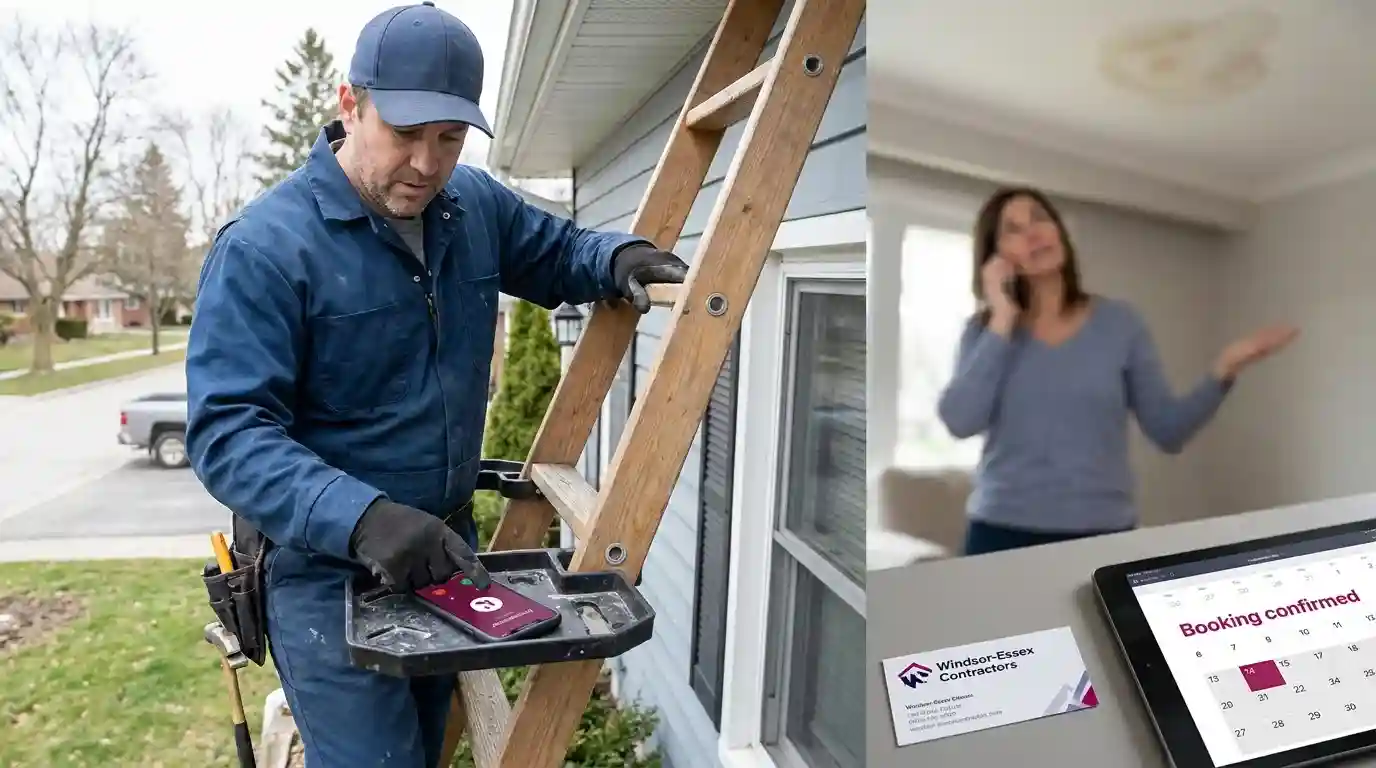
An unanswered call leaves a customer with a decision: wait for you or try the next business. When they need a leak assessed before more water gets in, another contractor’s answer can settle that decision quickly.
How a Booking Slips Away
Consider a hypothetical contractor serving Kingsville, Ontario and the Windsor-Essex Region. The owner’s on a ladder when a homeowner calls about water coming through a ceiling. The call goes unanswered, and the homeowner leaves no message.
The homeowner calls another contractor, explains the problem and books an assessment. By the time the first owner calls back, that appointment is arranged. The second contractor still needs to assess the job, provide a quote and secure approval for paid work.
The first contractor lost the opportunity to discuss the job. Their call log alone won’t reveal whether the caller booked elsewhere.
Estimate the Gap From Your Call Log
Review a recent working week. Use your phone’s call history for a quick check, or Google Sheets if several people handle callbacks.
Record each caller’s number, call date and time, whether you answered, enquiry type, callback time and outcome. Classify enquiry type as new work, existing customer, supplier, spam or unknown. For outcomes, distinguish unresolved enquiries, quotes sent, booked appointments and accepted paid work.
Group repeat calls about the same enquiry. Count unique unanswered new-work enquiries, keeping unknown callers separate. Then check how many remained unresolved after callbacks.
That gives you a count of unresolved opportunities. Record “booked elsewhere” only when the caller confirms it. Multiplying every missed call by your average invoice would exaggerate the loss: some callers never intended to buy, and some jobs wouldn’t have fitted your service or schedule.
Build a Smart Digital Doorway That Captures Every Opportunity
Doorways Into Your Business calls this the Service Excellence Opportunity: a Smart Digital Doorway that attracts attention, answers questions, builds trust, captures leads and helps convert prospects into customers. Connect your phone, intake form and response process so an unanswered call has somewhere useful to go.
Send a Useful Missed-Call Text
HighLevel offers missed-call text-back automation for businesses wanting calls and enquiries together. A Twilio setup suits owners with technical support who need custom routing. Confirm number compatibility and messaging requirements before changing providers.
Keep the reply specific: “Thanks for calling [business name]. We’re helping another customer. What service do you need, and what’s your postal code?” Identify the business, keep messages tied to the enquiry and honour opt-outs. Test repeat calls so one persistent caller doesn’t receive a pile of identical texts.
Give After-Hours Callers a Clear Path
Set voicemail to explain your staffed hours and the next expected response window. Treat that window as an adjustable commitment your team can actually meet.
A telephone answering service suits callers who need a conversation; an automated intake form suits routine requests. Give either option clear service boundaries. For urgent situations, state whether you provide emergency coverage. An acknowledgement confirms receipt; an appointment requires confirmation of availability.
Make the Enquiry Form Accessible
Ask for name, preferred contact method, contact details, service needed and postal code. Keep photos optional. Use visible labels, keyboard-accessible controls and clear error messages, then test on a phone.
Show a receipt message with expected response hours. Send submissions to a monitored inbox and assign someone to check it. Clear service descriptions and honest response expectations help callers decide whether your business fits their needs before they enquire.
Turn Captured Enquiries Into Confirmed Bookings
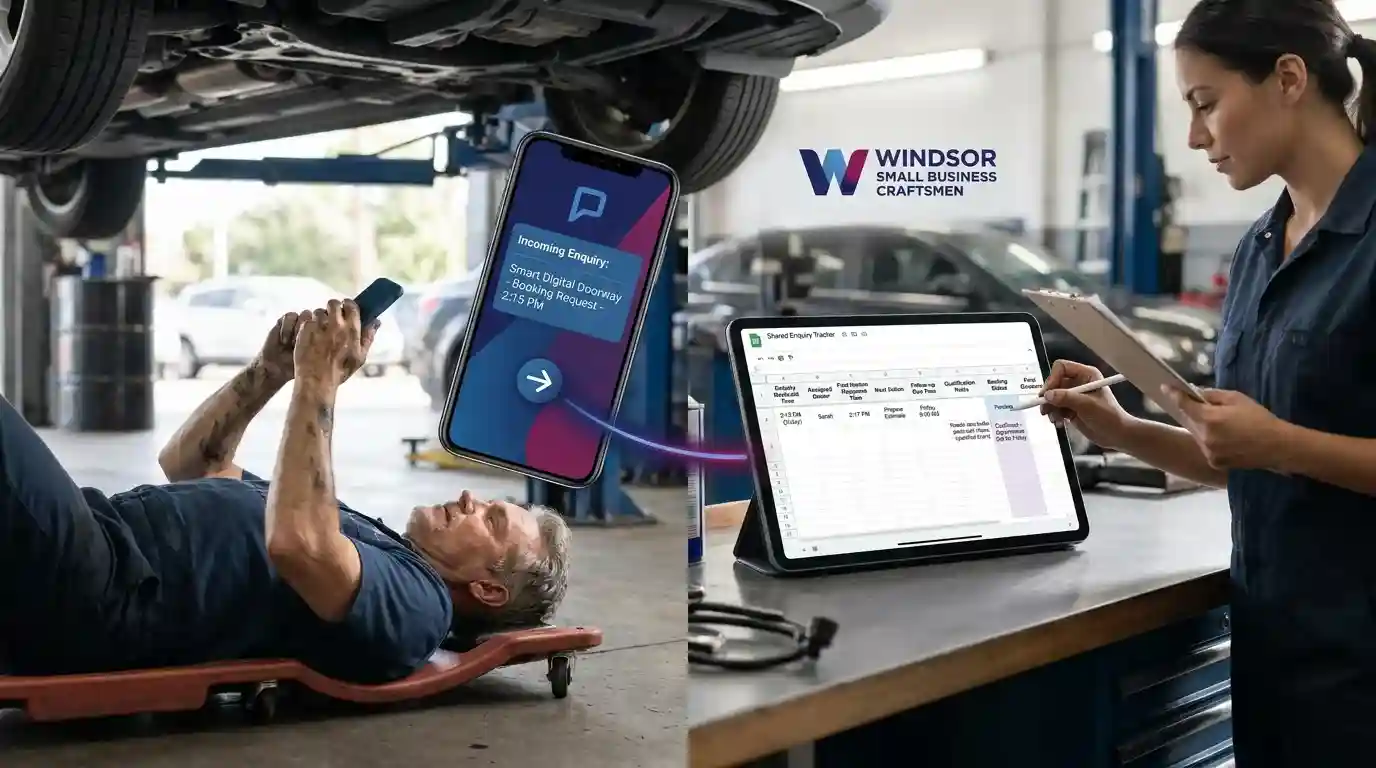
Your Smart Digital Doorway needs a working handoff between the incoming request and the person who can book the job. That handoff keeps a captured enquiry moving while you’re under a vehicle or finishing an installation.
Give Each Enquiry an Owner
Build a shared tracker with the intake details already collected, plus these fields: enquiry received time, assigned owner, first human response time, next action, follow-up due time, qualification notes, booking status and final outcome.
Google Sheets suits a small team handling requests manually. HighLevel suits teams needing assignment notifications and a shared conversation history. Keep one agreed record so staff can see who owes the next response.
Make Response Commitments Workable
The assigned owner checks the request, records the next action and sets its follow-up due time. Choose a backup who takes over when that owner is unavailable.
As an adjustable example, aim for a human response within 30 minutes during staffed hours. Check capacity before promising that publicly. Record the first human response time separately from the automatic acknowledgement.
Qualify Before Offering a Slot
Use qualification notes to capture service fit, urgency, access constraints and whether an assessment is needed before quoting. Pass those notes to whoever controls the calendar.
Update booking status when the customer and scheduler confirm a slot. Identify whether it’s an assessment or scheduled service. Keep quotes issued, booked appointments and accepted paid work separate in the final outcome field.
Measure the Handoff
Review response times, overdue follow-ups and booking outcomes weekly. Compare enquiries received with confirmed appointments, then track accepted paid work separately. Record why suitable enquiries stalled so you can adjust staffing, qualification questions or calendar availability.
What To Do Monday Morning
Review Recent Missed Calls
Open your business phone’s call history and review the previous working week. Match missed numbers against your existing enquiry tracker. Separate repeat attempts, spam and existing-customer calls from potential new work. Flag callers whose requests still need attention, and check whether anyone has already replied before calling back.
Test the Customer’s Route
Use a phone outside your business account to call while the line is busy. Listen through the entire voicemail, then submit a clearly labelled test enquiry through your website. Check what reaches the customer and what reaches your team. Remove the test entry before reviewing business results.
Pick the Biggest Response Gap
Compare those tests with the call history. Where does contact break down most often: unanswered rings, unclear voicemail instructions, a failed form notification or requests sitting unattended? Choose the gap supported by the clearest evidence. Fixing that single point gives you a manageable first project and something specific to check.
Assign the Fix and Launch It
Give one person responsibility for the change, including testing it. If calls vanish during jobs, compare overflow answering with a callback request form. Answering suits customers who need a conversation immediately; a short form suits requests that can wait until your stated response window.
Launch one Smart Digital Doorway improvement that your team can maintain. Confirm who receives the request and who handles it when that person’s occupied.
Check It the Following Week
Put a review in the calendar before finishing. Repeat the same customer test and examine enquiries that passed through the changed route. Check whether the original failure still occurs. Keep notes on unresolved problems so the next adjustment follows evidence.
Make the First Response Dependable
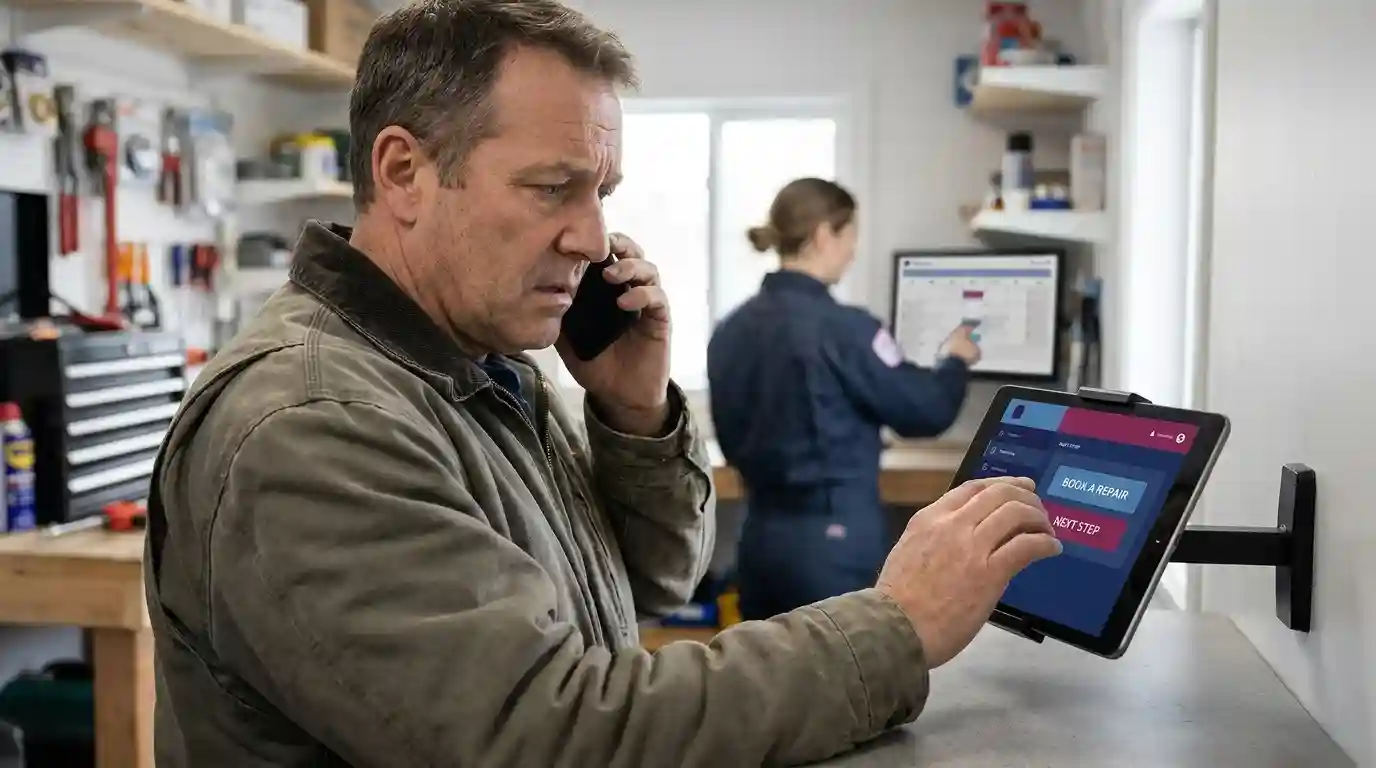
A customer calling about a leaking pipe or a vehicle repair needs a usable next step. When your business makes that step clear, you give the customer a reason to stay in the conversation while your team handles the work already promised.
For owners serving Kingsville, Ontario and the Windsor-Essex Region, that’s a practical service advantage worth maintaining. Doorways Into Your Business frames this as a Service Excellence Opportunity: a Smart Digital Doorway that answers questions, builds trust and carries an enquiry towards a buying decision.
The first improvement can be small enough to finish this week. Its value depends on whether customers can use it and staff can reliably carry the request forward. A tested route, clear responsibility and a scheduled review give that improvement a sensible foundation.
Want this fitted rather than figured out? Doorways Into Your Business helps owner-operators put systems like this in place. Book a free consultation.
Paul Hughes founded Doorways Into Your Business after more than five decades consulting across 30+ countries, from implementing early IBM email systems in the 1980s to running multi-million-dollar IT projects for global organizations. A St. Clair College graduate (1976), he settled in Kingsville, Ontario in 2019 to help local small businesses grow with practical “smart digital doorways”, websites, customer service, reviews, bookings, and payments, matched to what a business needs, not unnecessary technology.
All articles by Paul →