

A prospect spends several minutes on your service page, reads your project examples, then leaves without making an enquiry. You’ve explained the work and shown credible results. They still have a decision to make, and your website may leave the hardest parts to them.
For service businesses in Kingsville, Ontario and the Windsor-Essex Region, that gap can mean another week of website activity without enough sales conversations. To convert website visitors to customers, you need to answer the questions that make a decision feel manageable. Can you handle their situation? What might it cost? When could work begin? What happens if the project goes sideways?
Why Visitors Don’t Buy Even When They’re Interested
Interest means someone recognizes a possible solution. Readiness develops when they have enough information, confidence and authority to take the next step. A visitor can admire your work while still wondering whether contacting you will create an awkward sales conversation.
Fit and Cost Need Usable Answers
“We work with businesses of all sizes” leaves a prospect guessing. A consultant who names the problems they handle, typical project scope and who participates gives buyers something concrete to compare against their situation.
Cost creates a similar pause. Publish a starting price or range when your work follows a repeatable scope. For custom projects, explain the pricing factors and what information you need before preparing a quote. Both approaches help visitors judge whether a conversation makes sense.
Timing and Risk Can Hold Up Contact
Consider a hypothetical specialized contractor whose visitor needs an electrical panel upgrade before installing new equipment. The project gallery looks convincing, but the visitor needs answers about scheduling, potential downtime and who coordinates permits before they can approach their business partner.
A short explanation of the assessment process, scheduling constraints and responsibilities would give that person something useful to bring into the discussion. Any stated availability needs to reflect the contractor’s actual capacity.
Risk also includes the prospect’s time and reputation. A business owner recommending a provider to a partner wants evidence that the work will be handled competently. Relevant project examples, clear scope boundaries and an explanation of how changes are approved can help them assess that risk.
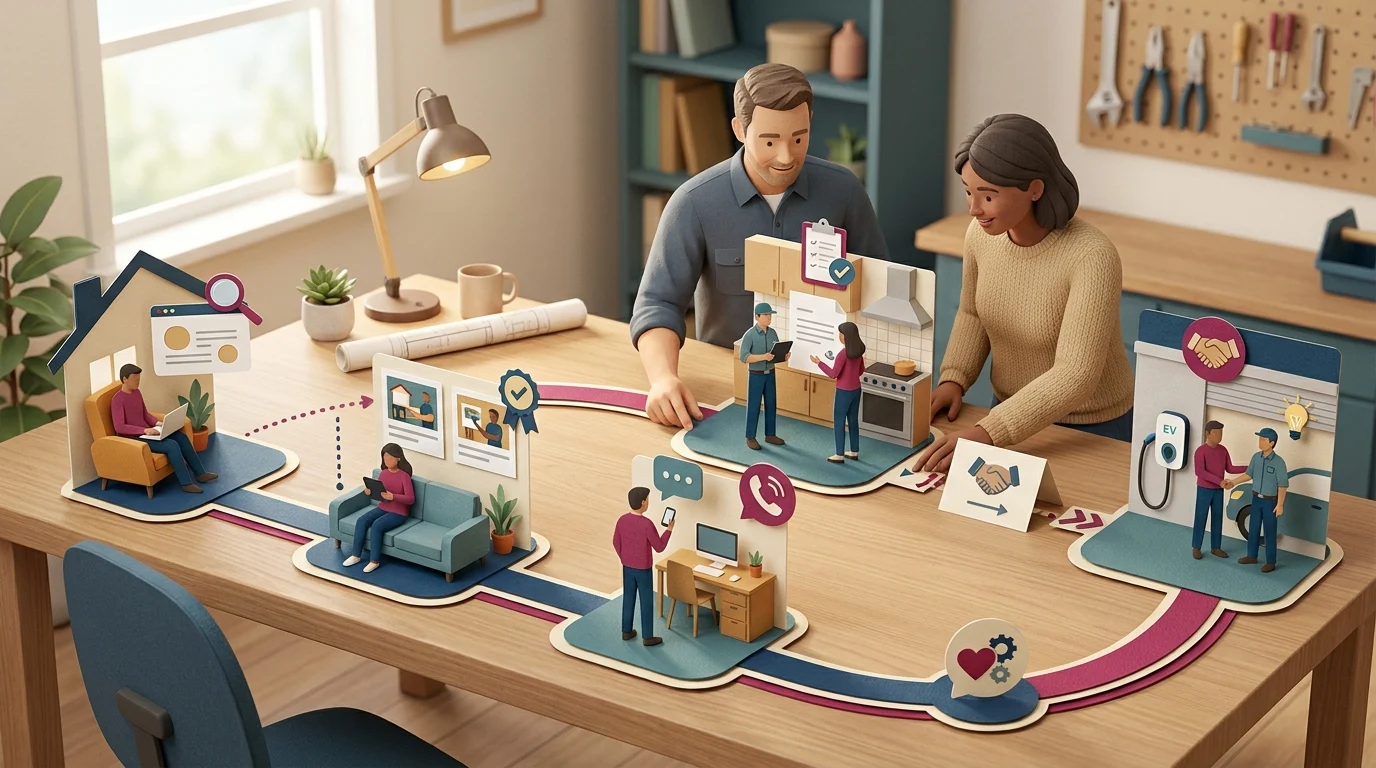
A Smart Digital Doorway connects attention, answers, trust, lead capture and the path to paid work. Each stage has its own commitment: an enquiry opens a conversation, a quote sets out proposed terms, and accepted paid work follows an explicit agreement.
Find the Friction That Stops Warm Visitors
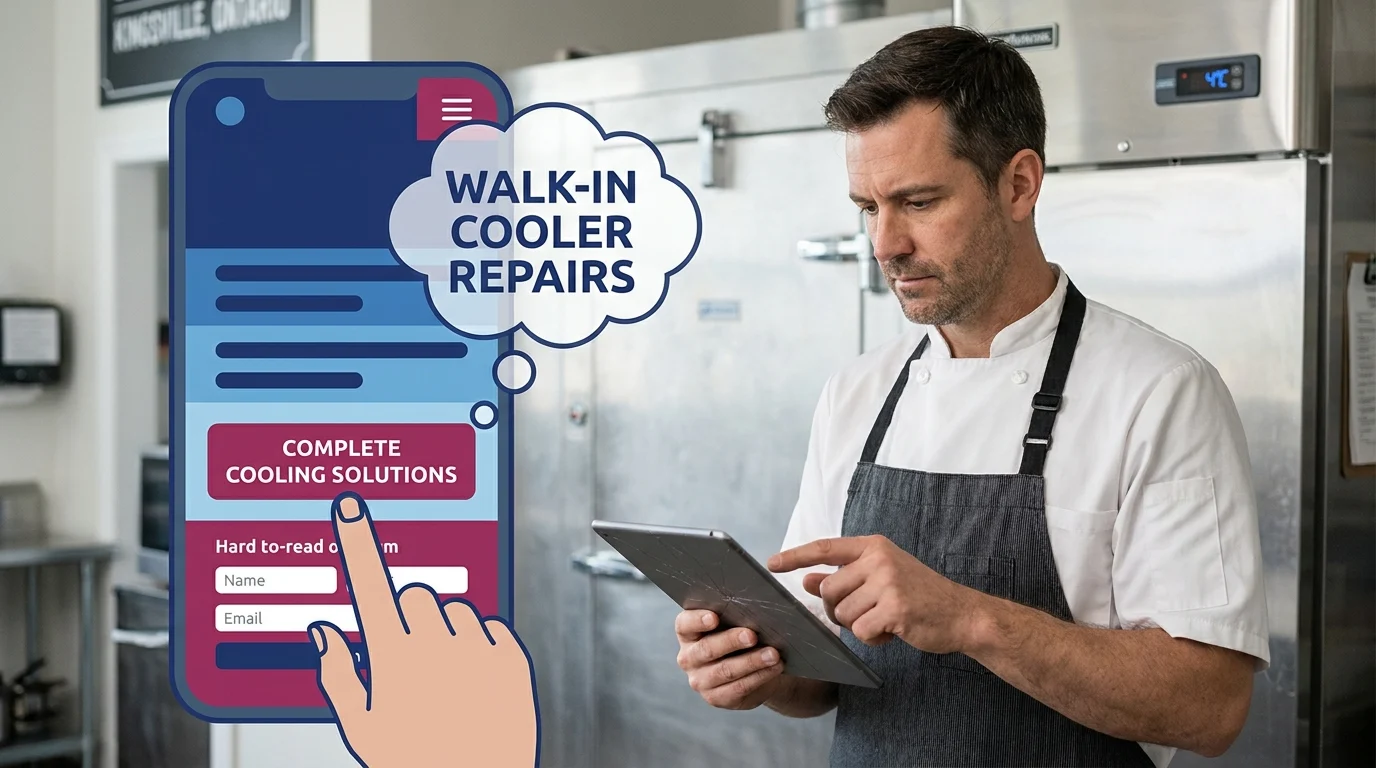
Friction shows up in small tasks: deciphering a service label, fighting a mobile menu or finding information requested by a form. Each task gives a warm visitor another reason to postpone contact.
Match Service Labels to the Job
Consider a hypothetical commercial refrigeration contractor serving Kingsville, Ontario and the Windsor-Essex Region. Its homepage offers “complete cooling solutions,” while a restaurant owner is looking for walk-in cooler repairs.
Use the job name on the service button and destination page. Carry that wording into the enquiry form so the visitor can follow the same job from search to submission. That consistency helps reduce friction across the Smart Digital Doorway.
Test the Mobile Route Yourself
Open the service page on your phone using mobile data. Try reaching the form and completing it with one hand. Watch for buttons covered by cookie notices, tiny text and menus that close before you can select anything.
Google PageSpeed Insights can flag loading issues; a hands-on phone test catches awkward interactions. Use the first to investigate speed and the second to inspect the actual enquiry route.
Trim the Form and Expose Charges
For this hypothetical repair enquiry, start with a name, preferred contact method, service address and short fault description. Make equipment photos optional. Requiring a model number can send someone into a cramped kitchen hunting for a label.
Check where charge information appears. If a diagnostic visit carries a fee, place that explanation beside the booking control, including when payment is due and whether it counts towards repairs.
A general enquiry form suits jobs needing initial discussion. Appointment booking suits a defined diagnostic visit with clear terms. Label each route accurately so visitors understand the commitment before submitting.
How to Convert Website Visitors to Customers With a Clear Next Step
A Conversion-focused Smart Digital Doorway gives a warm visitor enough certainty to take the next step. It attracts attention with a relevant outcome, answers buying questions, builds trust through proof, captures an enquiry and supports the decision to accept paid work.
Each part earns the next. A strong promise gets someone reading; useful detail helps them judge fit. Relevant proof makes the proposed next step feel reasonable.
Put Proof Beside the Decision
Choose evidence that answers the concern closest to purchase. A professional service buyer might need a sample deliverable. Someone hiring a specialized trade may want current insurance details and photos of comparable completed work.
Place that evidence beside the next-step control. Use testimonials with permission and enough context to show what work was done. Specific evidence gives buyers something concrete to assess.
Offer a Small, Useful Commitment
In a hypothetical advisory practice, a “Request a Scope Review” option could explain that the prospect receives an initial assessment of fit and a proposed discussion agenda. That gives the enquiry a defined purpose.
An asynchronous review suits buyers who need to share background before talking. A scheduled introductory conversation suits work where a short exchange can establish fit. Choose the route your team can deliver consistently, and explain any preparation required.
Make the Follow-Up Predictable
State who responds, through which channel and within what timeframe. An adjustable example: “Our project coordinator will email within 2 business days to confirm fit and explain the next step.”
Repeat that expectation in the confirmation message. Keep the stages explicit: an enquiry starts a conversation; a quote presents proposed work and pricing; acceptance authorizes paid work under the agreed terms.
A Conversion Checklist for Your Customer Journey
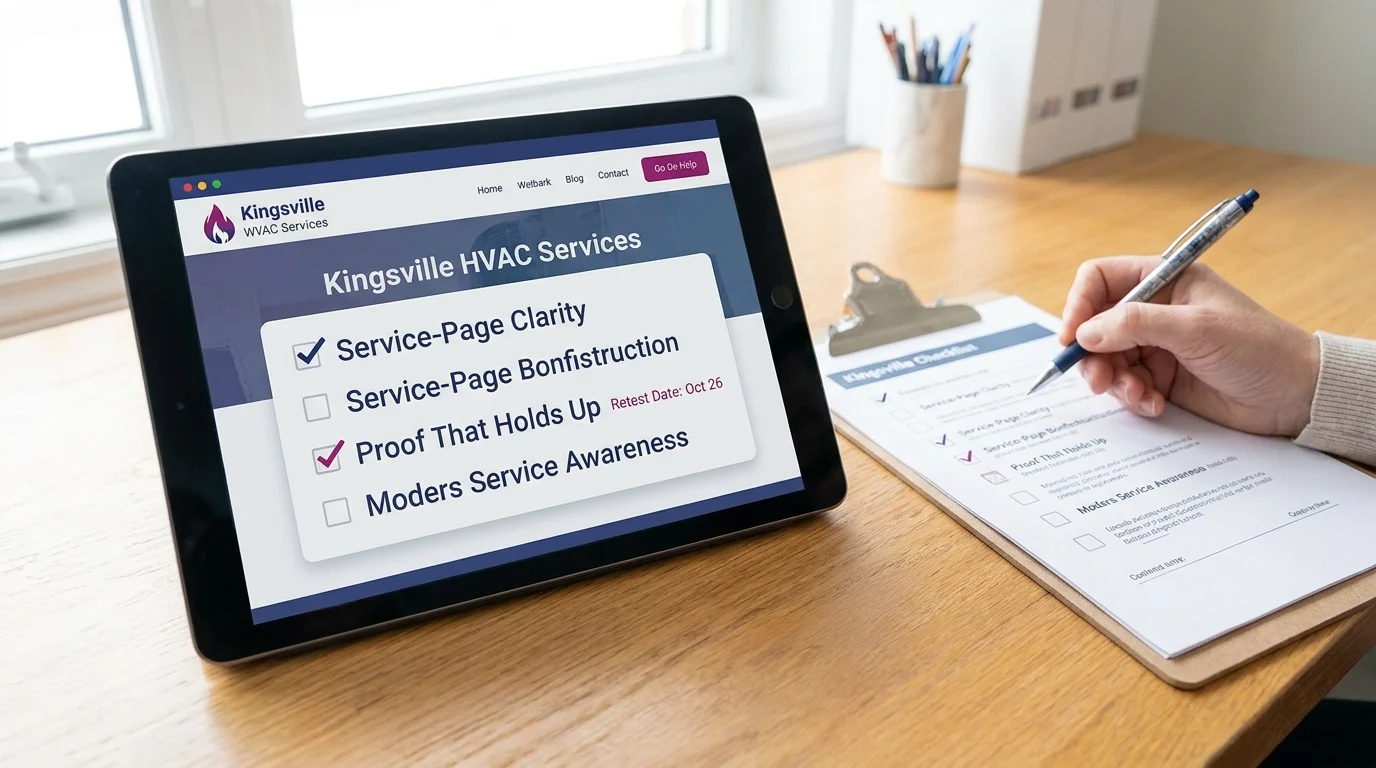
Audit 1 service page from arrival through staff response. For each check, record pass or fail, the evidence, the person responsible and a retest date. Mark anything untested as a fail until verified.
Service-Page Clarity
Pass: Someone unfamiliar with your business can identify the service, intended buyer, scope boundaries and next action after reading the page. Ask them to describe it aloud without coaching. Record the wording that causes hesitation so revisions address observed confusion.
Proof That Holds Up
Pass: Each credential, project claim and review can be checked against a current source. Inspect expiry dates, attribution and whether the evidence supports the particular service being sold. Flag outdated badges and claims your team can’t substantiate.
Mobile Enquiry Paths
Pass: On an actual phone, the enquiry control stays accessible, opens the intended destination and works without zooming. Test with the cookie notice visible and the keyboard open. Check that sticky menus leave enough room to complete the action.
Form Completion
Pass: A valid submission succeeds, missing required information produces a useful error, and entered answers survive correction. Test optional fields left blank. Confirm that success appears only after submission and that the enquiry arrives intact at its destination.
Lead Handling
Pass: A test enquiry reaches a named staff member, has backup coverage and receives a recorded response. Check spam folders and notification settings. Verify that someone can find unanswered enquiries without searching several inboxes.
Prioritize failed checks that block submission or lose enquiries, then tackle unclear content. Retest each repair using the same conditions. This gives your Smart Digital Doorway a practical maintenance routine, with evidence behind each improvement.
What To Do Monday Morning
Choose One Journey With Buying Intent
Pick a service page that attracts enquiries about work you actually want. Start from the search result, referral message or advertisement that sends people there, then follow the journey through to the first human reply.
Compare the promise at the entry point with what happens next. A visitor arriving for a specific service needs a continuous path through that same service.
Fix the Biggest Obstacle First
Choose the obstacle with the clearest evidence from your checks. Write down the problem, your proposed change and the behaviour you expect to improve before editing anything.
For a hypothetical consulting practice, that might mean explaining which documents a prospect needs before requesting an assessment. Keep unrelated changes on a separate list so you can judge this repair.
Give Enquiries an Owner and a Record
Use Google Sheets if one person handles enquiries; a CRM such as HubSpot suits shared handoffs. Create fields for enquiry ID, received date, source, requested service, assigned owner, qualification status, next action date, sales stage, payment received date and payment amount.
Define a qualified enquiry using service fit, service area and buying requirements. Keep stages separate: enquiry, quote sent, appointment booked, work accepted and payment received. Assign an owner who keeps each record current through the buying decision.
Review Progress Through to Payment
Compare qualified enquiries with paying customers from the same received-date group. Use payment dates and amounts to confirm purchases. Allow for your usual sales cycle before judging results.
Traffic provides context. To convert website visitors to customers, you also need evidence of where suitable prospects pause, proceed or disappear.
Key Takeaways
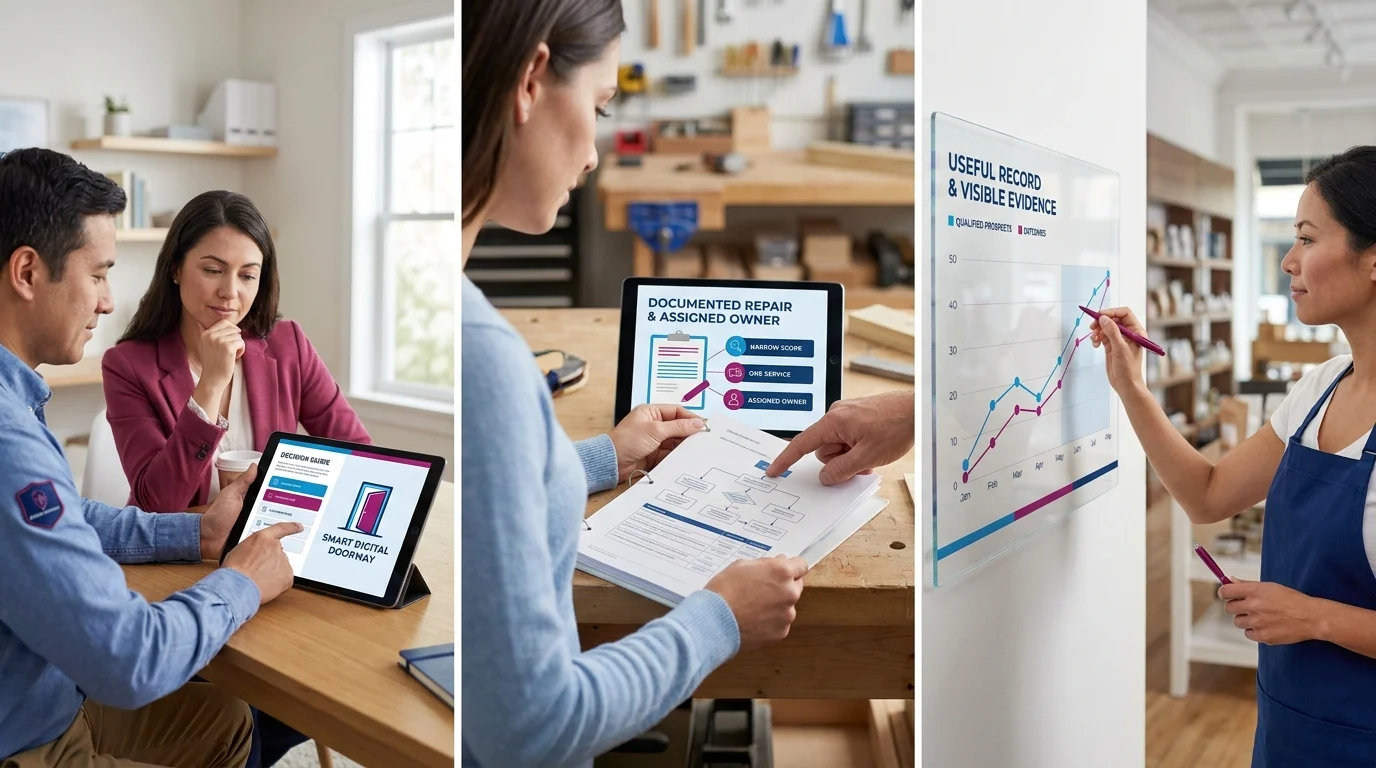
A warm visitor still has a decision to make: whether your business fits the job, whether the commitment feels reasonable and whether taking the next step feels safe. Your Smart Digital Doorway should help them resolve those questions as they move towards a purchase.
The work becomes manageable when you narrow the scope. One service, one buying journey and one documented repair give you something concrete to assess. An assigned owner carries that work into the conversation after the enquiry arrives.
Some qualified prospects will take longer to decide, and some will choose another supplier. A useful record makes those outcomes visible. Over time, that evidence helps you decide which changes deserve further investment and which assumptions need another look. Conversion improves through that steady cycle of observation, repair and review.
Want this fitted rather than figured out? Doorways Into Your Business helps owner-operators put systems like this in place. Book a free consultation.
Paul Hughes founded Doorways Into Your Business after more than five decades consulting across 30+ countries, from implementing early IBM email systems in the 1980s to running multi-million-dollar IT projects for global organizations. A St. Clair College graduate (1976), he settled in Kingsville, Ontario in 2019 to help local small businesses grow with practical “smart digital doorways”, websites, customer service, reviews, bookings, and payments, matched to what a business needs, not unnecessary technology.
All articles by Paul →