

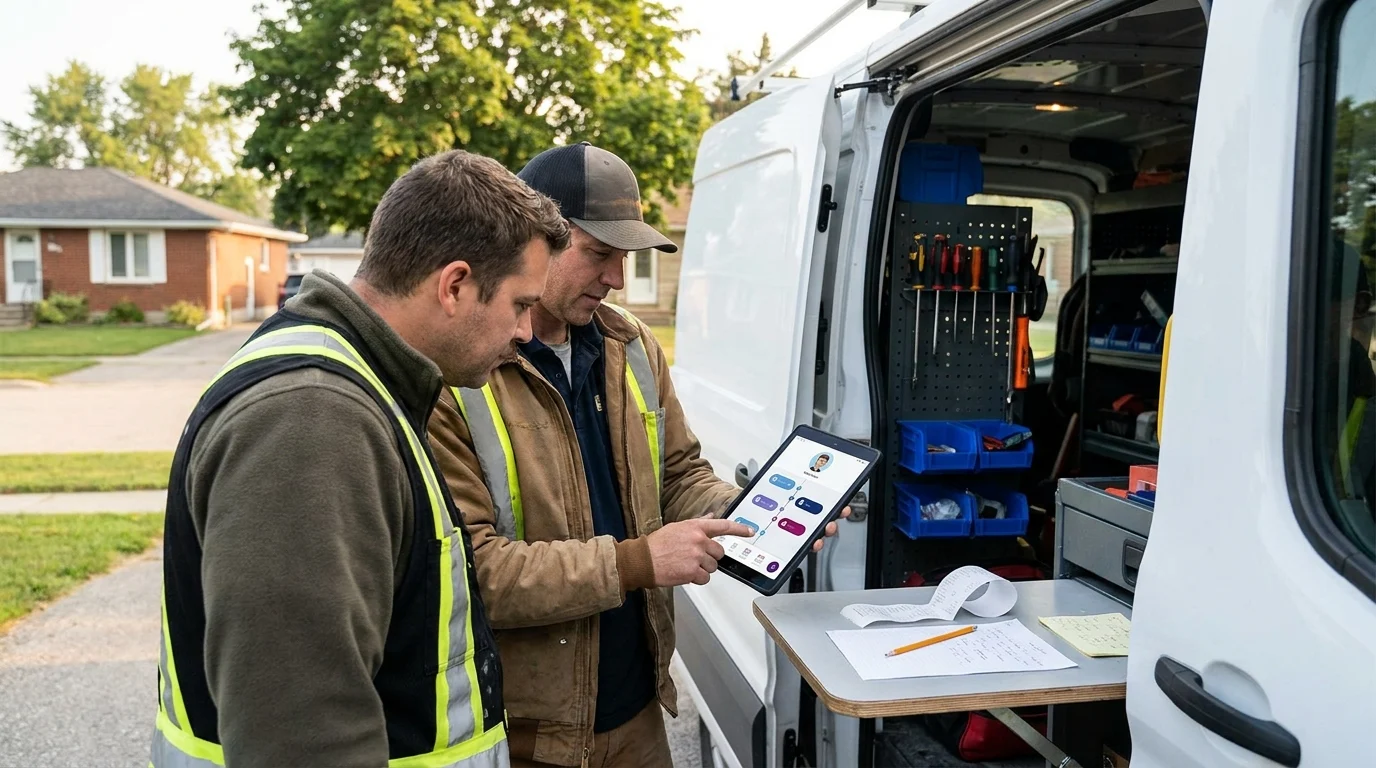
A prospective customer calls while you’re finishing a job. You promise to send a quote tomorrow, scribble a few details on a receipt, and get back to work. By Thursday, the receipt’s in the truck and the customer has called someone else. A CRM for a local service business gives that promise somewhere dependable to live. For owners serving Kingsville, Ontario and the Windsor-Essex Region, relationships carry details worth remembering: who referred someone, what they need, and when you said you’d respond. When those details stay accessible, you can pick up a conversation accurately, even after a packed week or when a colleague takes the next call.
A CRM for Local Service Business Is a Relationship Memory
Customer relationship management, usually shortened to CRM, gives your business a shared memory of conversations, commitments, and next steps. Each customer record holds contact details alongside the history that helps you serve that person properly.
You can see what someone asked for, what you promised, and what should happen next. A colleague with access can pick up the thread without asking the customer to repeat everything.
Keep the Promise Beside the Person
A useful record starts with a name, contact information, enquiry details, conversation notes, current status, assigned owner, next action, and follow-up date. Those fields answer practical questions: who’s handling this, where does it stand, and when are we due to respond?
Keep the status precise. An enquiry, a sent quote, a booked appointment, and accepted paid work represent separate stages. Tracking them separately helps prevent a full appointment calendar from being mistaken for confirmed revenue.
In a hypothetical example, a specialized electrical contractor records that a homeowner needs a panel assessment before planning a renovation. The next action is to arrange that assessment. The assigned owner and follow-up date keep the commitment visible.
Give Your Growth System a Memory
At Doorways Into Your Business, the Growth Systems Opportunity Smart Digital Doorway connects the steps that attract attention, answer questions, build trust, capture leads, and convert prospects into customers. The CRM supplies the relationship memory across those steps.
A website enquiry can become a record with context and a next action. Later conversations add detail. As you track customers over time, that history helps you respond with continuity. The competitive edge is practical: your business remembers the commitment and gives someone responsibility for keeping it. That’s useful even when the whole team is you.
Turn Remembered Details Into Won Work and Repeat Business
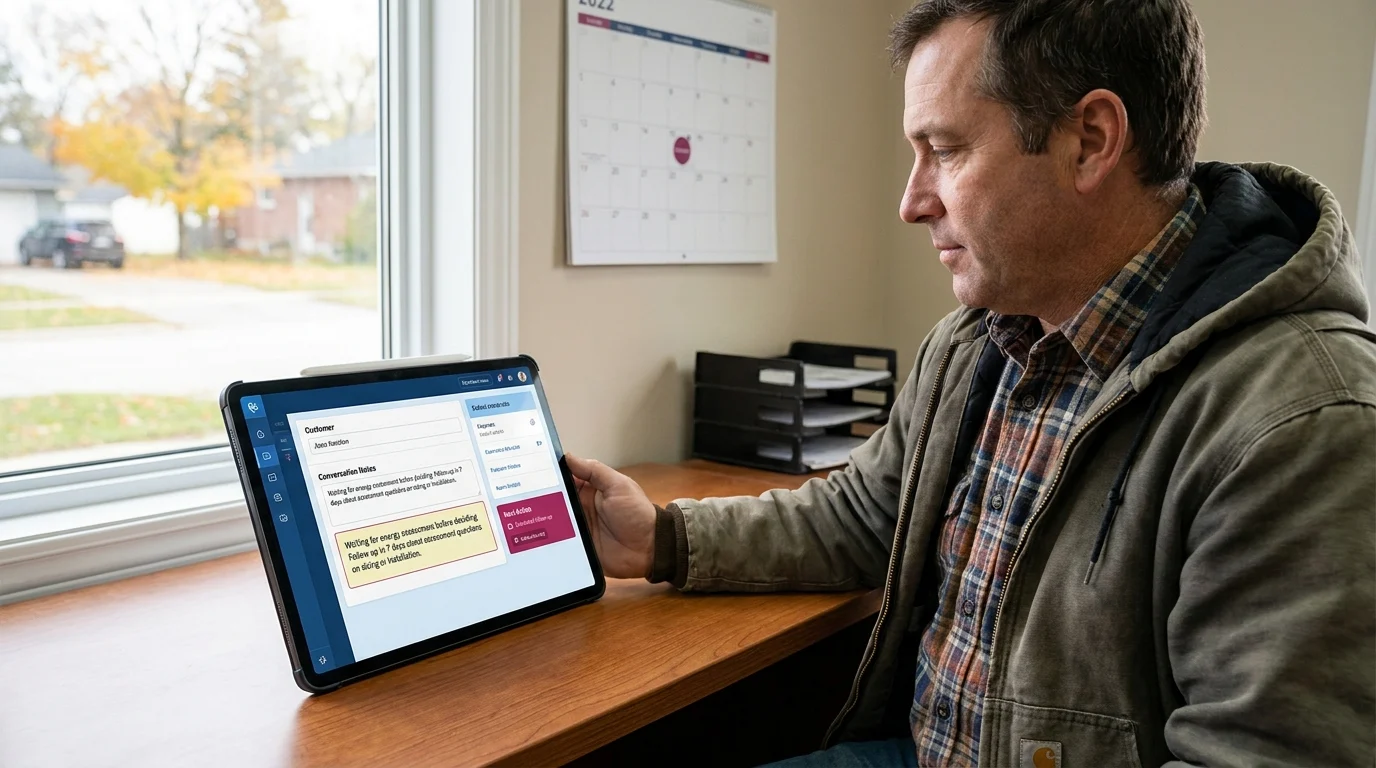
Consider a hypothetical heating contractor serving Kingsville, Ontario and the Windsor-Essex Region. A homeowner requests an estimate for replacing an ageing furnace, then explains that they’re waiting for an energy assessment before deciding.
The office records that detail in the conversation notes. When another team member answers the homeowner’s next call, they can ask how the assessment went and discuss whether it changes the proposed equipment.
Follow Up With Something Useful
The estimate stays at the sent-quote stage. The assigned owner sets the next action: ask whether the assessment raised questions about sizing or installation. A follow-up date 7 days later is an adjustable example, guided by the homeowner’s expected timeline.
That gives the follow-up a purpose. “Did the assessor flag anything we should account for?” opens a more useful conversation than another request for a decision.
A CRM for a local service business can keep those pending estimates visible. The owner can review which quotes need attention and which customers have asked for more time. Accepted paid work gets recorded only when the customer actually commits.
Remember the Next Service Need
After installation, the team adds the equipment model, completion date, recommended maintenance interval, and permission to send service reminders. Those details support a future reminder based on the equipment’s requirements and the customer’s preferences.
When service comes due, the office already knows what’s installed. It can offer a suitable appointment and flag relevant history for the technician.
That continuity gives customers a practical reason to return: fewer repeated explanations, relevant advice, and follow-through on agreed plans. Remembered details can help a small team earn repeat business while keeping each next commitment visible.
Choose the Simplest CRM Your Team Will Actually Use
Choose a CRM around the tasks your team performs between calls, appointments, and site visits. Compare 2 candidates using the same hypothetical enquiry, then check how much effort each takes to keep current.
Contact History You Can Read Quickly
Open a contact record and check whether calls, emails, notes, and attachments form a readable history. Ask a colleague to find the latest conversation without coaching. Check whether email logging requires a paid upgrade or manual copying.
Next-Action Reminders With Clear Ownership
Test assigning a task, setting its due date, and viewing overdue items. Each reminder should have a named owner. Check whether the daily task view makes unfinished commitments easy to spot, especially when someone covers another person’s work.
Mobile Access That Fits Field Work
On your actual phone, add a note and schedule a task. Tradespeople should also test reception-dependent features where they work. If offline access matters, confirm exactly which records remain available and how changes sync afterward.
Data Export You Can Test
Create sample contacts, notes, and tasks, then export them. Inspect the files. Confirm whether attachments and conversation history need separate exports, and whether exported records retain enough detail to reconnect them when you move systems.
Total Cost Across Your Team
HubSpot suits teams considering connected enquiry forms and broader customer tools. Pipedrive suits owners who prefer a sales pipeline centred on deals and activities. Test both against your workflow; current plan limits deserve a close read.
Add up seats, setup time, email connections, automation upgrades, and support. Check billing currency and annual commitments. Choose the lowest-cost plan that passes your tests comfortably; review upgrades when a specific recurring task justifies the expense.
Get Started With One Enquiry-to-Booking Workflow
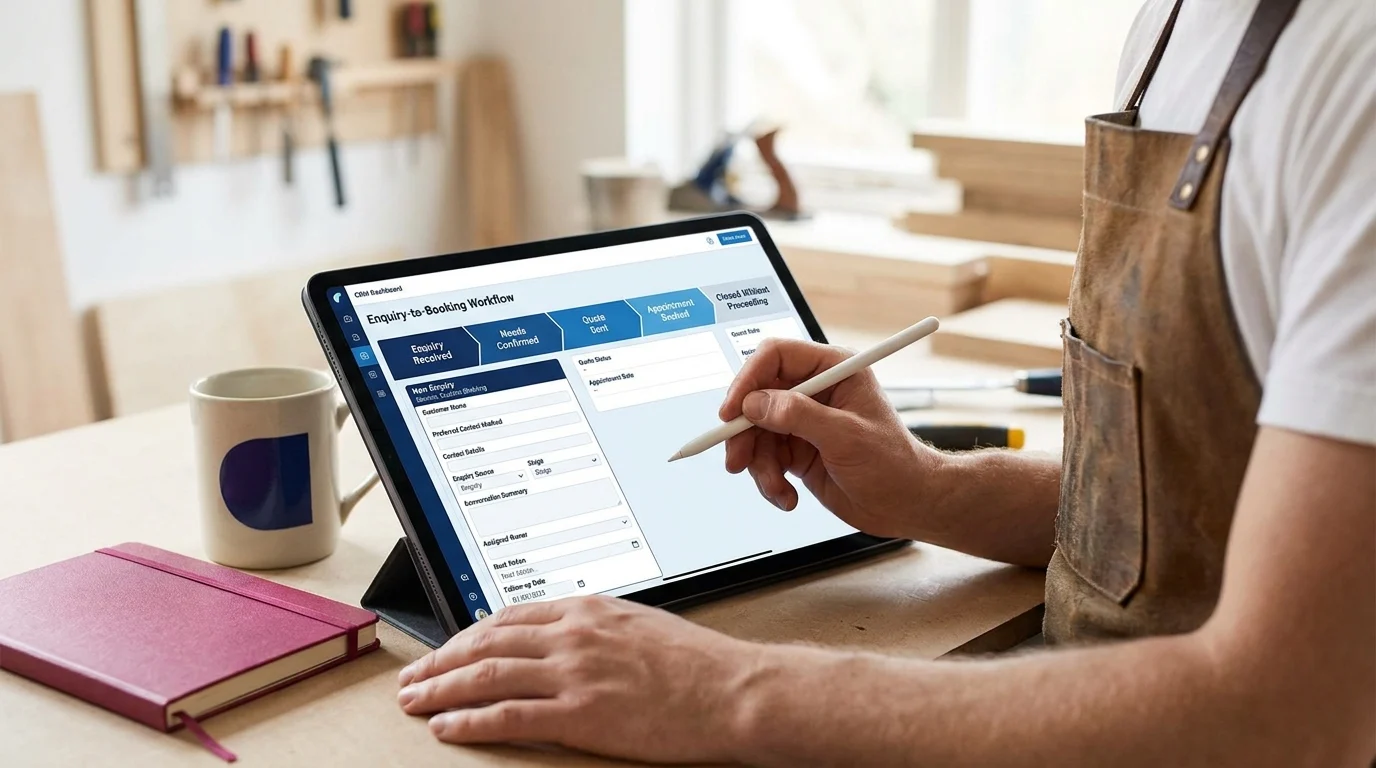
Start with new enquiries for a single service. Leave historical records where they are during the pilot, and bring across existing customer details when a fresh conversation needs them.
Define the Stages and Required Fields
Set up stages for enquiry received, needs confirmed, quote sent, and appointment booked. Add closed without proceeding so stalled opportunities have somewhere honest to go. If your service requires an assessment before quoting, swap those stages.
Create fields for customer name, preferred contact method, contact details, service requested, enquiry source, stage, conversation summary, assigned owner, next action, and follow-up date. Add quote status, appointment date, and work acceptance status separately: a booked assessment and accepted paid work represent different commitments.
Connect the Entry Point
Your CRM supports a Smart Digital Doorway: a system that attracts attention, answers questions, builds trust, captures leads, and converts prospects into customers. Connect the enquiry form for your chosen service to the CRM, or manually enter submissions during the pilot.
Submit a test enquiry. Check that contact details arrive correctly and the enquiry source identifies the form. Keep internal notes separate from anything customers receive.
Make the Handoff Explicit
Choose who receives these enquiries and who covers absences. Agree that ownership transfers only when the receiving person acknowledges it. After each conversation, update the summary, stage, and next action before the details fade.
Review the Workflow Weekly
Reserve 15 minutes weekly to check open enquiries, missing follow-up dates, unanswered quotes, and bookings awaiting confirmation. Adjust follow-up timing to the customer’s circumstances. Ask where a record became confusing or a handoff stalled, then fix that specific snag before adding another service to the workflow.
What To Do Monday Morning
Give the pilot 1 hour with the person who handles incoming enquiries. Use the CRM you’ve chosen and the fields already created. The aim is to leave with a usable queue of customer conversations.
Pick One Enquiry Source
Spend the first 10 minutes choosing a single source for this exercise. Website form submissions suit businesses with written requests; phone enquiries suit trades where customers usually call first. Choose whichever has enough current activity to test.
Keep the pilot tied to the service you’ve already selected. That gives you a manageable set of records to check against the original conversations.
Enter Ten Active Contacts
Use the next 20 minutes to enter 10 active contacts from that source. Choose people with an unresolved request or an agreed next step. Check for existing records before creating duplicates.
Work from the original message or call notes. Leave uncertain details blank and make verification the next action where needed. A guessed requirement can send a perfectly competent colleague in the wrong direction.
Give Each Contact a Specific Next Action
Spend 20 minutes checking that each record has an assigned owner, a concrete next action, and a follow-up date. Replace vague tasks such as “check in” with something executable: “Confirm access requirements before preparing the quote.”
Treat any dates you choose as adjustable starting points. Honour a customer’s requested timing and check that the assigned person can handle the work.
Put the Review on the Calendar
Use the remaining 10 minutes to schedule the first review with whoever owns these contacts. Bring the original enquiries so you can spot omissions. Set a clear test: can that person pick up the next conversation from the record alone?
A Customer Memory You Can Keep Current

The useful measure of a CRM for a local service business is how reliably it supports the next customer conversation. Someone should be able to open a record, understand what’s been discussed, and know what they’re responsible for doing next.
That reliability depends on small habits holding up during a busy week. If updating a record feels cumbersome, shorten the process. If a field repeatedly causes confusion, clarify its purpose. Let the pilot show you where the friction sits.
Customer relationship management earns its place when the team trusts the information enough to use it. A modest system kept current gives your business a dependable memory, helping you carry commitments forward as conversations move between people and the workday fills up.
Want this fitted rather than figured out? Doorways Into Your Business helps owner-operators put systems like this in place. Book a free consultation.
Paul Hughes founded Doorways Into Your Business after more than five decades consulting across 30+ countries, from implementing early IBM email systems in the 1980s to running multi-million-dollar IT projects for global organizations. A St. Clair College graduate (1976), he settled in Kingsville, Ontario in 2019 to help local small businesses grow with practical “smart digital doorways”, websites, customer service, reviews, bookings, and payments, matched to what a business needs, not unnecessary technology.
All articles by Paul →