


Picture this hypothetical end to a contractor’s day: the tools are packed, the last customer’s happy, and there’s still a quote to finish after supper. You open Facebook, scroll past last month’s deck photo, and close it. Another finished job, another week with nothing ready to post.
Working out what to post for a local service business gets easier when you notice what customers ask before they hire you. For owners in Kingsville, Ontario and the Windsor-Essex Region, those conversations provide useful material. A repeatable content rhythm starts with questions, decisions and visible evidence of care, all gathered during work you’re already doing, without taking over your evening.
Why Your Feed Gets Stuck on Promotions and Finished Jobs
Promotions give you an obvious reason to post. Finished jobs give you a photo. Both are easy to recognize as content, so they become the default whenever you remember the business page needs attention.
The trouble starts when every post depends on a special offer or a camera-ready result. Routine work disappears from view, even though that’s where customers’ questions often get answered.
Your Expertise Makes Useful Details Easy to Miss
You know why surface preparation takes time, why a repair needs further inspection, or why 2 quotes include different scopes of work. Those explanations can feel too ordinary to publish.
A customer may be wrestling with exactly those details. They’re trying to judge cost, disruption, timing and whether they understand what they’re agreeing to. Useful service business content helps them make those judgements.
In a hypothetical automotive example, a shop posts a photo of worn brake pads. Explaining what the technician checked and how those findings inform a repair recommendation gives the customer something concrete to understand.
A Finished Photo Needs Some Context
A freshly painted room shows the finish. The preparation photos can show how the crew protected the floor, patched damage and worked around furniture. With the customer’s permission, those details make the care behind the result visible.
The missing ingredient is often explanation. A prospect looking at a finished project may still wonder what the job involved, which choices affected the price, and how their own property would be treated.
That’s the role of social media within a Smart Digital Doorway: attract attention, answer questions and build trust within a system that captures enquiries and supports the path towards accepted paid work. An enquiry, a quote and an accepted job each represent a different stage in that process.
What to Post for a Local Service Business: A Simple Weekly Content Mix
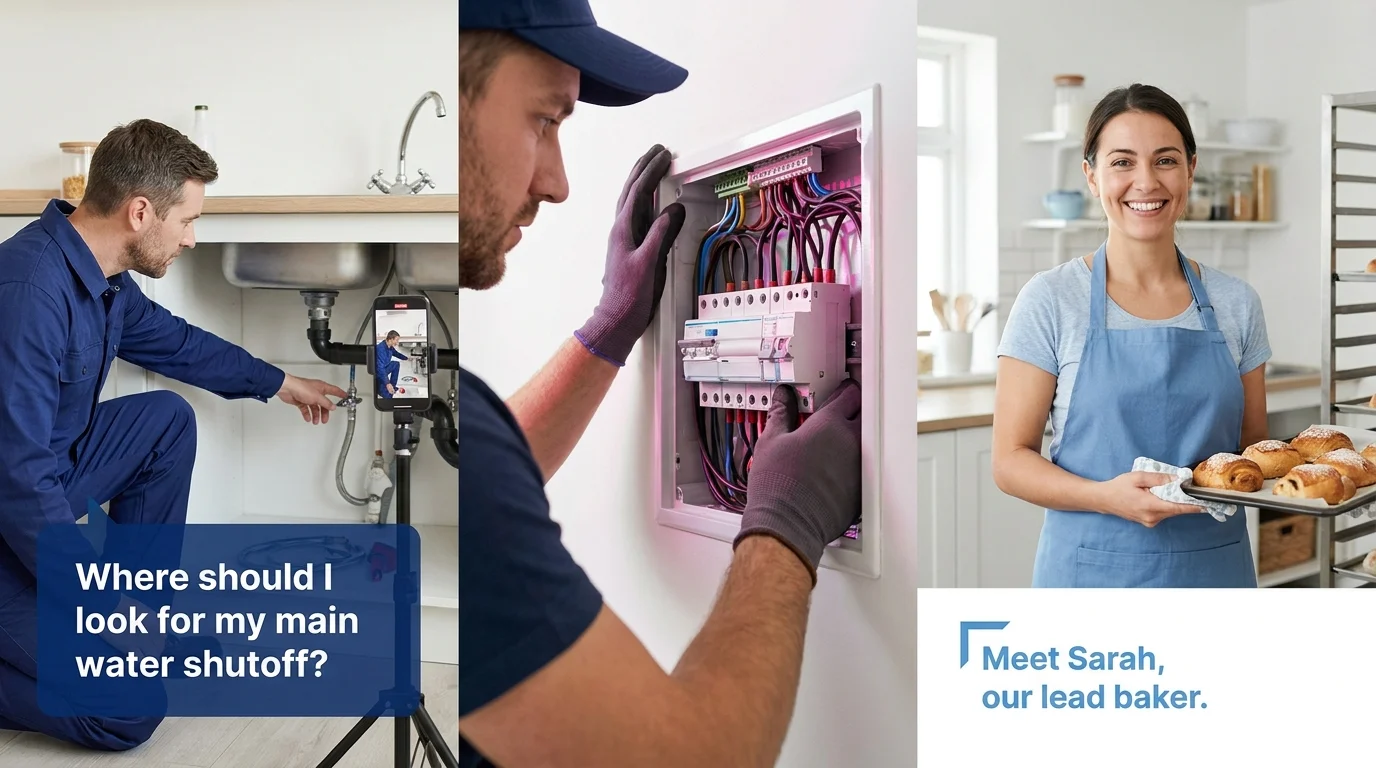
Give each weekly post a job: answer a question, show evidence of careful work, or introduce someone customers will meet. These 3 slots give you a repeatable rhythm when the calendar’s full and your camera roll’s a jumble.
Answer One Customer Question
Choose a question you’ve actually heard this week. Keep the answer narrow enough to explain in a short caption or a 30-second video.
For a hypothetical plumbing business, that might be: “Where should I look for my main water shutoff?” Explain common locations and when to ask for help. Text suits an answer people might save; video suits something you can safely point to.
Show One Piece of Job-Site Proof
Pick a visible check that helps customers assess the work. A hypothetical HVAC contractor could show a completed condensate drain test and explain what the test confirms.
Use a close-up with a caption for a single detail. Choose a short clip when movement makes the check easier to understand. Get permission before filming on a customer’s property, and keep identifying details out of frame.
Introduce One Person Behind the Work
Show who answers the phone, arrives at the door or checks the job before leaving. Pair their name and role with one useful detail about what they handle. A solo owner can explain what customers can expect during the first visit.
Together, these posts create a Social Media Engagement Opportunity within your Smart Digital Doorway. Question posts attract attention, evidence builds trust, and familiar faces make approaching you easier. The wider system needs a clear enquiry route and a reliable response process to capture leads and help prospects become paying customers. Keep each post focused on its assigned job.
Turn Everyday Jobs Into Useful Posts
Consider a hypothetical plumbing business serving Kingsville, Ontario and the Windsor-Essex Region. A leaking kitchen tap gives the owner several practical social media content ideas, provided they capture the decision behind the repair.
Capture the Details With Customer Approval
Ask whether you can photograph the tap and removed part for public business posts. Explain where the photos will appear, record their approval, and respect any limits they set. Keep that approval record private.
Frame the photos tightly around the work. Before posting, check for reflections, family photos, paperwork and anything visible through a window. Remove location metadata from exported images and leave out the address, customer name and appointment date.
Explain Why You Chose the Repair
In this hypothetical job, inspection finds a worn cartridge inside an otherwise serviceable tap. The correct replacement cartridge is available, so the plumber replaces it and checks for leaks.
That decision supplies the caption: replacing a cartridge can suit a sound fixture with available parts. Replacing the whole tap may suit a damaged body or a model whose parts are unavailable. Explain what you found and why that shaped the recommendation.
Give Each Post a Separate Purpose
The approved photos and repair notes can support several posts across different weeks:
- A labelled cartridge photo explaining what the part does.
- A repair-versus-replacement post outlining the factors behind the choice.
- A preparation tip asking customers to clear the cupboard beneath the sink before a booked visit.
Save the approved images with a brief, anonymous job note. You’ll have useful service business content ready for later, with enough context to keep each caption accurate.
Batch a Week of Content Without Losing an Afternoon

Give yourself a 30-minute slot to turn saved job notes into a week’s posts. Keep the notes, approved photos and a blank caption document open together so you can work without hunting through your phone.
First Eight Minutes: Pick the Material
Choose 2 job notes with a clear customer question or useful decision. Match each with an approved photo. Leave anything that needs technical checking for another batch; chasing a missing detail can swallow the whole session.
Use Google Docs if you draft alone. A shared Google Sheet suits a team handing material to an office administrator: create columns for the job note, photo filename, caption, channel, planned date and approval status.
Next 12 Minutes: Draft With Reusable Prompts
Save these prompts at the top of your document or sheet:
“What question came up, and how would I answer it across the counter?”
“Which detail affected our recommendation, and what should a customer understand about it?”
Write a short caption for each selected note. Check that every claim matches the recorded work. Keep qualifications that matter, including when an inspection would be needed before recommending the same approach.
Final 10 Minutes: Adapt and Queue
For Instagram, lead with the clearest photo and put the useful point in the caption’s opening line. On Facebook, give the question a little more context. For email, combine the 2 answers under a practical subject line, with a brief introduction.
Meta Business Suite can schedule Facebook and Instagram posts for connected business accounts. Save the email draft in your existing email platform. Check image crops, wording and approval status before scheduling. Stop when the timer ends; carry unfinished drafts into your next batch.
What To Do Monday Morning
Give this week’s content a clear owner and a finish line. Use this checklist before the day’s calls start pulling everyone in different directions.
Choose One Customer Question
Ask whoever answers the phone to pick a question that affects a customer’s decision to book. Write down the answer, including anything you’d need to inspect before giving a firm recommendation. That’s the subject for your first post.
Collect One Approved Job Example
Choose an example that supports that answer. Confirm permission to use the photo and job details, then check for visible addresses, licence plates and identifying paperwork. Record the permission alongside the approval status so the person publishing can verify it.
Schedule Three Posts
Put the answer, the approved example and a related preparation tip into this week’s queue. Give each a separate purpose: explain a decision, show the work and help someone prepare for a visit. Check the planned dates against your actual availability.
Assign Replies to a Named Person
Choose someone to check comments and messages at an agreed interval, such as once each working day. Adjust that timing to your workload. Name a backup and decide which technical questions need the owner’s answer before anyone responds.
Track Useful Conversations
Add columns to your sheet for the originating post, customer question, reply owner, next action and outcome. Keep enquiries, quotes sent, booked appointments and accepted paid work as separate outcomes.
At week’s end, review which posts prompted relevant questions and whether replies received follow-through. Those notes give you evidence for choosing next week’s subjects, even when the conversation hasn’t produced paid work yet.
Keep the Rhythm Manageable
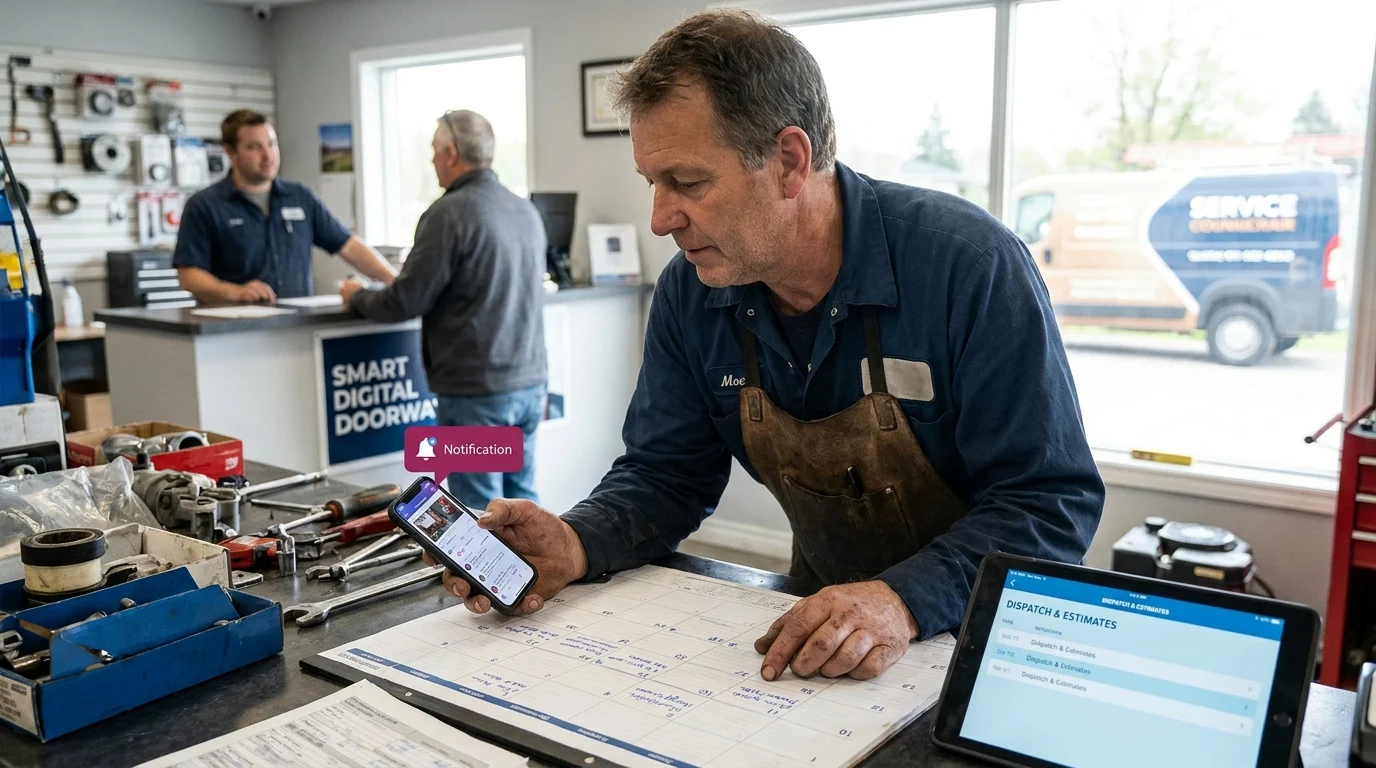
A workable publishing rhythm fits around dispatch, estimates and the jobs already on the calendar. Start with a pace you can sustain during a busy week, and leave room for checking facts and answering people properly.
Social media becomes a Smart Digital Doorway when useful posts attract attention, answer questions and build trust, with a clear process for capturing enquiries and helping suitable prospects become customers. The handoff from public comment to private conversation deserves the same care as the post itself.
Keep the subjects that produce useful discussions. Revise answers when customers reveal something you’ve missed. Over time, that record can become a practical library of service business content, grounded in the questions people actually ask and maintained by someone who knows what happens next.
Want this fitted rather than figured out? Doorways Into Your Business helps owner-operators put systems like this in place. Book a free consultation.
Paul Hughes founded Doorways Into Your Business after more than five decades consulting across 30+ countries, from implementing early IBM email systems in the 1980s to running multi-million-dollar IT projects for global organizations. A St. Clair College graduate (1976), he settled in Kingsville, Ontario in 2019 to help local small businesses grow with practical “smart digital doorways”, websites, customer service, reviews, bookings, and payments, matched to what a business needs, not unnecessary technology.
All articles by Paul →