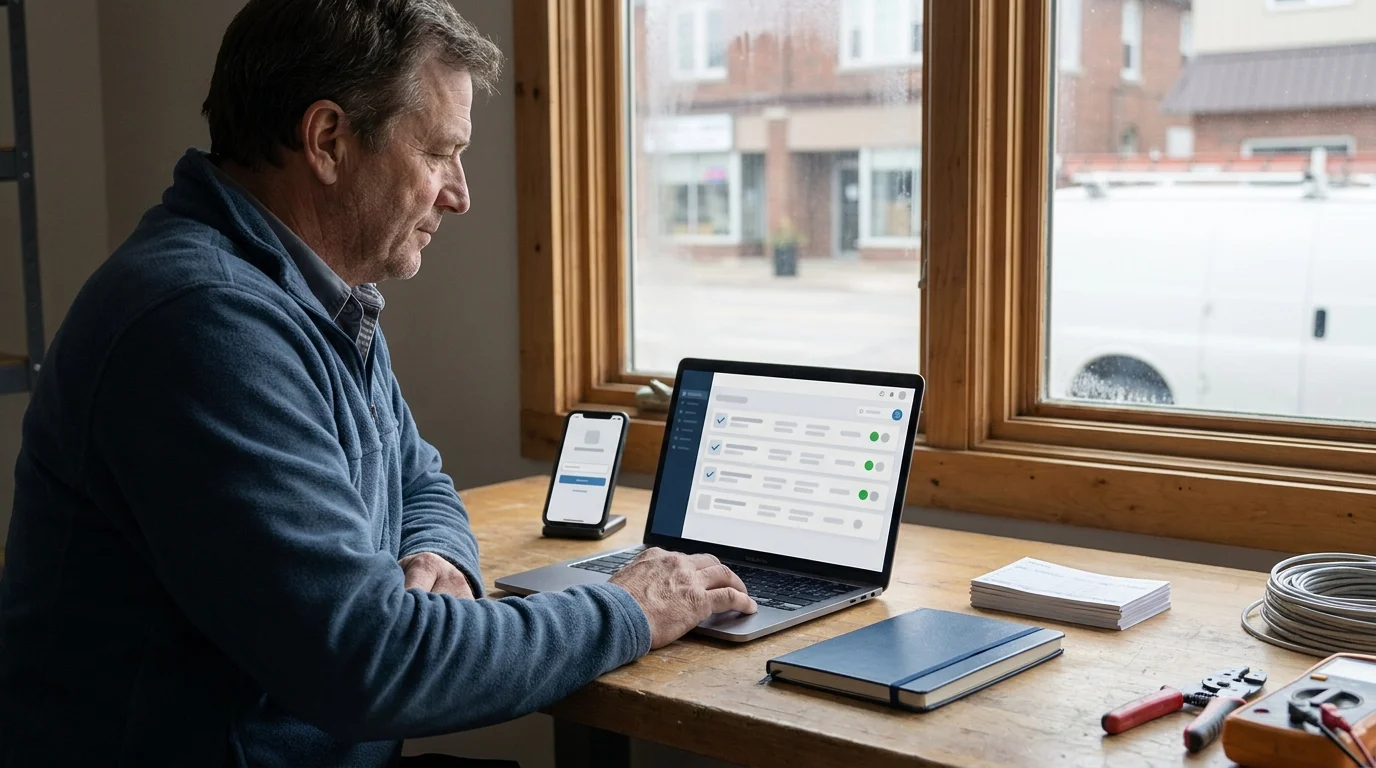

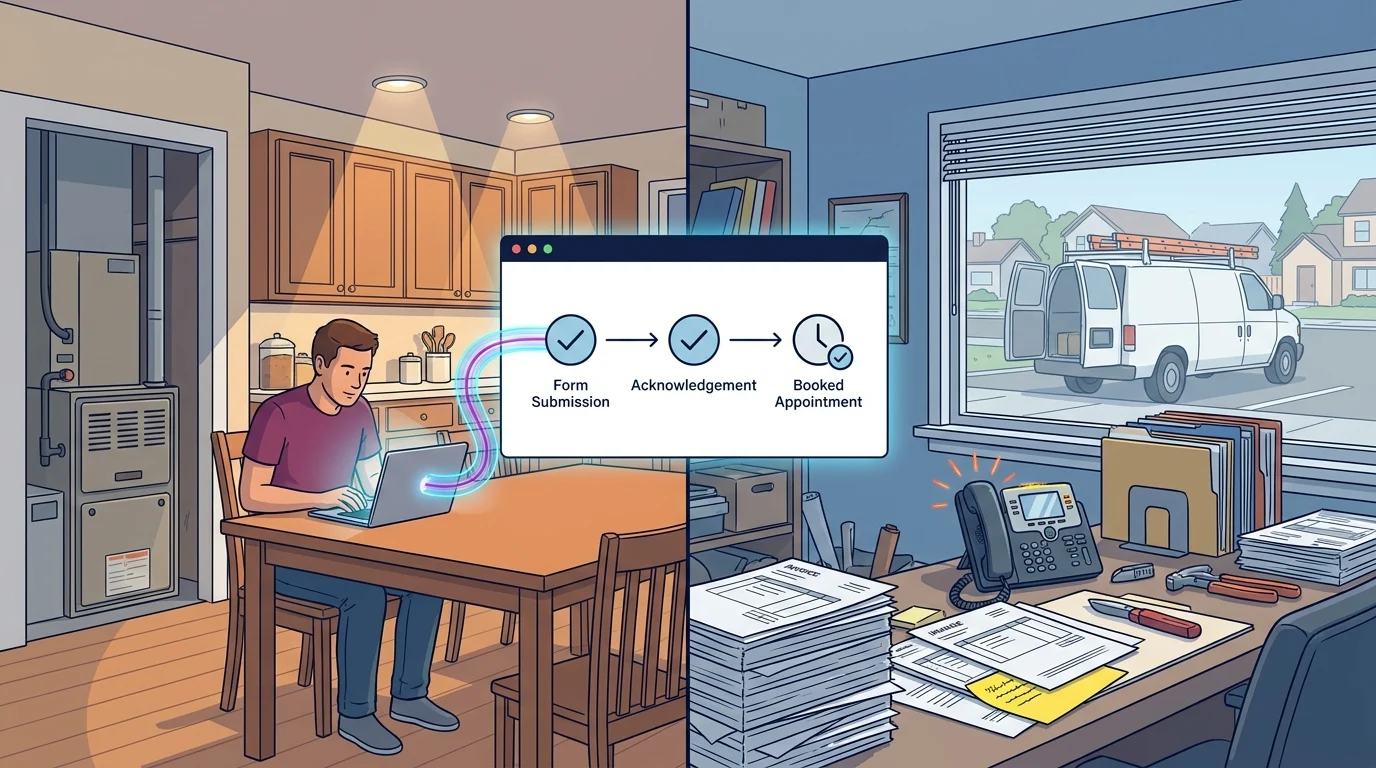
In a hypothetical furnace replacement enquiry, a homeowner submits a website form at 7:30 a.m. The office forwards it to the owner, who’s already on a job. Each assumes the other will reply. By lunch, the message still has no assigned person or next step.
For service businesses in Kingsville, Ontario and the Windsor-Essex Region, this kind of handoff deserves the same attention as the website that generated the enquiry. A practical lead follow-up system makes responsibility visible from arrival through a confirmed appointment, an agreed later conversation or a recorded closure.
Your Smart Digital Doorway connects attention, useful answers, trust and enquiry capture. The process below carries that connection into daily operations, using records and routines a small team can maintain.
Trace the Journey of Your Recent Enquiries
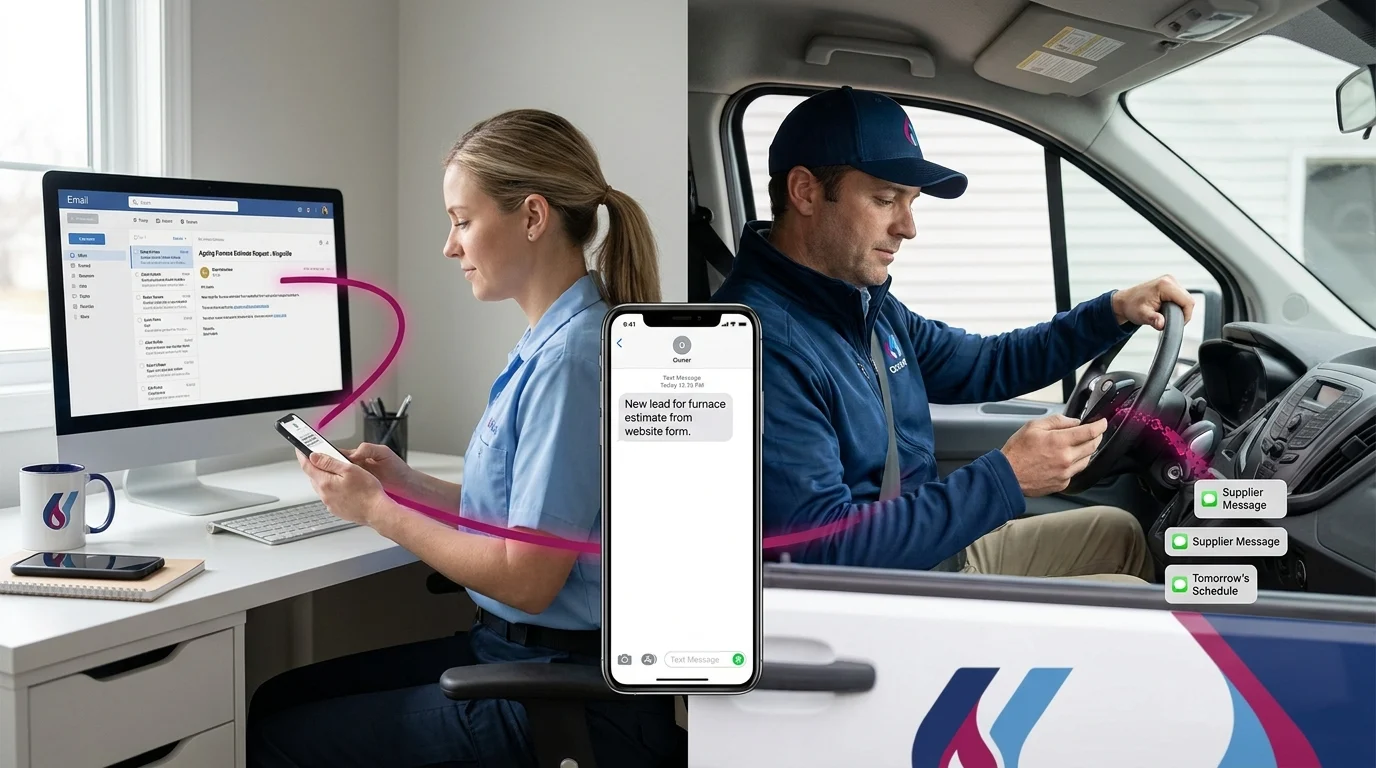
Gather your last 10 enquiries, along with the relevant inbox messages, call notes, estimates and calendar entries. Include phone calls, referrals and social messages. Choose someone to reconcile these sources into a single tracker and mark missing information as unknown.
A $0 setup means using tools you already have available without buying added software. An existing spreadsheet, shared document or paper register can work. Choose a location the responsible staff can access during their working day, and limit access to people who need the customer information.
Create these tracker columns before reviewing the records:
- Enquiry ID, arrival date and time, and source.
- Customer name, contact details, preferred contact method and any communication restrictions.
- Request summary, service location, requested timing and outstanding questions.
- Assigned person, backup person and first-response target.
- Automatic acknowledgement time and first personal response time.
- Current status, last contact date, contact outcome and message-delivery issue.
- Next action and Next-contact date, including a time where useful.
- Appointment type and confirmation details, where applicable.
- Closure date and reason, plus brief ownership-change notes.
Use simple statuses such as New, Awaiting information, Estimate in progress, Estimate sent, Appointment confirmed and Closed. Keep appointment confirmation separate from approval to perform paid work. An estimate visit is still an estimate visit.
Compare the records with the original messages. Find enquiries with no owner, missed internal response targets or no scheduled action. Record a call’s outcome, including “voicemail left” or “number unavailable.” An automatic receipt belongs in its own field so it doesn’t get counted as a personal answer.
Assign Responsibility and Make Handoffs Explicit
Designate an intake person to check incoming channels during staffed hours, create records and assign enquiries. For a solo operator, that may mean scheduled inbox checks between appointments. Agree on who covers absences and how that person will know coverage has started.
The assigned person owns the next action: answering questions, requesting missing details, preparing an estimate or arranging a suitable appointment. The backup takes over when the assigned person is unavailable or a response target is missed. Write these responsibilities beside the tracker so everyone follows the same process.
Give staff clear boundaries for decisions. Provide an approved service list, service-area limits, current pricing information they’re allowed to share and available appointment types. Identify who handles technical questions or unusual requests. Staff should avoid improvising promises about price, availability or suitability.
A personal response within 2 business hours could be an adjustable starting target during staffed hours. Choose a target that fits your coverage and enquiry type. State your actual staffed hours in customer-facing messages, with a realistic expectation for enquiries received outside them.
When ownership changes, record the outgoing person, incoming person, transfer time, unfinished task and existing next-contact date. Ask the incoming person to acknowledge the handoff. Keep the outgoing person responsible until acceptance or backup coverage is confirmed, so forwarding a message doesn’t leave the enquiry unattended.
Record Enough Detail to Choose the Next Action
Start with the customer’s original request and ask only for information needed to decide the next step. Useful questions include what needs doing, where the service is needed, the preferred timing and who will approve the work. Discuss budget when it affects the options you can reasonably offer.
Record communication preferences before scheduling follow-up. Ask whether the customer prefers phone or email and whether certain times are unsuitable. Keep notes relevant to the enquiry. When technical assessment is needed, route the question to the appropriate person rather than asking the customer to perform unfamiliar checks.
A hypothetical tracking entry might read: “E-014; website form received Monday 8:15 a.m.; furnace estimate requested; email preferred; assigned to Maya; backup Jordan; response target Monday 10:15 a.m.; personal reply sent 9:05 a.m.; Awaiting information; service location requested; next contact Wednesday 11 a.m.” These timings are examples to adjust.
After each interaction, update the last contact date, outcome, status, next action and next-contact date together. “Called” leaves a gap; “Voicemail left asking for a suitable estimate-call time; email follow-up planned Thursday” gives the next person enough context to continue.
For longer projects, agree on a later check-in date where possible. Record what the customer is considering and what information would help. Keep enquiry follow-up tied to that request, respect communication preferences and stop requests, and obtain permission before adding someone to a separate marketing sequence.
Set a Manageable Follow-Up Rhythm
Use the status, last contact outcome, preferred channel and next-contact date to build the day’s contact list. Sort open records by assigned person and next-contact date. Give overdue actions attention first, while checking whether a customer reply has already arrived through another channel.
An adjustable example is a second attempt the next business day, another after 4 business days and a final check-in the following week. Space contacts around urgency, staffed hours and the customer’s instructions. A requested pause should move the next-contact date and suspend any scheduled messages.
Each message should identify the business, reference the enquiry and offer a clear next step. For a hypothetical estimate follow-up: “You asked about a replacement estimate. Would you like to arrange an assessment, ask a question or leave this for later?” Avoid implying that an appointment or work has already been approved.
Before making another attempt, check for returned emails, failed text notices, incorrect contact details and replies in spam or another inbox. Record the delivery issue. Use another channel only when it’s appropriate to the enquiry and the customer’s preferences; a delivery failure doesn’t establish permission for repeated contact elsewhere.
Test Notifications and Appointment Handoffs
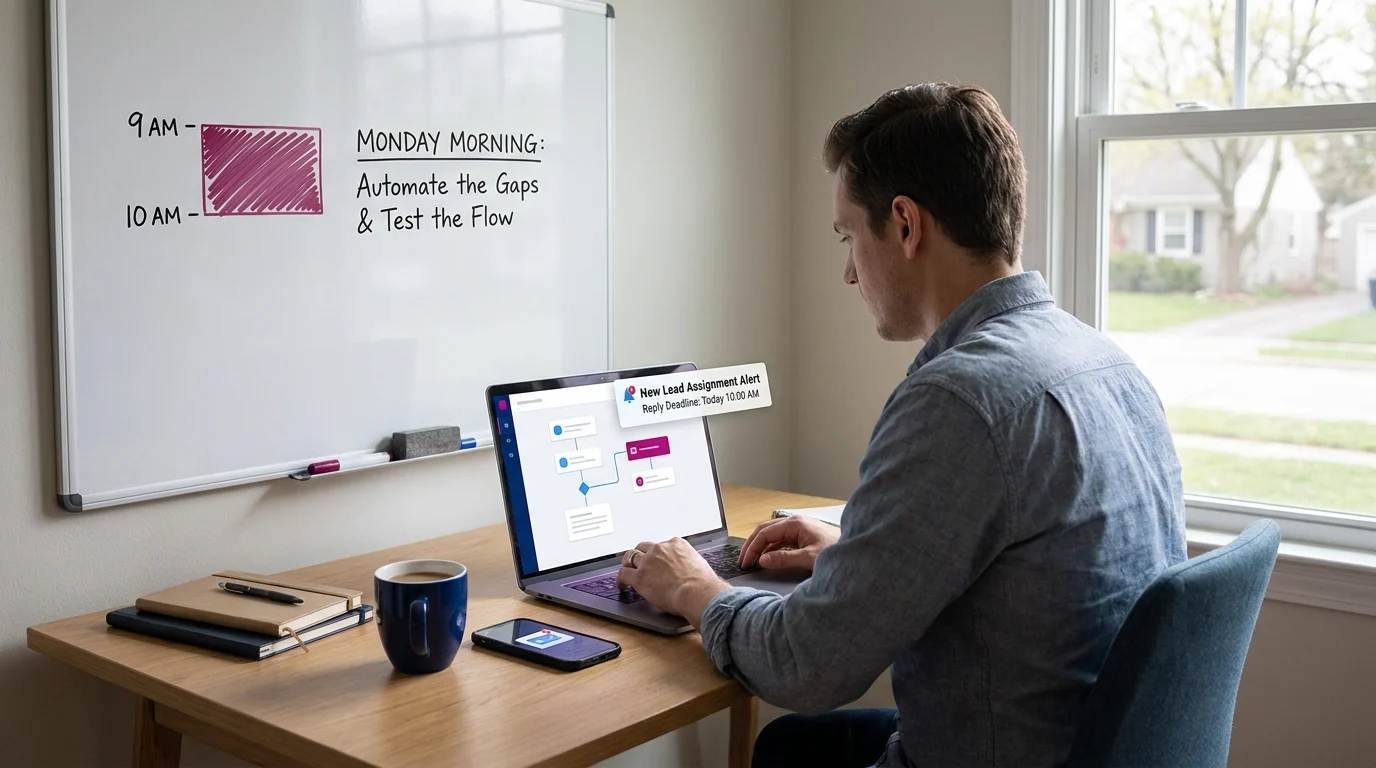
Choose 1 enquiry channel to test first. Have its destination inbox, tracker, staffed hours, assigned person, backup and response target ready. If your existing tools support acknowledgements, confirm that receipt messages follow a successfully saved submission. Otherwise, use a checked manual acknowledgement routine.
Keep the acknowledgement brief: confirm receipt, explain the next step and give an achievable response expectation. Assignment alerts should identify the enquiry, owner and due action. Keep unnecessary customer details out of notifications, especially those appearing on shared screens.
Where existing tools support reminders, direct overdue actions to the backup. A manual overdue check can serve the same purpose. Set a clear rule for stopping reminders after a response, reassignment or closure, and check that customer replies pause any pending sequence for review.
Before offering an appointment, define its purpose, duration, staff member, available times, preparation requirements and any buffer needed between visits. Use your existing calendar or scheduling tool. Send confirmation only after availability has been checked and the customer has accepted the arrangement.
Submit a clearly labelled test enquiry using an address you control. Verify the saved record, acknowledgement, assignment alert and reply destination. Test a missed target and backup handoff, then restore normal settings. For a test appointment, check both calendar entries, rescheduling and cancellation, then remove the test booking.
Close Enquiries Cleanly and Review Weekly
Close an enquiry when its outcome is clear. Record the closure date and a factual reason such as customer declined, outside service scope, duplicate or no response after the agreed follow-up routine. Stop pending reminders. When someone asks you to stop contacting them, record that instruction where future staff will see it.
For confirmed appointments, record the appointment type and hand the relevant notes to whoever delivers that next step. Keep estimates awaiting approval separate from authorised work. If a closed enquiry reopens, preserve the earlier history and assign a fresh next action.
Set aside an adjustable weekly review period, perhaps 20 minutes. The owner and intake person should check unassigned enquiries, overdue actions, failed messages, pending transfers and records awaiting closure. Compare arrival and first personal response times where reliable timestamps exist. Review confirmed appointments separately from active, unbooked enquiries.
Choose 1 practical improvement from the review, assign someone to make it and record a review date. That might mean revising an acknowledgement, changing backup coverage or fixing a reply address. Test the change before extending it across other channels.
Keep the Next Step Visible
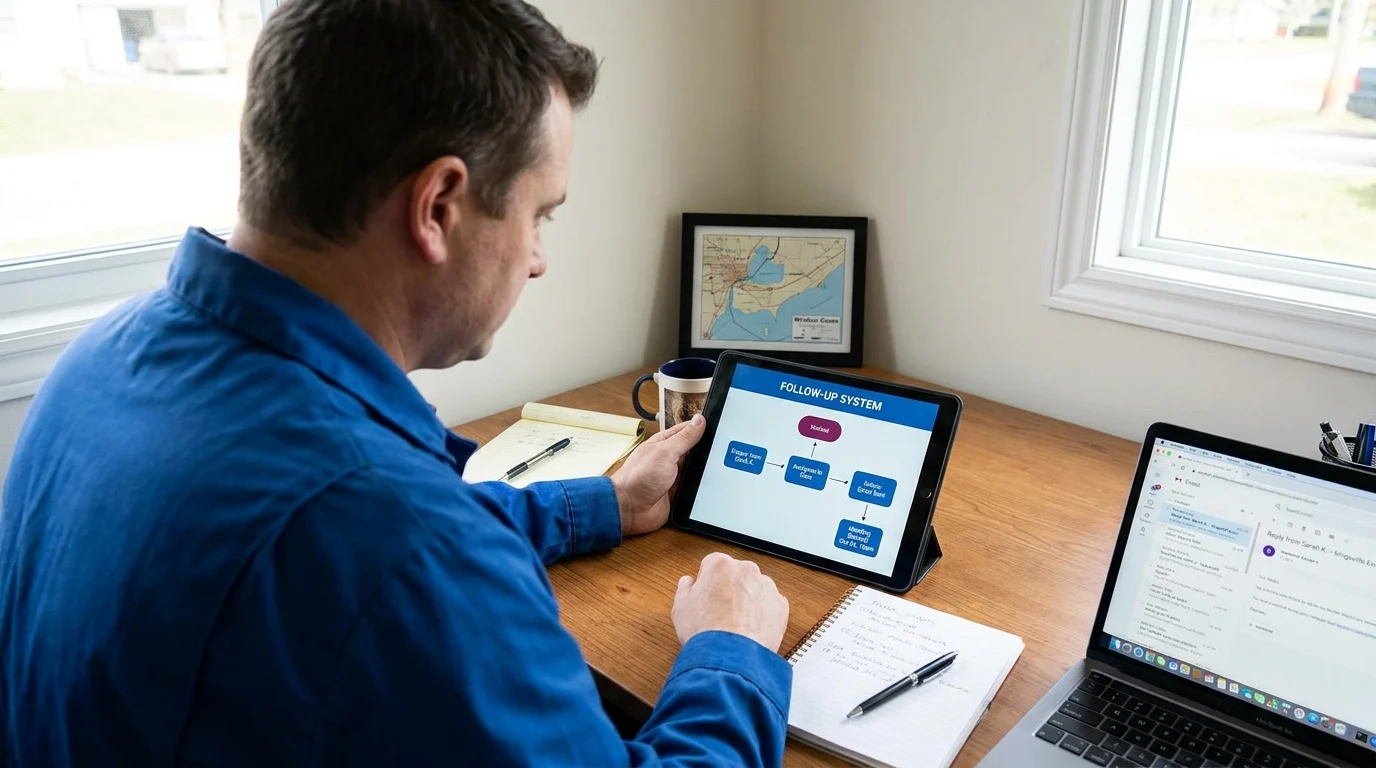
A maintainable follow-up system shows who owns each enquiry, what has happened and what comes next. Start with a shared record, clear coverage and a weekly review. Add automation only where your existing tools and tested process support it.
If enquiries are getting lost between the inbox and the next conversation, book a free consultation with Doorways Into Your Business to discuss your follow-up handoffs.
Paul Hughes founded Doorways Into Your Business after more than five decades consulting across 30+ countries, from implementing early IBM email systems in the 1980s to running multi-million-dollar IT projects for global organizations. A St. Clair College graduate (1976), he settled in Kingsville, Ontario in 2019 to help local small businesses grow with practical “smart digital doorways”, websites, customer service, reviews, bookings, and payments, matched to what a business needs, not unnecessary technology.
All articles by Paul →