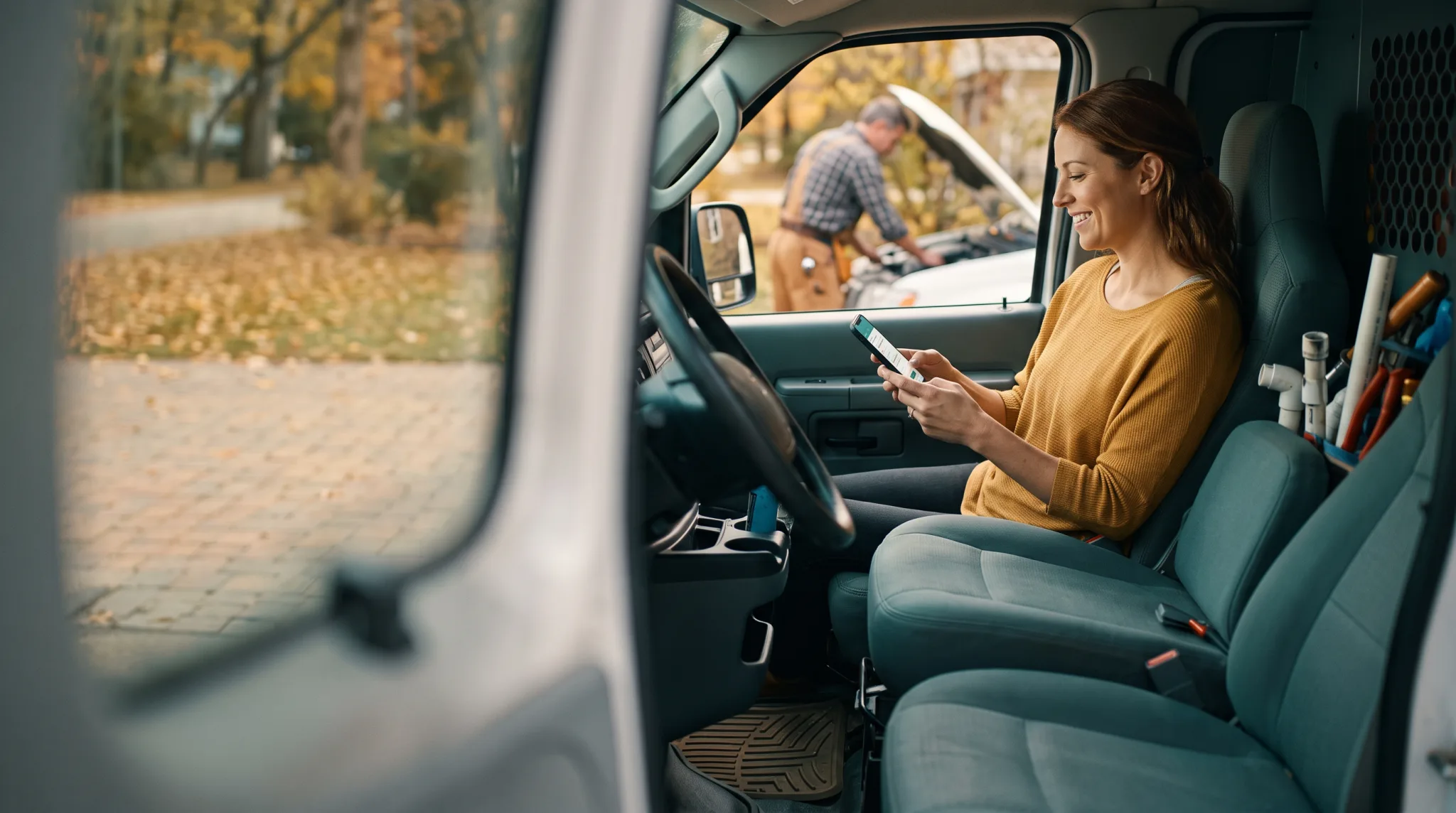

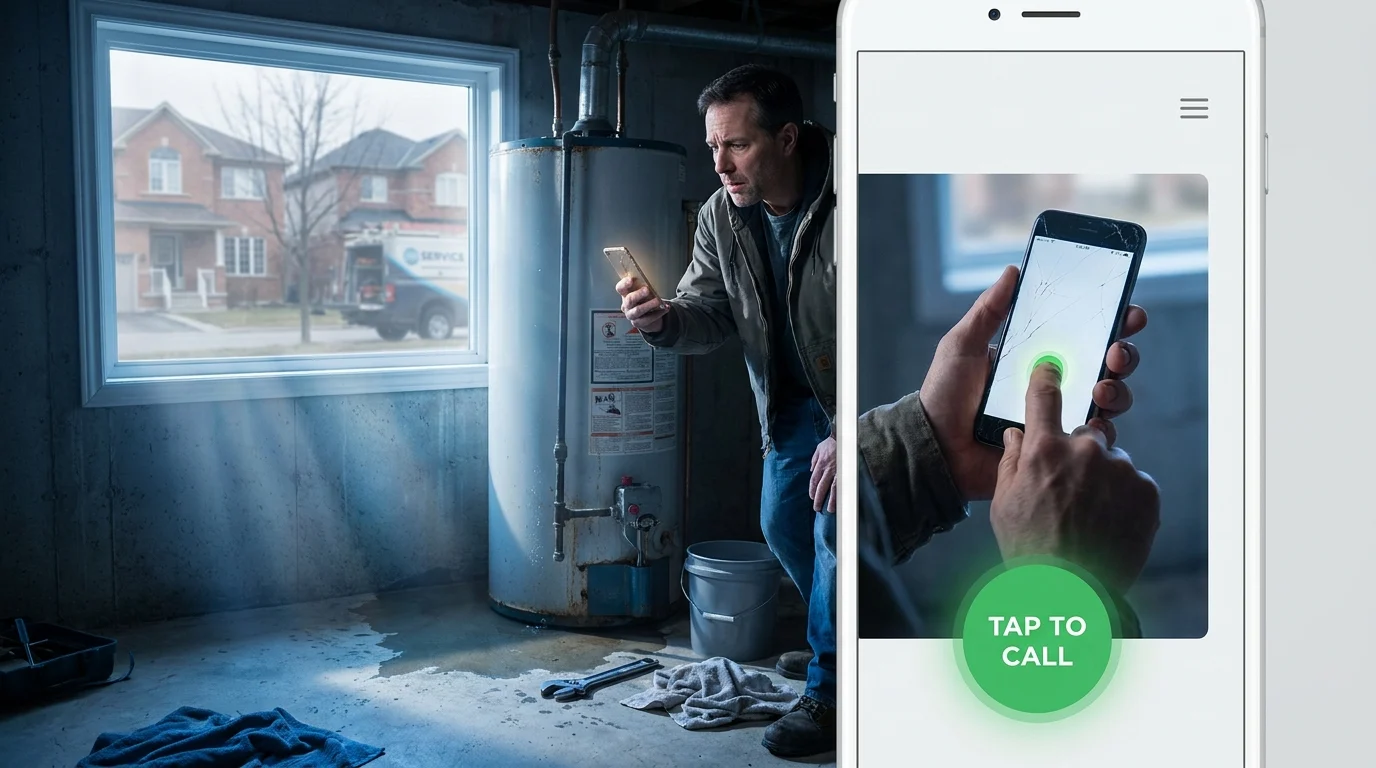
A homeowner stands in front of a leaking water heater on a damp Tuesday morning, phone in hand. They search for local help, tap the top result, and land on a page where the phone number is trapped inside a static graphic. Trying to copy 10 digits while toggling between applications frustrates anyone immediately. A proper click to call website solves that breakdown instantly. In service trades across Kingsville, Ontario and the Windsor-Essex Region, mobile visitors arrive with urgent problems and zero patience. When someone needs an emergency furnace repair or towing service, the company offering a one-tap phone link wins the job before competitors even get noticed.
Why Every Local Service Business Needs a Click to Call Website Setup
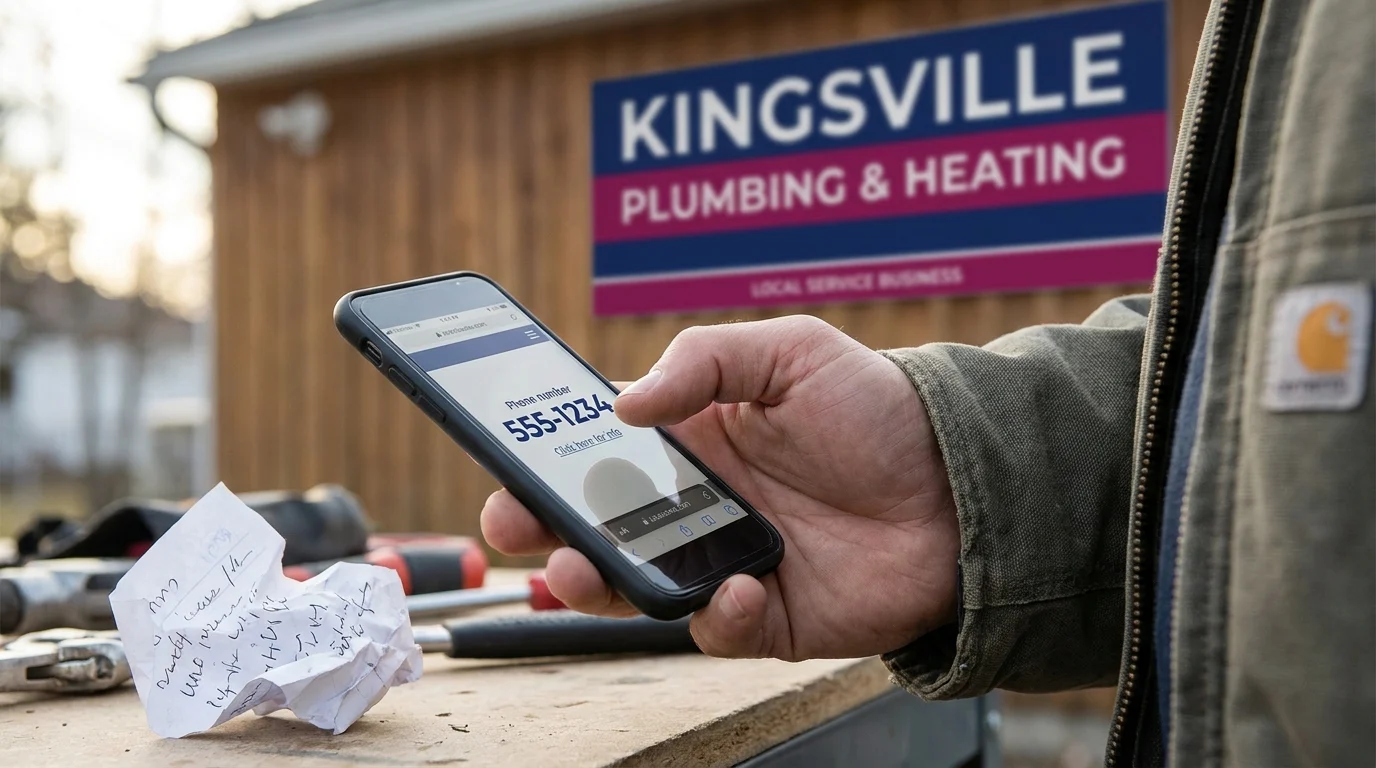
Mobile friction quietly bleeds revenue out of local service businesses every single week. When a prospect pulls out a phone with a problem to solve, their thumb hovers over the screen looking for the fastest route to relief. Forcing that customer to memorize a string of digits, jot numbers on a scrap of paper, or pinch and zoom across unformatted text pushes them straight back to the search results. Every micro-frustration costs you an estimate before the customer even learns your name.
Eliminating the Mobile Friction Gap
Local buyers researching home trades on a handheld device operate under tight schedules. They want clear answers and direct human contact without fighting digital clutter. A dedicated call button small business layout bridges that gap by transforming immediate intent into an active phone conversation with your front desk.
A Smart Digital Doorway succeeds because it meets people precisely where their attention sits. For an HVAC specialist or auto mechanic in Kingsville, Ontario, practical mobile lead capture relies on eliminating every hurdle between discovery and the repair bay. Making your contact number interactive turns casual site traffic into concrete estimates.
Capturing Ready-to-Hire Prospects
Urgent callers rarely read long company histories before reaching out. They check that you cover their neighbourhood, verify that you handle their specific problem, and tap the fastest link to an expert. When your phone rings first, you control the conversation and secure the appointment. Implementing clean mobile click to call functionality secures that prospect while their buying urgency remains at its absolute peak.
Every extra step you ask a mobile user to take reduces conversion rates by double digits. Placing an accessible, permanent tap-to-dial button directly in their thumb zone turns your web presence into a reliable intake engine. It respects the caller’s schedule, reinforces confidence in your professional standard, and protects high-value jobs from slipping over to competitors.
Strategic Button Placement That Drives Immediate Mobile Action
Most mobile visitors navigate your pages with one thumb while standing in a driveway or sitting in a parked work truck. If your contact number requires two hands or an awkward stretch to the top corner, people leave. Placing your dial prompt inside the natural thumb zone (the bottom third of the display) creates an immediate path to your team. A practical click to call website setup organizes screen space around how human hands actually hold modern devices. Standard header menus push phone numbers out of physical reach, forcing users to readjust their grip. Moving that primary action to the base of the screen keeps the call effortless.
The Persistent Bottom Bar
A sticky bar anchored to the bottom of the mobile screen solves the friction of long pages. When a homeowner in Kingsville, Ontario and the Windsor-Essex Region reads through your emergency repairs or project photos, the dial prompt travels along with them. Keep the bar slim, roughly 50 to 60 pixels tall, so it frames the screen without covering your written content. This quiet, permanent presence lets buyers tap the line the second they decide to hire you.
Visual Contrast and Touch Targets
A button that blends into your background palette gets ignored. Pair high-contrast colours to define the target instantly. If your site uses light grey surfaces with charcoal type, give the dial element a solid accent colour like vivid green, safety orange, or deep navy with crisp white lettering. Sizing matters just as much as shade. Build your mobile click to call touch target to a minimum of 48 by 48 pixels so a customer with work gloves or cold fingers hits it cleanly on the first try.
Proper physical spacing supports your broader mobile lead capture system. A call button small business layout protects your incoming pipeline by removing digital obstacles, keeping your direct phone connection clear, reliable, and effortless.
Your Monday Morning Blueprint for Capturing Ready-to-Hire Callers
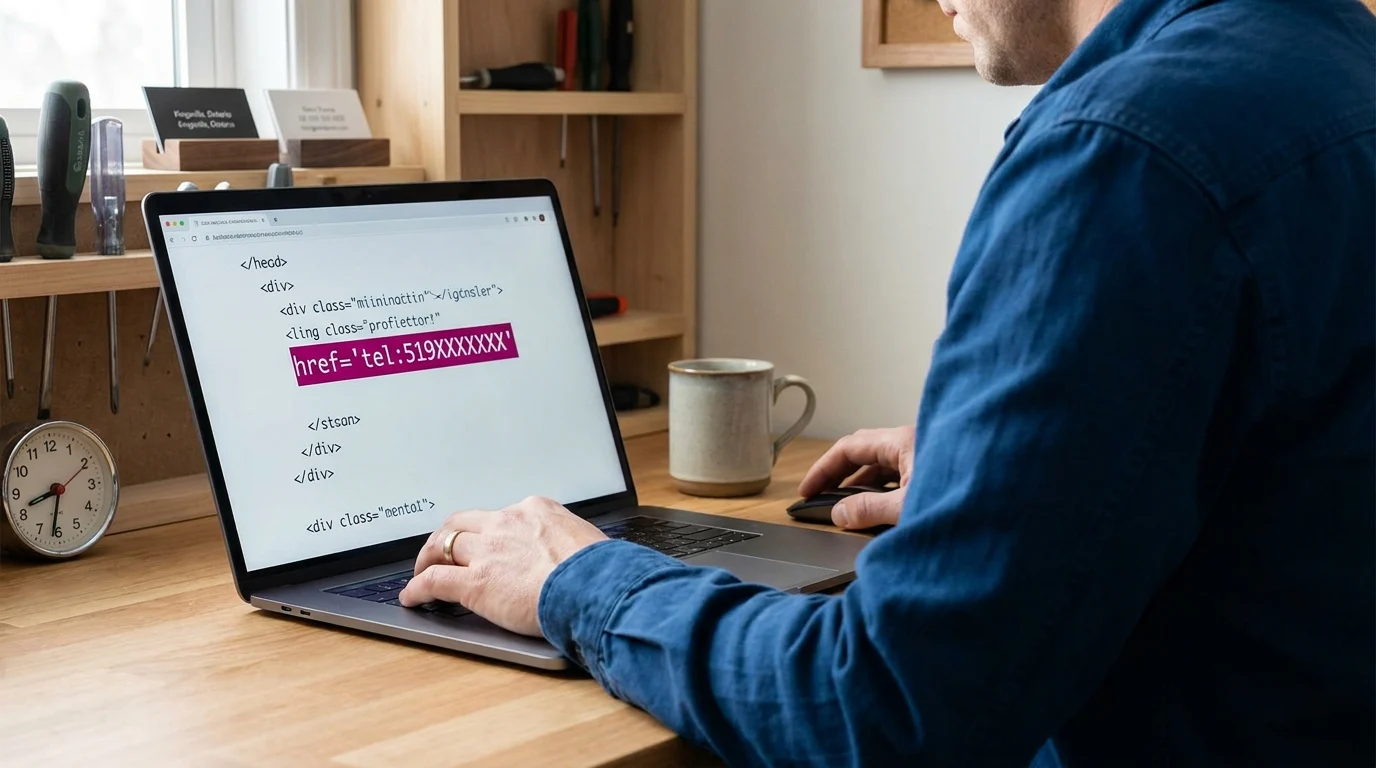
Setting up a click to call website system takes less than an hour, and it secures revenue the moment your doors open for the week. You only need three deliberate adjustments to turn casual mobile traffic into booked service appointments.
Wire the Anchor Link Correctly
Every reliable mobile dial begins with clean underlying markup. Replace standard contact page routing by assigning your primary button destination directly to the standard telephone protocol: tel:519XXXXXXX.
For WordPress sites, you can either code this link directly into your navigation template or install a lightweight utility like WP Call Button. Stick with clean, minimal code, avoiding heavy page-builder add-ons that drag down mobile loading speeds.
Strip out spaces, brackets, and dashes within that raw link URL so older mobile operating systems never misread the prompt. Keep the visible display number formatted with familiar regional spacing so customers can read it while the phone application opens.
Run the Field Test Across Devices
Test your digital doorway directly on physical smartphones rather than relying on a desktop browser preview. Grab two separate devices, disable local shop Wi-Fi, and load your service pages over regular cellular data.
Tap the mobile click to call elements across different areas: the header badge, the floating bottom bar, and the project gallery. Check whether the dialler populates with one thumb strike. A sluggish response or an unformatted error prompt indicates your touch target needs immediate recalibration.
Track Inbound Dials as Conversion Goals
You must verify which pages prompt a caller to reach out. Configure Google Tag Manager to register a conversion event every time someone taps a dial button, or route traffic through dedicated software like CallRail.
Clear conversion tracking pinpoints whether your urgent repair pages generate calls or if your gallery pages drive higher ticket estimates. Knowing those figures protects your call button small business investment and tightens your overall mobile lead capture pipeline.
Turning Mobile Attention Into Real Work
Contractors across Kingsville, Ontario and the Windsor-Essex Region win work by being accessible when problems arise. When a basement takes on water or a company fleet vehicle breaks down on County Road 20, buyers reach for the fastest path to human help.
A properly configured click to call website setup transforms your digital presence into an active commercial doorway. It respects the physical limits of a handheld screen, removes friction for hurried property owners, and hands your dispatch team qualified conversations. Bolting a visible, high-contrast dialler onto your mobile pages requires little time, but it preserves high-margin service jobs that otherwise slip away to the next business on the map.
Want this fitted rather than figured out? Doorways Into Your Business helps owner-operators put systems like this in place. Book a free consultation.
Paul Hughes founded Doorways Into Your Business after more than five decades consulting across 30+ countries, from implementing early IBM email systems in the 1980s to running multi-million-dollar IT projects for global organizations. A St. Clair College graduate (1976), he settled in Kingsville, Ontario in 2019 to help local small businesses grow with practical “smart digital doorways”, websites, customer service, reviews, bookings, and payments, matched to what a business needs, not unnecessary technology.
All articles by Paul →