

The Phone Tag Trap
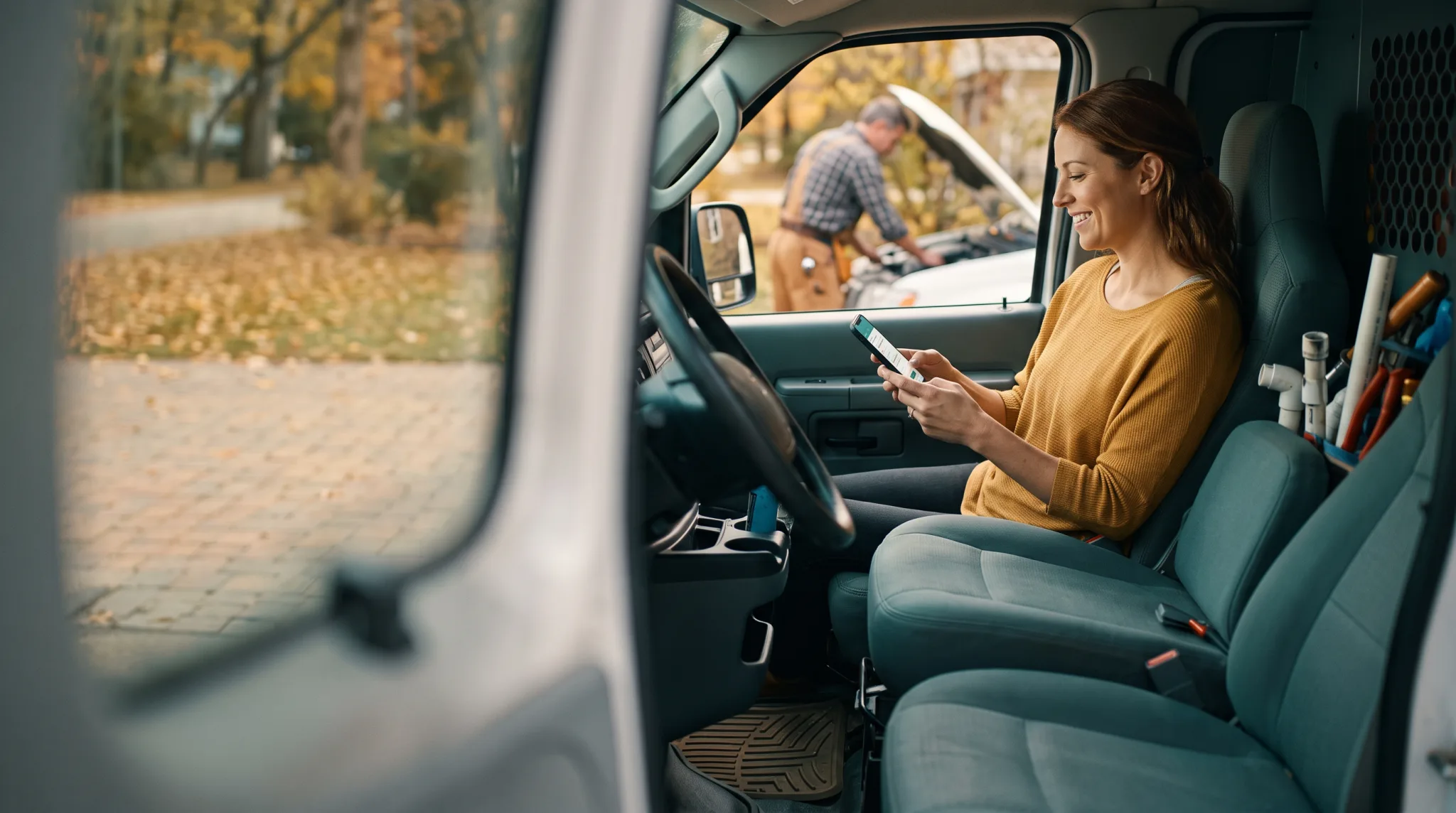
It starts innocently enough. You’re a business owner in Kingsville, Ontario. A potential customer calls your business at 10:15 AM. You’re with a client or working on a job. The call goes to voicemail. You call back at noon during your lunch break. They don’t answer. They try again at 2 PM while you’re back in the thick of it.
By 4 PM, they’ve booked with someone else. They found a competitor who let them schedule online in 30 seconds. This is the reality of the modern market in the Windsor-Essex Region.
Phone tag isn’t just annoying. It’s expensive. Every round of missed connections is a chance for that customer to find a business that makes booking easier. They’ll find that business. Your competitor is only one Google search away. When you miss a call, you’re essentially paying your competitor. It’s a leak in your business foundation that needs a permanent fix.
What Modern Appointment Booking Looks Like
Forget the clunky scheduling tools from 10 years ago. Modern Appointment Booking Systems for small businesses are clean. They’re fast. We build them for the way people actually behave today.
At Doorways Into Your Business, I focus on creating a Smart Digital Doorway that stays open even when you’re asleep. A generic brochure website is like a locked door with a “Come Back Later” sign. A Smart Digital Doorway is your 24/7 employee. It greets visitors. It answers their questions. Most importantly, it books their time.
Here is what a solid system does for your business:
24/7 online scheduling. Your Smart Website has a booking widget that shows your real availability. Customers pick a date. They pick a time. They confirm. No call is required. This works at 6 AM or 10 PM. It works on Sunday afternoon. It works whenever the customer is ready to spend money.
Automatic confirmations. The second someone books, they get a confirmation email or text. This removes ambiguity. There’s no more “I think I have an appointment on Thursday” confusion.
Reminder texts. This is part of our SMS Marketing and Mobile Campaigns strategy. About 24 hours before the appointment, the customer gets a text. “Just a reminder about your appointment tomorrow at 2 PM with [Business Name]. Reply C to confirm or R to reschedule.” This single feature changes everything about your no-show rates.
Calendar sync. The booking system talks to your Google Calendar or Outlook. There are no double-bookings. There’s no manual entry. Your schedule updates in real time across all platforms.
For service businesses in Kingsville, Ontario, this combination eliminates the biggest scheduling headaches in one move. Whether you’re a salon owner, a plumber, or a consultant, this system provides a structure that supports growth.
The No-Show Problem (and the 30-50% Fix)
No-shows are the silent revenue killer for appointment-based businesses. I have seen it happen to many great businesses in the Windsor-Essex Region.
Industry data puts the average no-show rate for small service businesses between 10% and 20%. For some industries like beauty or wellness, it climbs to 30%. These aren’t just missed appointments. These are missed opportunities for revenue.
Let’s do the math together. If you book 25 appointments per week at $80 each and your no-show rate is 15%, that’s roughly 4 missed appointments. That equals $320 per week. That’s $16,640 per year. That money is gone. You have empty time slots you can’t fill. The customer who didn’t show up also didn’t cancel in time for someone else to take the spot.
Automated reminder sequences consistently reduce no-shows by 30% to 50%. Using our math, that $16,640 annual loss drops to somewhere between $8,000 and $11,500. The savings pay for the booking system many times over.
The psychology is simple. When someone receives a text asking them to confirm, they make a micro-commitment. They tap “Confirm” and now they feel obligated to show up. If something genuinely came up, the reschedule link lets them free the slot for someone else. You recover the time. You keep the revenue. This is why we also implement Missed Call Recovery systems to ensure no lead is left behind.
Your Customers Prefer Booking Online
There’s a common objection I hear in Kingsville, Ontario. Business owners say: “My customers like calling. They want to talk to a person.”
Some do. That option should always exist. But the data tells a different story about the majority of people today.
According to multiple industry surveys, 67% of consumers prefer online booking over calling a business. Among people under 45, that number climbs above 80%. Here is the kicker: 40% of online bookings happen outside regular business hours.
That last number should hit hard. Forty percent of the people who would book with you are trying to do it when your phone isn’t being answered. If you only rely on the phone, you’re effectively closing your door to 40% of your potential market.
Online booking doesn’t replace the phone. It adds a second Smart Digital Doorway for the people who prefer it. In the Windsor-Essex Region, staying competitive means being accessible whenever your customers are ready.
How Booking Systems Plug Into Your Existing Workflow
One of the biggest fears about adopting new technology is the disruption. You don’t want to change everything about how you operate. I understand that. As a craftsman, I believe the tool should fit the hand, not the other way around.
A good booking system slides into your current workflow. It should feel like a custom-fit piece of furniture.
Google Calendar integration. If you already manage your schedule in Google Calendar, the system reads your availability from it. It writes new appointments back to it. You don’t need parallel systems. You keep one calendar.
CRM connection. If you use Lead Generation and Win-Back Systems, bookings automatically create or update records. Every appointment comes with customer details attached. You know who is coming in before they walk through the door.
Payment processing. Some systems collect deposits or full payment at the time of booking. We can integrate Mobile Payment Solutions directly into the process. This further reduces no-shows. People are much less likely to skip an appointment they already paid for. It improves your cash flow immediately.
Staff scheduling. If you have a team, the system assigns bookings to specific staff members based on availability or skill set. It manages the team so you don’t have to.
The key is choosing a system that fits your business size. A solo consultant needs different features than a 6-chair salon. I help you find the right fit rather than the fanciest tool.
The Cost Comparison That Sells Itself
Let’s put the numbers side by side. A solid appointment booking system for a small business costs between $30 and $150 per month. Let’s call it $100 per month for a high-quality system with text reminders and calendar sync.
Now look at the other side of the equation:
- Cost of phone tag. Staff time spent on back-and-forth scheduling is roughly 5 to 8 hours per week. At $20 per hour, that’s $400 to $640 per month in labor. This is money spent on scheduling instead of serving customers.
- Cost of no-shows. Using our earlier math, you lose $1,280 per month at a 15% rate with $80 appointments.
- Cost of after-hours lost bookings. If 40% of bookings happen after hours and you don’t offer the option, you’re losing a massive chunk of potential new business.
A $100 per month system easily saves $500 to $2,000 per month. You recover time. You reduce no-shows. You capture after-hours bookings. The return on investment is solid. It’s one of the most effective ways to shore up the foundation of your business in the Windsor-Essex Region.
Current costs of phone-based scheduling (illustrative example)
Consider a health practitioner with a solo practice seeing 25 clients per week at an average of $110 per session:
Staff time for scheduling: Assume 5 minutes per appointment for phone/call-back scheduling. At 25 appointments per week, that’s 2 hours per week in scheduling labor. At $20/hour, that’s $2,080 per year in scheduling-only labor (not counting other front-desk tasks).
No-shows: At a 15% no-show rate, that’s approximately 3.75 appointments per week lost. At $110 each, that’s roughly $21,450 per year in no-show losses. Even a conservative 40% improvement from automated reminders recovers $8,580 annually.
Missed after-hours bookings: If 20% of attempted bookings happen outside office hours and 60% of those calls go unanswered, a practice getting 10 new inquiries per month is missing roughly 1.2 new clients per month. At $110 per session and assuming even 4 sessions per client before they leave the area or move on, that’s a conservative $6,336 per year in unrealized revenue.
Total estimated annual cost of the status quo: approximately $16,660 in recoverable losses, not counting the harder-to-measure friction losses.
Cost of a booking system
Jane App for a solo health practitioner runs $39 USD per month. Square Appointments has a free tier with transaction fees. Acuity Scheduling’s most-used plan is $27 USD per month.
The break-even point, in almost every service business scenario, is within the first 1 to 2 months.
What to Look for in a Booking System
If you’re shopping for a system, focus on what matters most for local service businesses. Don’t get distracted by bells and whistles you’ll never use.
Mobile-friendly booking page. Most of your customers will book from their phone. If the page doesn’t work perfectly on a mobile device, skip it.
Text message reminders. Texts have a 98% open rate. Emails sit at 20%. For reducing no-shows, text wins every time. It’s a core part of a Smart Website strategy.
Direct website integration. The booking widget should embed cleanly on your site. Customers should not have to leave your site to book. Keeping them in your environment builds trust.
Customizable availability. You should be able to set working hours and block lunch breaks. You need to build in travel time between appointments if you work on-site.
Simple setup. If it takes weeks to configure, it’s too complex. We believe in the “One Page, One Goal” philosophy. Simplicity wins for local businesses.
The Bottom Line
Phone tag costs you time, money, and customers. Online booking systems solve all three problems for less than what most businesses spend on coffee each month.
Your customers want to book when it’s convenient for them. If you make that easy, they book with you. If you make it hard, they book with your competitor in Kingsville, Ontario.
The technology is simple. The cost is low. The payoff shows up in your first month. You’re a master of your craft. You should spend your time doing what you do best, not chasing people on the phone.
I build these systems from the ground up. I don’t just give advice. I install the solution. I ensure your Smart Digital Doorway is built on a solid foundation.
Let’s Set Up Your Booking System
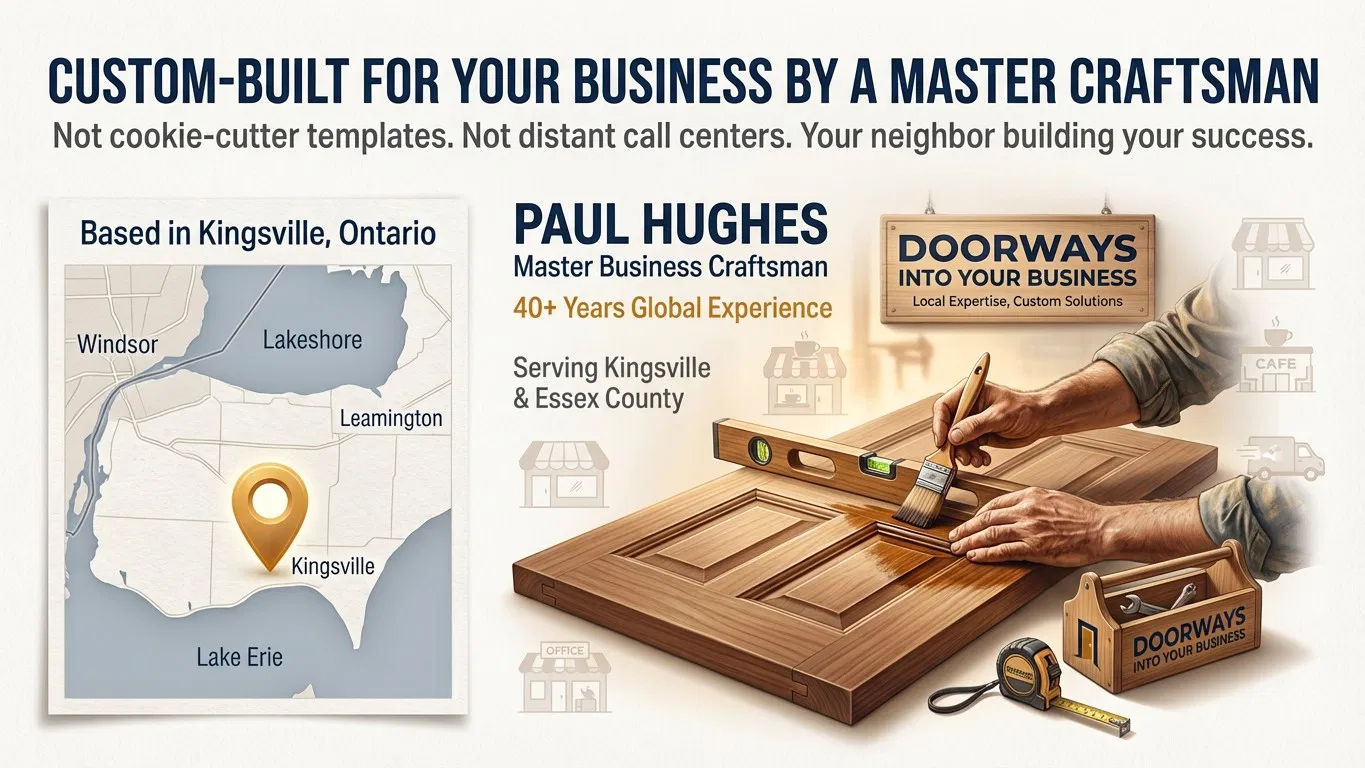
If your business still relies on phone calls and voicemails for scheduling, you’re working harder than you need to. Paul Hughes at Doorways Into Your Business helps local businesses in Kingsville, Ontario and the Windsor-Essex Region install systems that save time and grow revenue.
Stop losing money to missed calls and no-shows. Let’s get your scheduling off the phone and onto autopilot.
Paul Hughes founded Doorways Into Your Business after more than five decades consulting across 30+ countries, from implementing early IBM email systems in the 1980s to running multi-million-dollar IT projects for global organizations. A St. Clair College graduate (1976), he settled in Kingsville, Ontario in 2019 to help local small businesses grow with practical “smart digital doorways”, websites, customer service, reviews, bookings, and payments, matched to what a business needs, not unnecessary technology.
All articles by Paul →