
A nearby customer searches for the service you offer, finds your business, and hits a dead end: yesterday’s hours, a vague service description, or a phone number buried below a slideshow. You could be the right fit, but they’ve still got questions and another business is a tap away.
A Smart Digital Doorway gives that person a clear path from discovery to a useful next step. It attracts attention, answers questions, builds trust, captures an enquiry, and supports the decision to buy. For an owner already juggling staff, suppliers, and customers, the practical starting point is finding where that path breaks before adding another task to the week.
Small Business Marketing in Kingsville, Ontario Starts With Local Buying Behaviour
Across Kingsville, Ontario and the Windsor-Essex Region, nearby customers can arrive through Google Maps, a recommendation in a Facebook group, a roadside sign, or a friend’s text. Each route leaves them with a question your digital presence needs to answer.
Residents Check Whether You Fit Their Routine
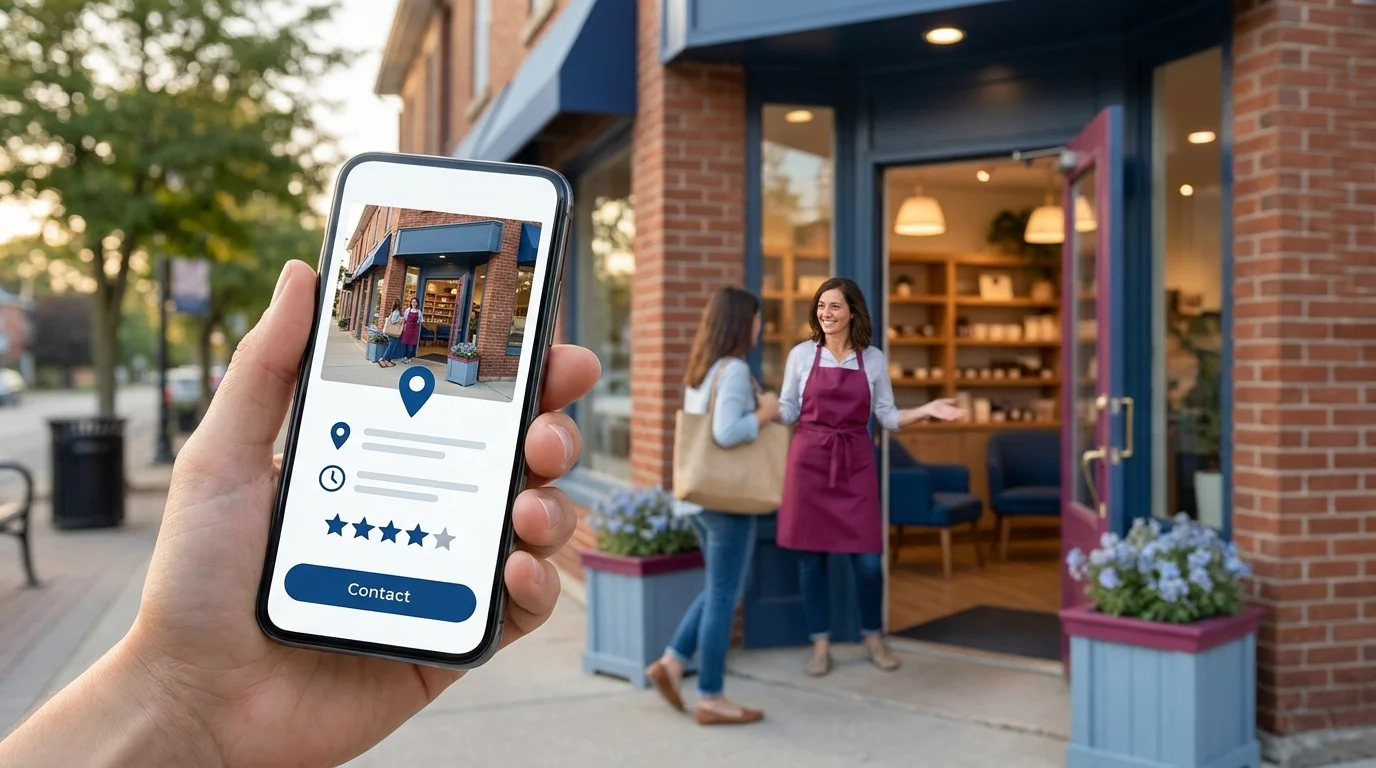
A resident may already recognize your name. They’re checking whether you’re open after work, offer the repair they need, or take appointments on Saturday. Accurate Google Business Profile hours and specific service descriptions help them decide whether to enquire.
A Facebook Page can carry timely updates for people who follow you. Your Google Business Profile suits searches with immediate local intent. Keep essential details aligned across both so customers can act on whichever doorway they find.
Visitors Need Enough Detail to Make the Trip
Visitors may have little familiarity with your street, parking, or seasonal schedule. Current exterior photos, clear directions, and accurate holiday hours remove avoidable uncertainty. Depending on the business, a menu, accessibility information, or a booking policy may determine whether they visit.
For someone travelling from another community, “we offer a wide range of services” leaves too much homework. Name the work you accept and explain any service-area limits before they call.
Recommendations Still Need Somewhere to Land
Consider a hypothetical homeowner who receives your name from a neighbour, then searches for you. An outdated listing or a page that never explains your services can stall that referral before an enquiry happens.
Clear contact options and relevant reviews help the homeowner assess fit. An enquiry starts a conversation; a quote, booked appointment, and accepted paid job are separate outcomes. A useful doorway makes that next step clear and gives you a practical way to respond.
The Smart Digital Doorways That Matter Most in Kingsville, Ontario
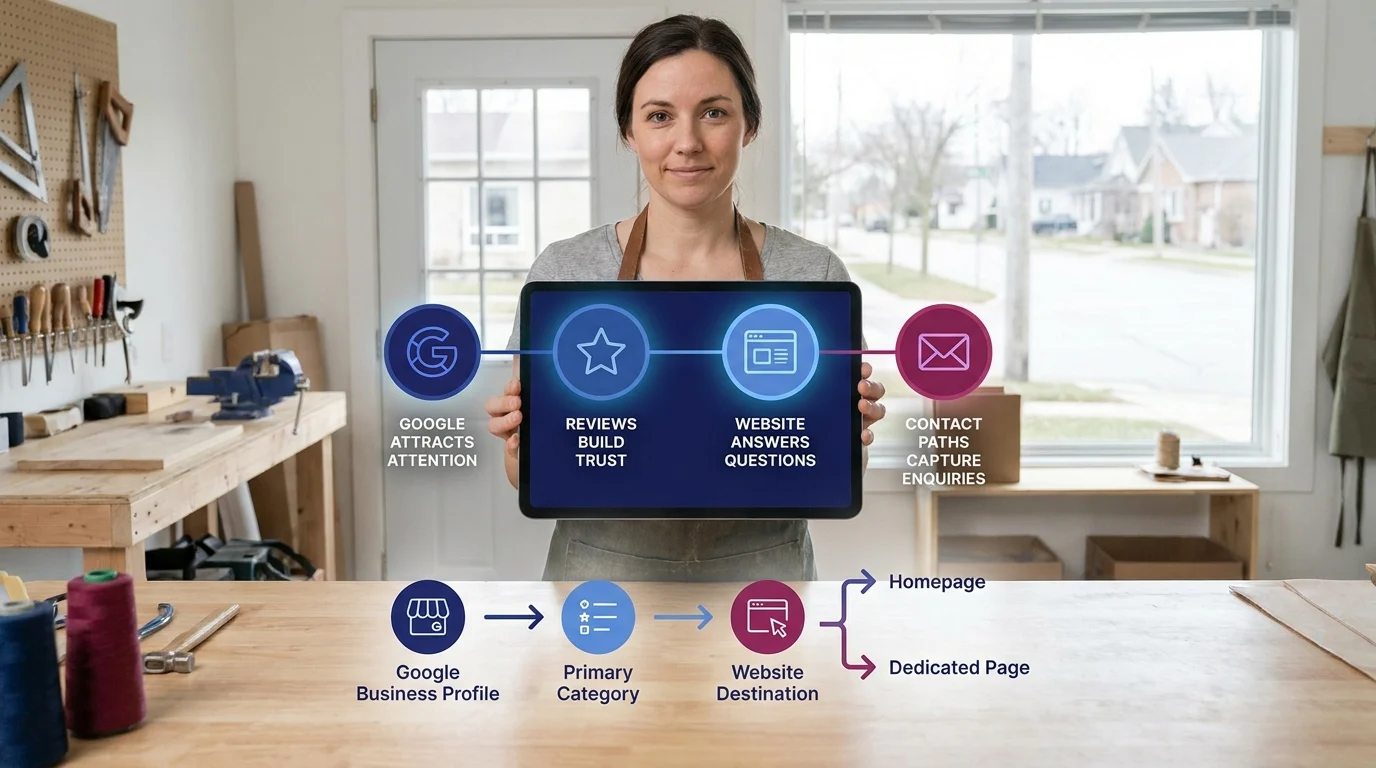
Build these Smart Digital Doorways as a connected system. Google attracts attention, reviews build trust, website pages answer buying questions, and contact paths capture enquiries your team can turn into customers.
Give Google a Clear Starting Point
Start with ownership: confirm you can access and manage your Google Business Profile. Choose the primary category that best describes your core business, then check that its website destination matches what searchers expect.
A single-service business can send visitors to its homepage. A business with distinct departments may need a dedicated page for an eligible department’s separate profile.
Make Reviews Part of the Handoff
Ask customers for an honest Google review after completed work or a purchase. Use a consistent request process across customers, without incentives or screening for positive feedback.
Reply thoughtfully, keeping private job details out of public responses. Assign the request and reply tasks to someone so they survive a busy week.
Build Pages Around Buying Decisions
A locally relevant service page should explain pricing factors, typical job requirements, and what happens after an enquiry. Include genuine project photos when you have permission.
Use separate pages when services involve different questions or buying processes. Closely related services can share a useful page. Repeating the same copy with swapped town names gives readers little help assessing your work.
Match Contact Paths to the Work
Phone contact suits urgent requests when someone can answer. A short form suits estimates that need a description and photos; appointment booking suits services with predictable durations.
Test each path on a phone. Confirm submissions reach the responsible person and that customers receive an acknowledgement explaining the next step.
A Kingsville, Ontario Business Example: Turning a Nearby Search Into a Customer
Hypothetical example: a couple searches for a nearby restaurant before leaving home. They’ve got a visiting parent with limited mobility, a vegetarian diner, and enough time to compare a few places.
For this restaurant, the Smart Digital Doorway connects that search to a confident decision and a confirmed table. Each part answers a question that could otherwise stall the booking.
Answer the Dinner Questions
The restaurant’s Google Business Profile shows accurate opening hours, including holiday exceptions. Its website also states when the kitchen closes, so a late arrival can judge whether dinner is still possible.
The menu is readable text on a mobile page, with current prices and clearly identified vegetarian options. A PDF can serve as a printable companion; the mobile page suits someone comparing dishes on a phone.
Entrance and seating information addresses the parent’s mobility needs. Specific details, such as step-free access and accessible washroom availability, give the family something useful to assess. Staff should verify those details before publication.
Carry Confidence Through to Confirmation
The couple checks recent reviews for comments about food, service, and how staff handle problems. Credible feedback helps them weigh the restaurant’s own claims against diners’ experiences.
A reservation button beside the menu opens the booking system. OpenTable suits a restaurant seeking reservations through its diner marketplace; a reservation form suits a team that can manually confirm availability. Fees and staff capacity should guide the choice.
A reservation request stays pending until confirmed. A confirmed table is a booking; a completed, paid meal is the sale. This hypothetical journey shows how the pieces fit together, without claiming any measured increase in customers.
Find the Digital Presence Opportunity Before Spending More
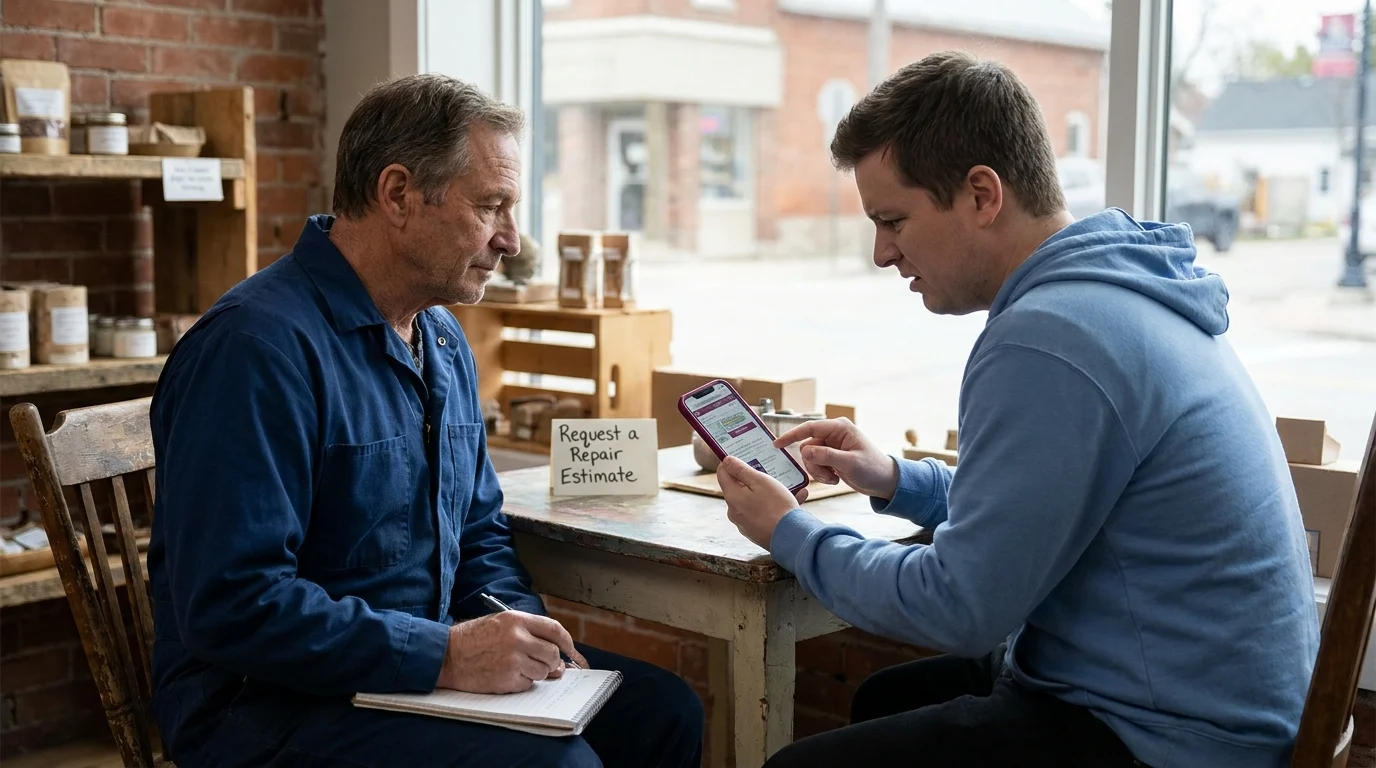
Your next Smart Digital Doorway improvement should address the point where a suitable customer gets stuck. Before buying more attention, trace what happens between finding your business and getting an answer.
Follow One Customer Task
Choose a task that matters commercially: requesting a repair estimate, checking product availability, or arranging an appointment. Ask someone unfamiliar with your website to attempt it on their phone while you watch.
Keep quiet during the test. Record where they hesitate, what information they hunt for, and whether their request reaches the person responsible for responding. Check the inbox and any spam filtering, too.
Choose the Gap Closest to Revenue
Rank each problem by how directly it blocks a suitable enquiry, how often it appears, and the effort required to fix it. A broken estimate form deserves attention before a fresh homepage photograph.
If requests arrive but sit unanswered, assign someone to handle them. If callers repeatedly ask whether you serve their property type, put that answer beside the enquiry form. Fix the clearest obstruction first.
Track Outcomes You Can Verify
Use Google Sheets for a manually maintained enquiry log; a CRM such as HubSpot suits teams sharing follow-up responsibility. Include date, source, enquiry channel, requested service, service-area fit, assigned owner, next action, and outcome.
Define a qualified enquiry as a request matching your services and coverage. Keep quotes issued, confirmed appointments, reported visits, and accepted paid work separate in the outcome field. Ask visitors how they found you; record unknown sources honestly.
Review those outcomes weekly alongside traffic. Traffic shows attention; qualified calls and enquiries show fit. Confirmed bookings, visits, and accepted paid work reveal how far that attention travels.
What To Do Monday Morning
Give this work a place in the calendar and someone responsible for finishing it. A useful Monday session leaves you with a corrected detail, a working customer path, stronger evidence, and a scheduled review.
1. Verify Your Business Details
Compare your Google Business Profile with your website and Facebook business page. Check the public phone number, regular and holiday hours, business name, and address or service area.
For a business that travels to customers, check that the profile accurately reflects how you operate. Google Business Profile supports service-area settings and hiding an address where customers aren’t served.
2. Repair One Broken Customer Path
Take the highest-priority gap from your earlier review and finish the repair. Replace an outdated booking destination, correct a misrouted notification, or remove an unnecessary required form field.
After publishing, complete the repaired action yourself. Confirm that the customer receives an appropriate acknowledgement and your team receives enough information to respond. Include an expected response window that you can consistently meet.
3. Strengthen One Trust Signal
Choose evidence that answers a buying question. A repair business could show a completed job with the customer’s permission; a shop could add current photographs showing its entrance and merchandise.
Place that evidence beside the relevant service or product information. Add a useful caption explaining what’s shown. Use photographs you own or have permission to publish.
4. Establish a Weekly Results Check
Schedule a short review of the enquiry log already established. Check whether assigned owners completed their next actions and update outcomes as requests progress.
Compare the same measures each week. With small enquiry counts, allow several weeks before drawing conclusions about a change. Keep any obvious delivery failures on the immediate repair list.
Key Takeaways
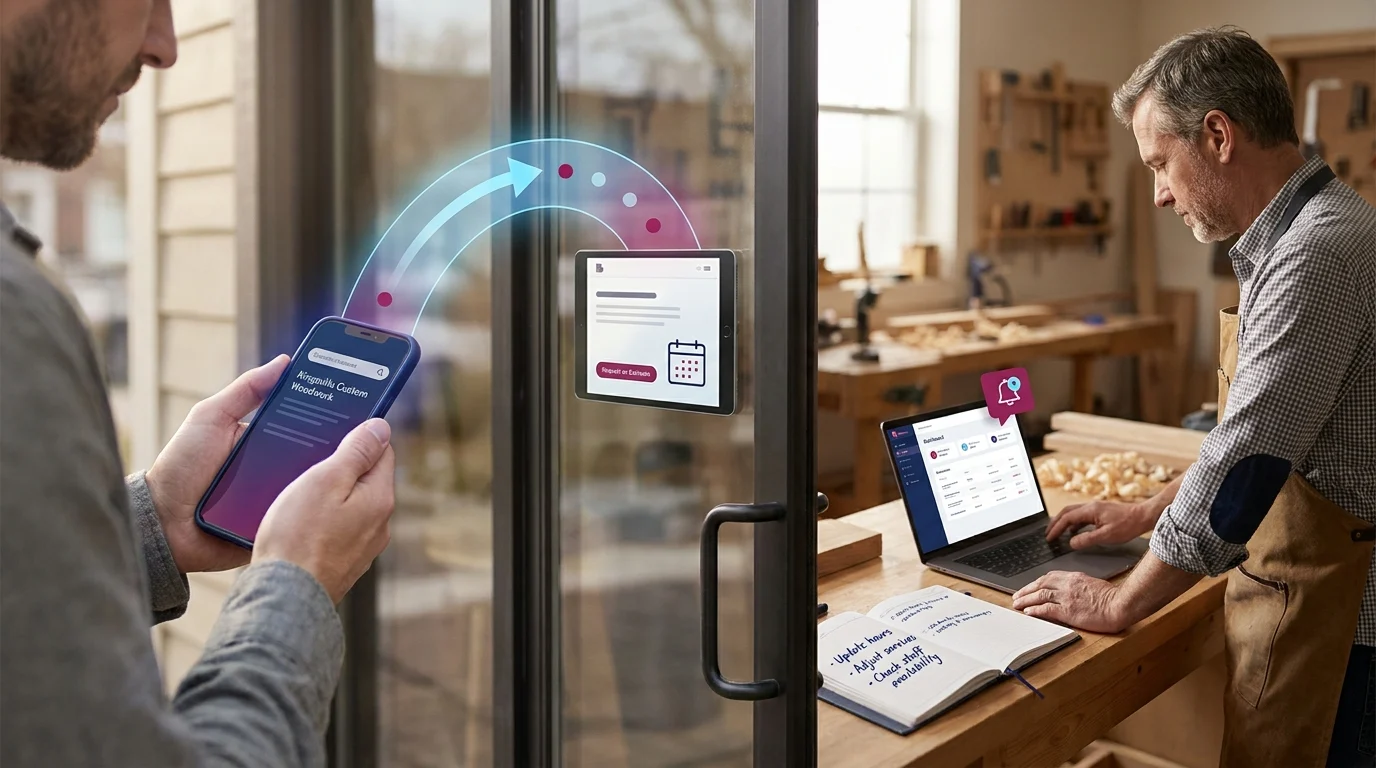
A Smart Digital Doorway gives a nearby buyer a connected route from discovery to a useful answer, credible evidence, and a clear way to enquire. Its value depends on the handoffs: the search listing matches the website, the website sets expectations, and the enquiry reaches someone who can act.
Doorways Into Your Business uses that system-wide view to connect attention with the practical work of winning customers. Each doorway needs to fit how the business actually sells, whether that involves an estimate, an appointment, or a visit.
A manageable maintenance rhythm keeps those connections working as hours, services, staffing, and availability change. Progress becomes easier to judge when the customer’s next step is clear and the business records what happened after the enquiry arrived.
Want this fitted rather than figured out? Doorways Into Your Business helps owner-operators put systems like this in place. Book a free consultation.
Paul Hughes founded Doorways Into Your Business after more than five decades consulting across 30+ countries, from implementing early IBM email systems in the 1980s to running multi-million-dollar IT projects for global organizations. A St. Clair College graduate (1976), he settled in Kingsville, Ontario in 2019 to help local small businesses grow with practical “smart digital doorways”, websites, customer service, reviews, bookings, and payments, matched to what a business needs, not unnecessary technology.
All articles by Paul →