

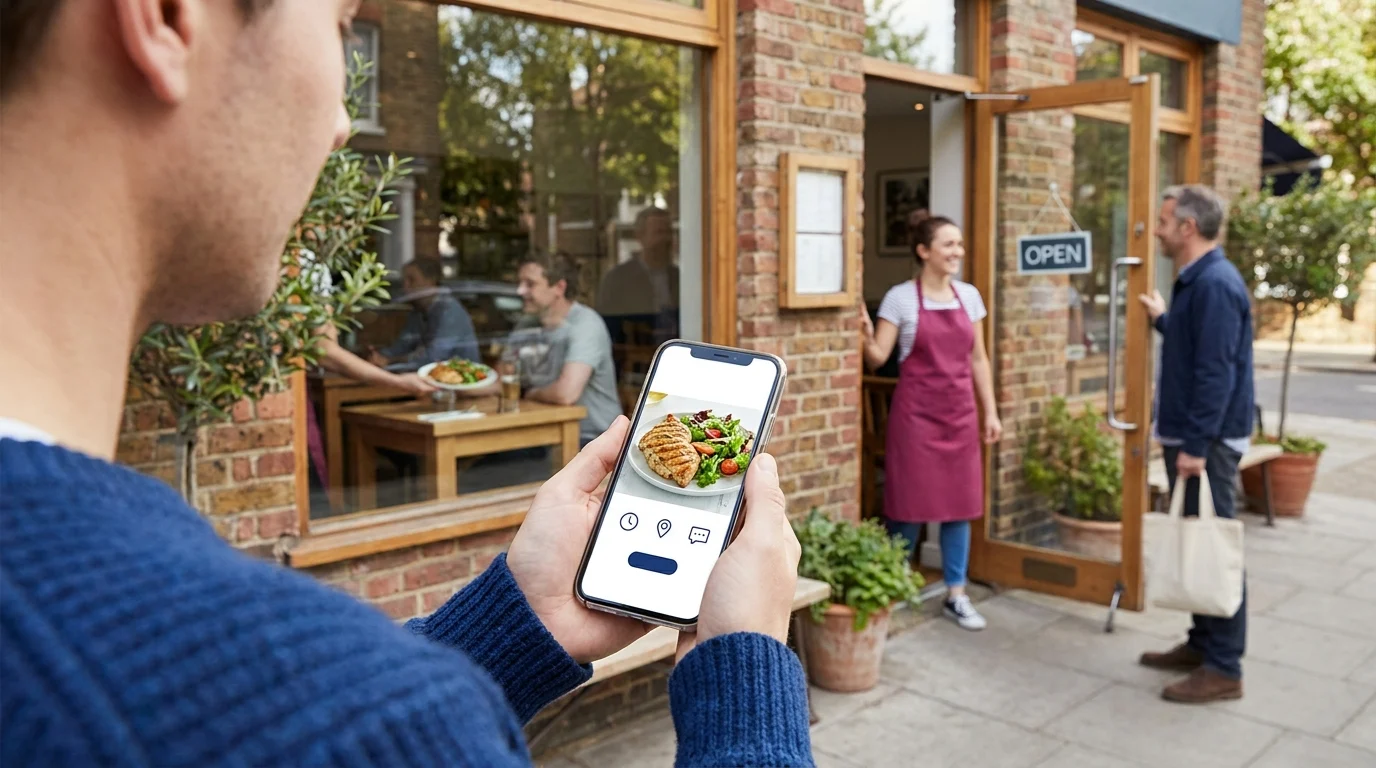
Someone shares a photo of your lunch special, and a potential customer taps through to your profile. They find last month’s menu, unclear Saturday hours and a message button they’re unsure anyone checks. Their next move could be another restaurant.
Your local business social media presence shapes decisions before anyone reaches your door. For established shops and restaurants in Kingsville, Ontario and the Windsor-Essex Region, those decisions can start with a neighbour’s recommendation, a community group discussion or an Instagram photo. A useful presence gives people enough current information to choose you, then makes the next step easy. Start by finding out where those decisions actually begin.
Where Your Community Actually Looks Before Visiting
A recommendation can start the search; your business profile helps someone check the details. Customers may move between Facebook groups, Instagram and Google Business Profile while deciding where to shop or eat. Each stop answers a different question.
Match the Channel to the Question
Facebook community groups give people somewhere to ask, “Where can we eat with a toddler?” or “Who carries gifts made nearby?” Recommendations carry context: someone has visited, bought something or dealt with your staff. Read the group’s rules before joining conversations as a business.
Instagram lets customers inspect what you’re offering. For a restaurant, that might mean dishes, seating and the atmosphere on a busy evening. For a retailer, it could mean current stock, price ranges and how an item looks in someone’s hands.
Business profiles help settle practical questions: opening hours, location, menus and whether someone can reserve a table. A Google Business Profile supports search and map checks; Facebook and Instagram profiles serve people already browsing those platforms.
Choose Using Customer Evidence
For a hypothetical local gift shop, a Facebook recommendation might introduce the store while an Instagram post confirms it stocks pottery within the shopper’s budget. Both touches matter. Asking only which platform they follow could miss the recommendation that brought them in.
Over the next 2 weeks, ask customers at checkout: “Where did you first hear about us, and what did you check before coming?” Keep a simple tally in a notebook or Google Sheets with 3 fields: first source, place checked before visiting and completed purchase. Record anonymous answers.
Compare those answers with the profile visits and messages available in Meta Business Suite. Treat messages as enquiries; tally purchases separately. Facebook deserves attention when recommendations repeatedly bring buyers through the door. Instagram suits a business whose customers check visual details before visiting. Choose 1 primary channel from that evidence, then keep essential information current elsewhere. Recheck your choice as buying patterns shift through the seasons.
What a Useful Local Business Social Media Presence Looks Like
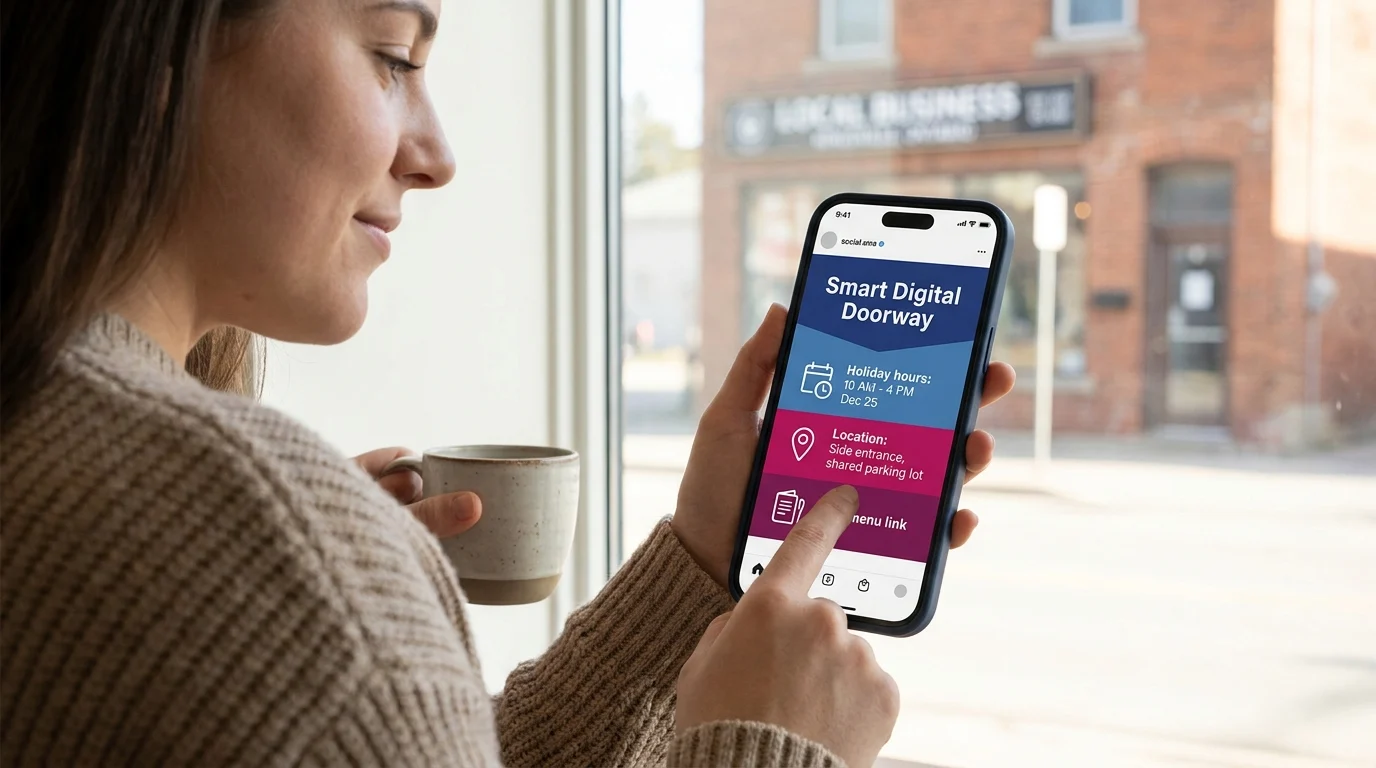
A useful local business social media presence gives someone enough confidence to plan a visit. Treat it as a Smart Digital Doorway: each detail answers a question, builds trust and helps an interested person take the next step.
Make the Details Agree
Check your profile as a customer would, starting with the information visible before they scroll. Holiday hours should carry the relevant date. Location details should explain a side entrance, shared parking lot or upstairs dining room when those affect arrival.
For businesses serving Kingsville, Ontario and the Windsor-Essex Region, that clarity helps both regulars and people making an unfamiliar trip.
Keep a readable menu or product selection near the top of the profile. Include prices and availability conditions. A pinned Facebook post suits information customers need to find repeatedly; an Instagram Story suits a same-day update that will expire. Save ongoing information in a clearly named Highlight.
Show What Someone Can Expect
Consider a hypothetical restaurant in Kingsville, Ontario. Its pinned menu shows current lunch prices, its profile identifies the accessible entrance, and a dated post explains a private-event closure. Staff remove outdated specials from Highlights so yesterday’s offer doesn’t become today’s awkward conversation.
A photo of the actual lunch portion, with the dish name and price, helps a guest decide. For a retailer, the equivalent is a product photo with dimensions, available colours and a clear note when stock is limited.
Put Credible Proof Beside the Offer
Ask permission before sharing a customer’s photo or message. Preserve their wording and explain what they bought or enjoyed, with their approval. Disclose any incentive tied to the endorsement.
Specific proof helps people judge fit: a guest describing attentive service during a family meal gives useful context. Pair that feedback with current photos and accurate details, and social media for local business becomes a dependable reference before a visit.
Build Community Visibility Through Consistency
A manageable publishing rhythm gives your local business social media presence a steady supply of useful details. Start with 3 planned posts a week, then adjust that pace to what your team can sustain during a busy stretch.
Build Around Work Already Happening
Keep a running list of material from 4 sources: stock arrivals, daily service, staff expertise and neighbourhood activity. Rotate through them so the account reflects the business people will actually encounter.
A hypothetical retailer could photograph a delivery while unpacking, record a staff member explaining how to care for a popular item, and share preparations for a neighbouring street event. A restaurant could capture lunch prep or have a server explain a seasonal ingredient.
Capture these moments during a natural pause. Customer service gets priority; the camera can wait until the queue clears.
Give the Workflow an Owner
Name 1 publishing owner and a backup. Staff can contribute photos, while the owner checks facts, gets any necessary permissions and schedules the finished posts.
Create a shared Google Drive folder for photos and a Google Sheet with these columns: topic, photo filename, caption, planned publication date, person responsible and approval status. That gives everyone a place to leave material without interrupting whoever’s serving customers.
Reserve an adjustable 30-minute weekly block to select photos, write captions and approve the coming posts. Leave room for timely updates when something changes.
Choose Tools That Fit the Routine
Meta Business Suite suits a team publishing mainly to Facebook and Instagram. Buffer is worth comparing when several social networks need a shared publishing queue; check current plan limits before committing.
Before each scheduled post runs, confirm that its details still hold. Review the workload after a month: if publishing regularly spills into closing time, trim the schedule. A repeatable rhythm keeps this Smart Digital Doorway current while leaving staff time to run the shop.
Earn Trust in the Conversations Around Your Business
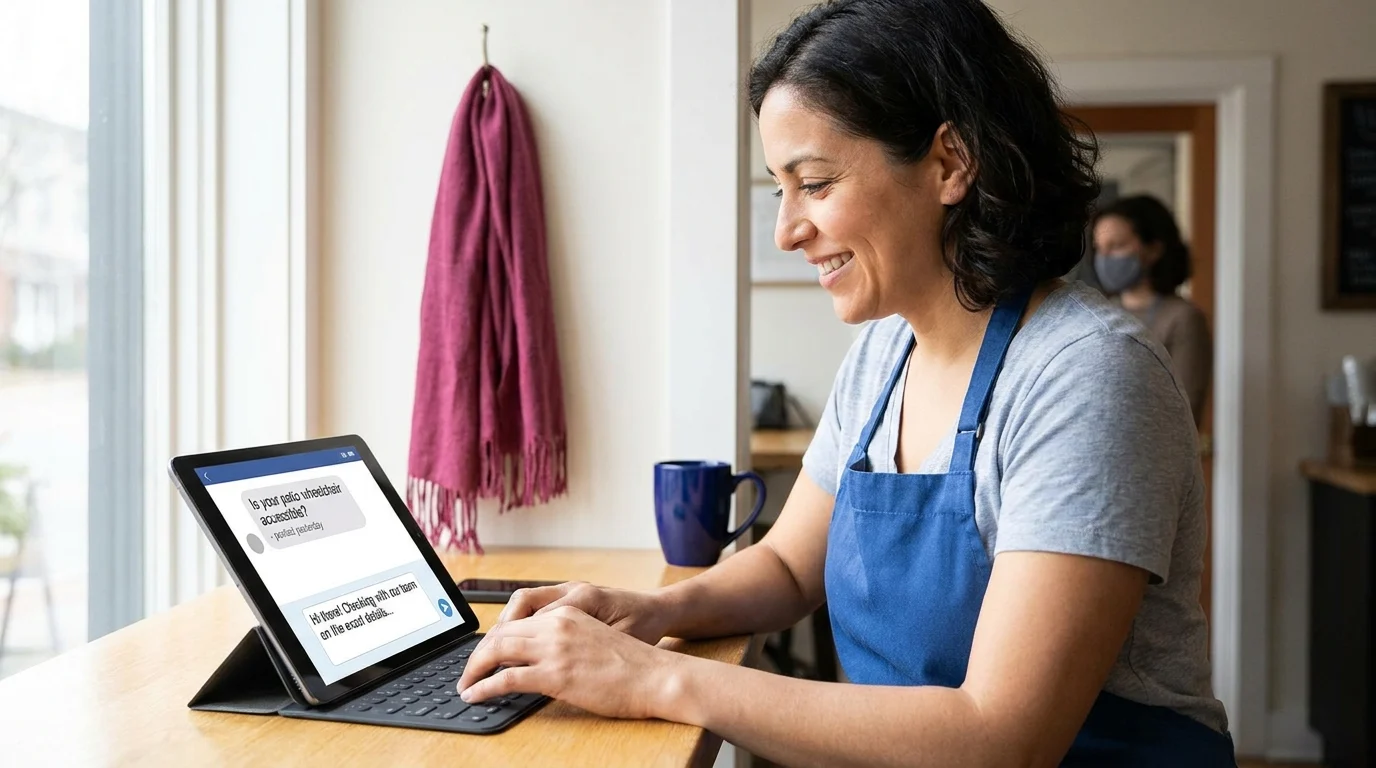
A question sitting unanswered under yesterday’s post leaves the customer guessing. Your local business social media presence earns trust when people can see that someone’s listening and willing to help.
Give Replies a Place in the Workday
Assign someone to check comments, mentions and private messages during an adjustable daily window. Meta Business Suite can bring Facebook and Instagram conversations into a shared inbox; native apps suit an owner handling a single account.
Answer the actual question first. If someone asks whether a table can accommodate a wheelchair, confirm the access details with staff before replying. When an answer needs checking, acknowledge the message and give a realistic response timeframe.
Contribute Where You Have Something Useful
In local Facebook groups, read the rules before joining a discussion as a business. Share relevant knowledge, disclose your connection when recommending your own shop, and leave room for other people’s suggestions.
A hypothetical retailer answering a question about caring for leather boots could explain drying and conditioning, including when professional repair makes sense. That answer stands on its own. Repeated promotional replies can wear out a group’s patience quickly.
Handle Complaints Where People Can See Your Care
Acknowledge the specific concern publicly, then move receipt details, phone numbers and other personal information into a private conversation. Explain what you’ll check and when you expect to respond. Keep that commitment, even if the investigation takes longer.
Leave ordinary criticism visible. Remove content that exposes personal information or violates clear moderation rules, and avoid arguing over someone’s recollection in public.
Ask Before Sharing Customer Stories
Get explicit permission before reposting a customer’s photo, quote or experience. Explain where it’ll appear, whether you’ll name or tag them, and seek separate consent for advertising use. A public tag alone leaves those permissions unclear.
Helpful exchanges give your Smart Digital Doorway a recognizably human voice.
Turn Followers Into Customers With a Smart Digital Doorway
A customer sees a product, checks the price, then looks for a way to buy it. Your local business social media presence needs to carry that interest through each step without making them hunt through old posts.
Doorways Into Your Business frames the Social Media Engagement Opportunity as a Smart Digital Doorway: a connected system that attracts attention, answers questions, builds trust, captures leads, and helps prospects become customers. Each post needs a clear destination that matches its promise.
Match the Path to the Purchase
For a hypothetical restaurant promoting takeaway dinners, that path could run from an Instagram post to a Square Online ordering page with current availability, pickup instructions and payment. A restaurant taking table reservations could use OpenTable, provided staff keep availability accurate.
Choose ordering for purchases customers can complete immediately; choose booking when capacity needs managing. For products requiring advice, an enquiry form can collect the item, customer’s question and preferred reply method. Explain how those details will be used, and request marketing consent separately.
A store-visit path needs its own finishing work: current hours, entrance details, product availability and any collection requirements. Test each path on a phone, starting inside the social app. Check whether the promised item appears immediately and whether checkout or booking actually works.
Measure the Outcome at the Other End
Use a simple Google Sheets tracker with fields for date, originating post or platform, intended action, enquiries received, quotes sent, appointments booked, paid orders and attributed sales value. Record store visits separately when customers voluntarily identify the source.
Review those outcomes alongside the originating posts. An enquiry starts a conversation; a quote records an offer; a booking reserves capacity. Accepted paid work and completed purchases belong in their own totals. Attribution will be incomplete, so keep uncertain sources labelled unknown. These distinctions show where interest stalls and which paths deserve attention.
What To Do Monday Morning
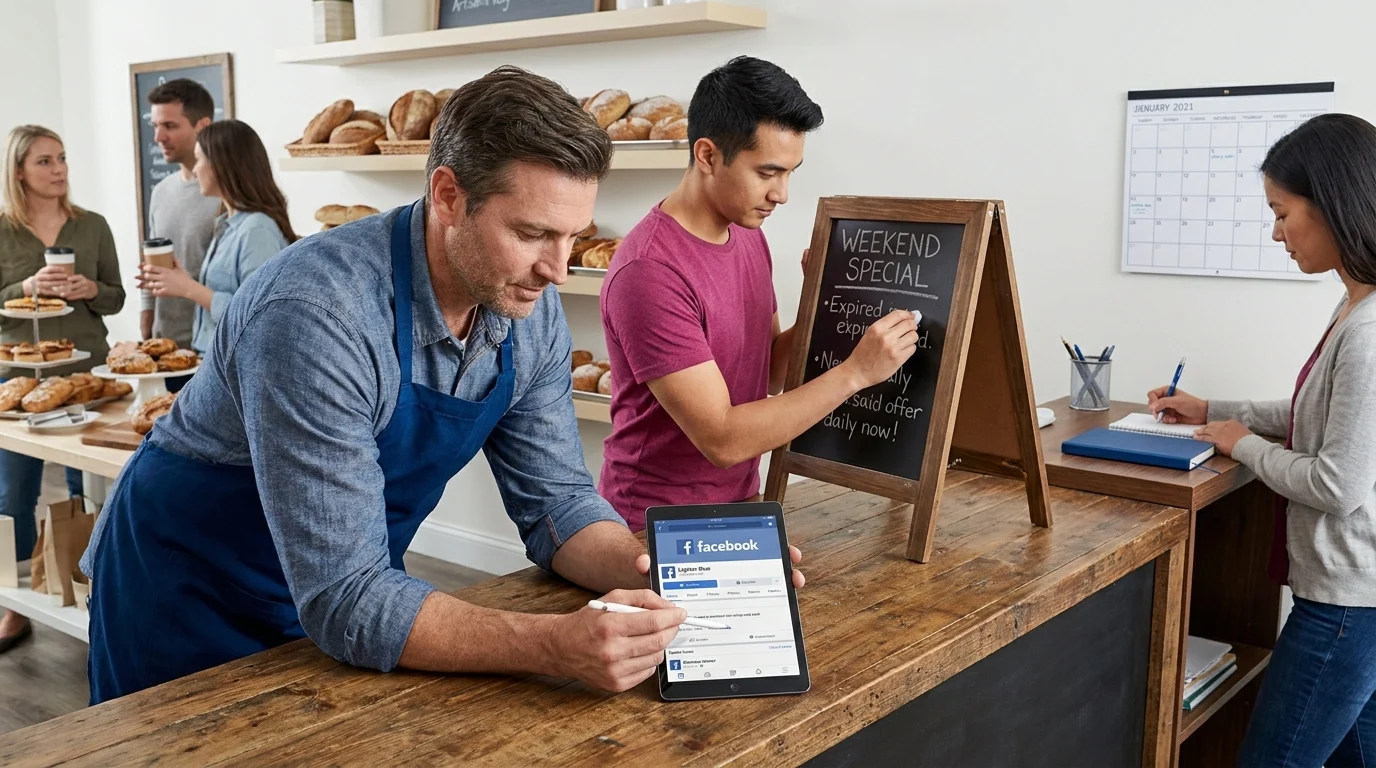
Give this work a place in the weekly schedule. Start with the details that could cost someone a trip, then sort out publishing and replies. Keep a short repair list as you go.
Fix the Front Door
1. Inspect your public profiles. Open Facebook and Instagram as a customer would see them. Check the business name, category, address, phone number, hours and profile image. Look for old pinned announcements that still appear current.
2. Correct missing information. Fix anything that could prevent a visit or purchase first. Replace expired offers and confirm that menu or product information matches what staff can actually supply. Give any unfinished correction an owner and a deadline.
Make the Week Manageable
3. Pick 1 primary channel. Compare the customer conversations already happening on Facebook and Instagram. Facebook suits an established base that asks questions there; Instagram suits a business whose products attract visual browsing. Put this week’s effort where you have evidence of customer interest.
4. Assign response ownership. Name a person responsible for comments and messages, plus backup coverage. Agree on an achievable checking routine and which questions need the owner’s decision. Make sure both people have working account access.
5. Schedule 3 useful posts. Prepare an answer to a recurring question, a current product or menu feature, and a practical detail about visiting. Meta Business Suite can schedule Facebook and Instagram posts. Check photos, availability and wording before scheduling.
Check the Handoff and Starting Point
6. Test the customer pathway. Ask someone who didn’t set it up to complete the intended task. Have them flag the first moment they hesitate. Assign any repair before publishing the related post.
7. Record a baseline. Use the existing tracker to total enquiries and voluntarily attributed visits for your first complete week. Keep them separate. If earlier records are patchy, label this your starting period and compare equal-length periods afterwards.
A Presence Your Team Can Sustain
A useful local business social media presence gives someone enough confidence to take the next step. The work behind it needs to fit around deliveries, lunch service, staff changes and everything else that already fills the day.
Doorways Into Your Business frames the Social Media Engagement Opportunity as a Smart Digital Doorway: a connected system that attracts attention, answers questions, builds trust, captures enquiries and helps prospects become customers. Each handoff deserves an owner.
The first week’s records will give you a starting point. Over several comparable weeks, you’ll have better evidence for deciding what to keep, repair or stop publishing. A manageable routine also makes gaps easier to spot while they’re still small. That’s how community visibility becomes part of running the business, with clear responsibilities and room to adjust.
Want this fitted rather than figured out? Doorways Into Your Business helps owner-operators put systems like this in place. Book a free consultation.
Paul Hughes founded Doorways Into Your Business after more than five decades consulting across 30+ countries, from implementing early IBM email systems in the 1980s to running multi-million-dollar IT projects for global organizations. A St. Clair College graduate (1976), he settled in Kingsville, Ontario in 2019 to help local small businesses grow with practical “smart digital doorways”, websites, customer service, reviews, bookings, and payments, matched to what a business needs, not unnecessary technology.
All articles by Paul →