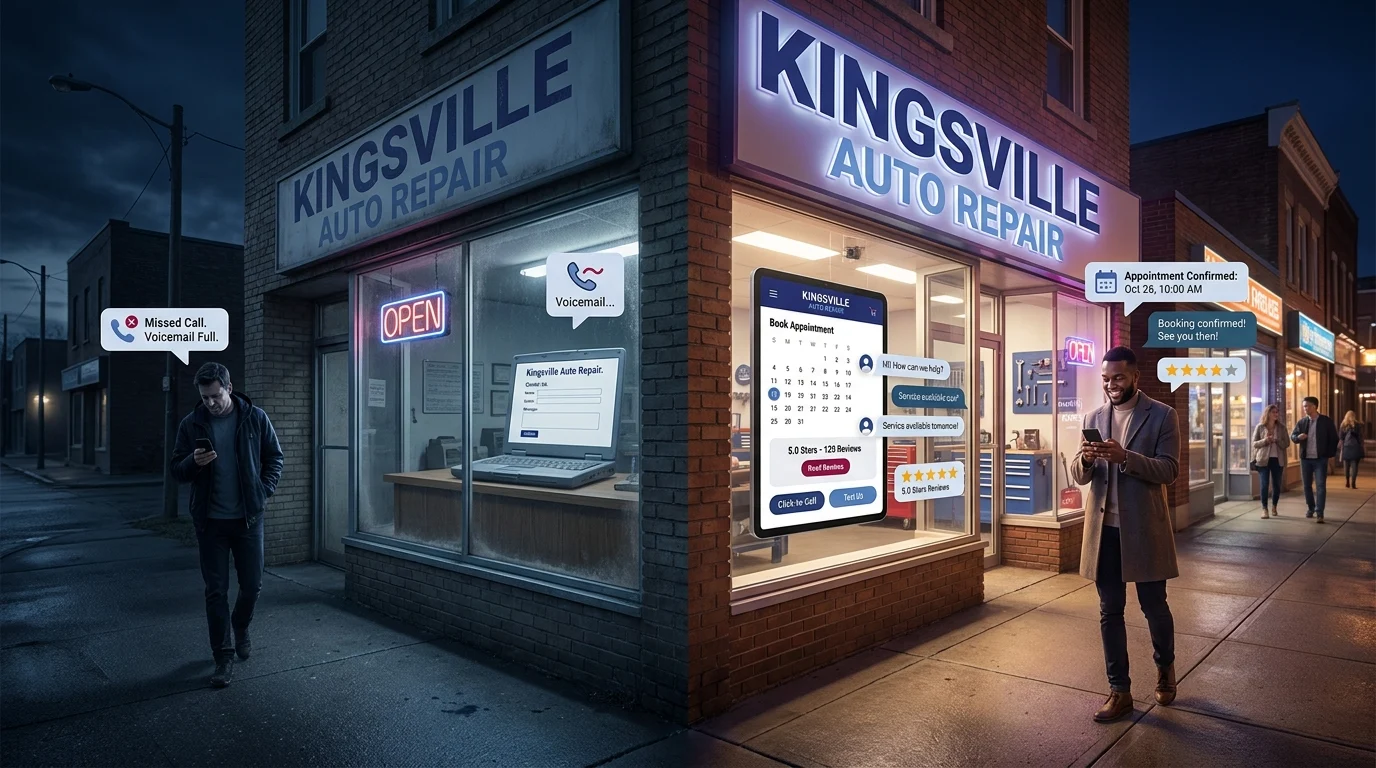


A customer in Kingsville searches for “emergency plumber near me” at 9pm. Your site takes seven seconds to load. By the time your homepage finally appears, they’ve already called your competitor. This happens dozens of times a week for local businesses across Windsor-Essex, and most owners never see it happen. There’s no error message, no complaint, no missed call in the log. Just a quiet click away, a lost job, and a website that looks fine every time you check it yourself on fast office WiFi.
How a Slow Website Costs You Customers You Never Knew You Lost

Google’s own research found that as page load time goes from one second to five seconds, the probability of a visitor bouncing increases by 90%. That’s not a soft trend. That’s nine out of ten extra visitors leaving before your offer, your reviews, or your phone number ever load on screen.
Trust Erodes Before the Pitch Starts
Speed isn’t just a technical metric. It’s the first impression a visitor forms about your business, before they read a single word. A slow load reads as outdated, unreliable, or simply not worth the wait. Local shoppers comparing three or four businesses in a search results page don’t reward patience. They reward whoever loads first and looks credible instantly.
A Windsor-Essex Example
Picture a family-run appliance repair company in Kingsville, Ontario. Their site takes six seconds to load on mobile, mostly because of an unoptimized hero image and a handful of tracking scripts nobody remembers installing. Every day, dozens of nearby residents search “appliance repair near me,” land on that slow homepage, and bounce before seeing the phone number or the same-day service promise buried below the fold. The business owner assumes slow months are about the economy or the season. The real problem is sitting in page load data he’s never checked.
The Math Behind the Lost Sale
If 100 people search for your service each month and your site bounces 60% of them due to slow load times, you’re not losing 60 visitors. You’re losing 60 potential customers who never got the chance to see why you’re the better choice. Multiply that across a year, and a slow website isn’t a minor inconvenience. It’s a direct, ongoing drain on revenue that never shows up on a balance sheet.
Checking Your Numbers: Is Your Website Speed Actually a Problem?
Guessing doesn’t fix a slow site. Checking does. The good news: you don’t need a developer on staff to find out where you stand. A handful of free tools will tell you exactly how your site performs, in plain numbers, within minutes.
Run the Free Tests
Start with Google PageSpeed Insights. Paste in your website address and it grades your mobile and desktop performance separately, then flags the specific issues dragging you down. GTmetrix does something similar with a bit more visual detail, showing you a waterfall of exactly what loads and when. Both are free, both take under two minutes, and neither requires an account.
Know What Score Actually Matters
Ignore the letter grades for a moment and look for one number: load time on mobile. Anything under 2.5 seconds is solid. Between 2.5 and 4 seconds, you’re losing people and probably don’t realize it. Past 4 seconds, you’re actively pushing customers toward a competitor’s site before they’ve read a word of yours.
Check It the Way Your Customers Do
Test on your phone, on regular cellular data, not office WiFi. Most local searches happen this way: someone standing in a driveway or a parking lot, phone in hand, looking for help right now. If your site drags on your own phone with full bars, imagine what it does on a weaker connection two neighbourhoods over.
Cross-Reference With Real Behaviour
If you have Google Analytics installed, check your bounce rate and average session duration on mobile. A high bounce rate paired with a slow PageSpeed score isn’t a coincidence. It’s confirmation. Once you have that number in front of you, the next question is what’s actually causing it.
The Usual Suspects: What’s Really Slowing Your Site Down
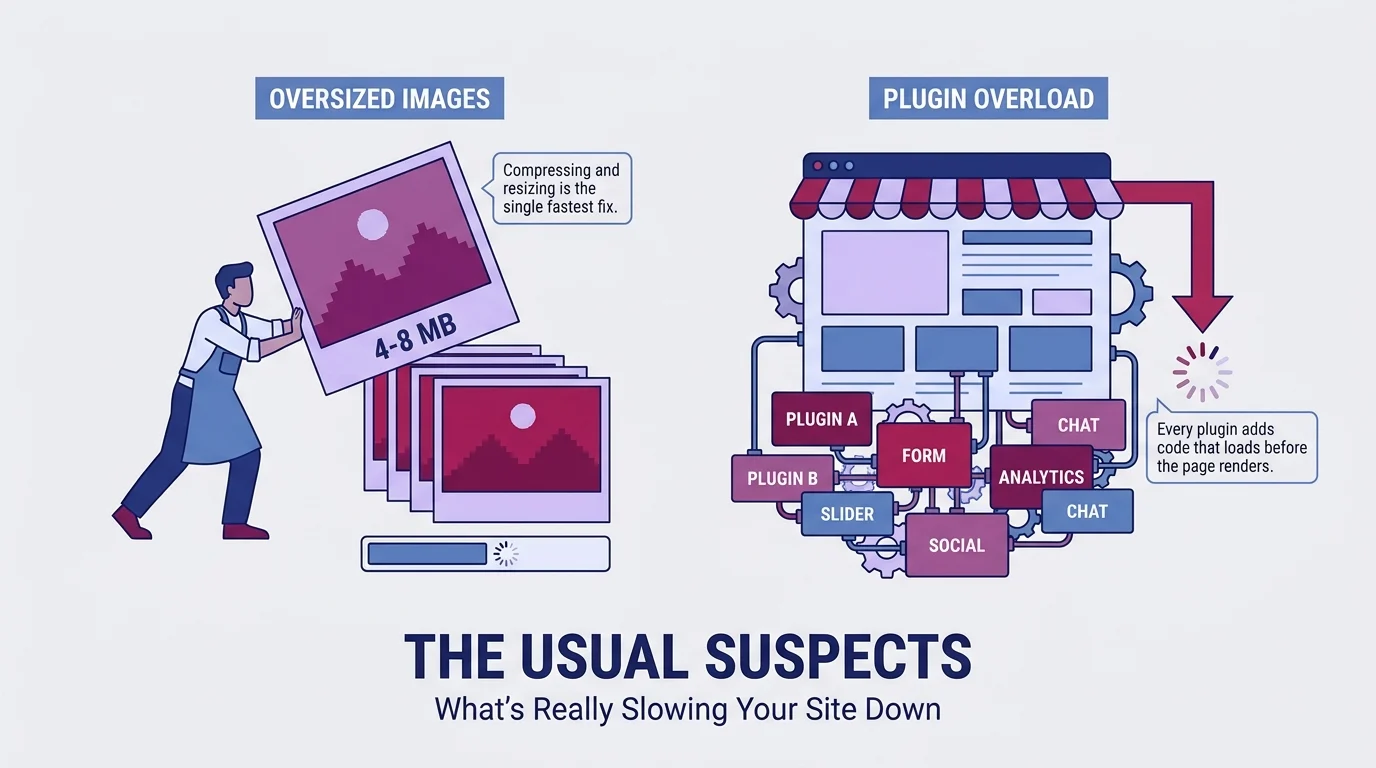
Most slow websites suffer from the same handful of problems. Here’s what to check first, in the order that gives you the biggest speed gain for the least effort.
Oversized Images
This is the number one culprit for a slow website costing customers. A photo straight off a phone or a stock photo site can run 4 to 8 megabytes. Multiply that by five or six images on a homepage and you’ve built a page that has to move the equivalent of a small file library before a visitor sees anything. Compressing and resizing images is usually the single fastest fix available.
Plugin Overload
Every plugin adds code that has to load before the page renders. Sites accumulate them over years: a slider here, a form builder there, a popup tool nobody remembers installing. Each one seems harmless alone. Together, they’re often the second biggest drag on performance.
Cheap or Overloaded Hosting
Budget hosting plans pack hundreds of sites onto one server. When a neighbouring site gets a traffic spike, your site slows down with it. This one’s harder to diagnose without tools, but it’s worth ruling out if images and plugins are already lean.
Third-Party Scripts
Chat widgets, tracking pixels, booking embeds, and review badges all load from external servers. Useful individually, but stacked together they can add seconds. Fix images and plugins first, then audit these.
Key Takeaways
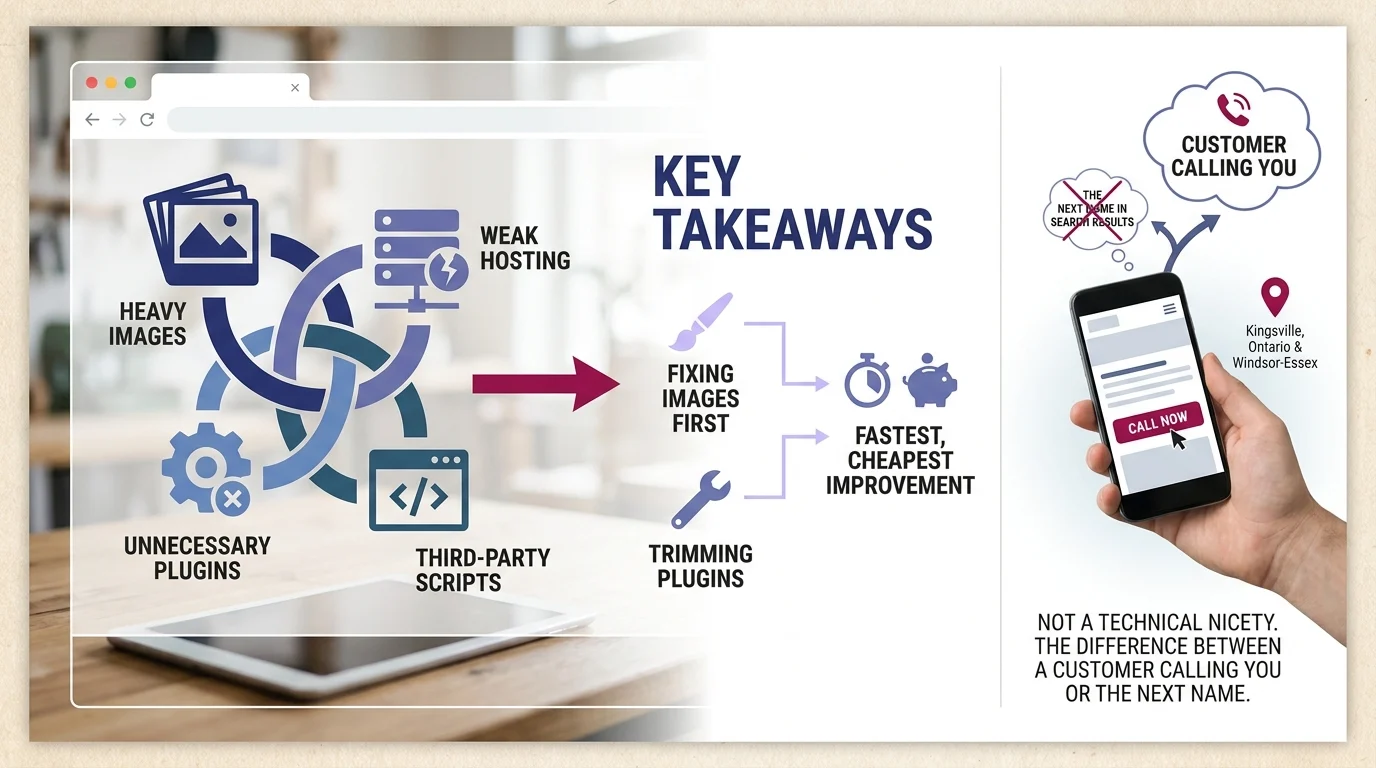
A slow website rarely has one cause. It’s usually a combination of heavy images, unnecessary plugins, weak hosting, and third-party scripts working against each other. Fixing images first typically delivers the fastest, cheapest improvement, followed by trimming plugins.
For local businesses in Kingsville, Ontario and the Windsor-Essex Region, this isn’t a technical nicety. It’s the difference between a customer calling you or the next name in their search results.
Paul Hughes founded Doorways Into Your Business after more than five decades consulting across 30+ countries, from implementing early IBM email systems in the 1980s to running multi-million-dollar IT projects for global organizations. A St. Clair College graduate (1976), he settled in Kingsville, Ontario in 2019 to help local small businesses grow with practical “smart digital doorways”, websites, customer service, reviews, bookings, and payments, matched to what a business needs, not unnecessary technology.
All articles by Paul →