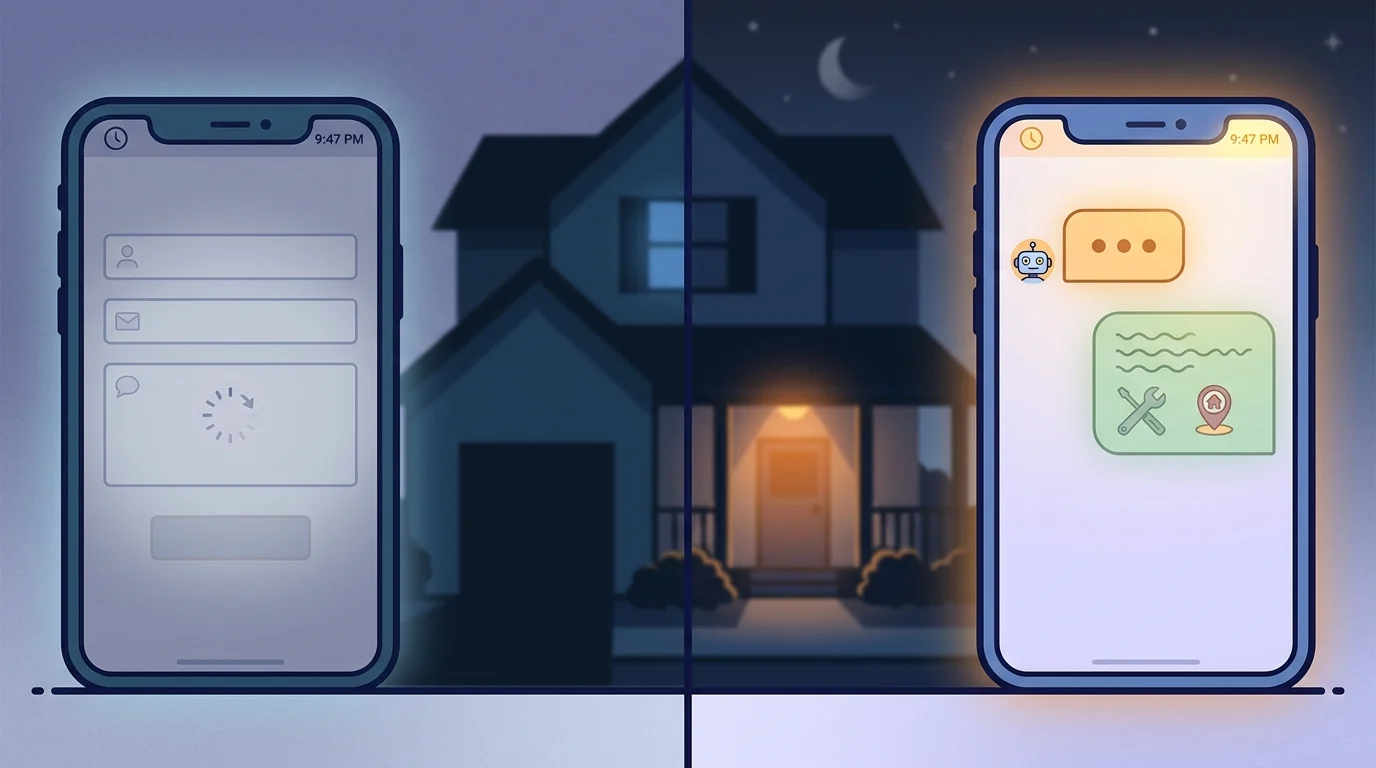

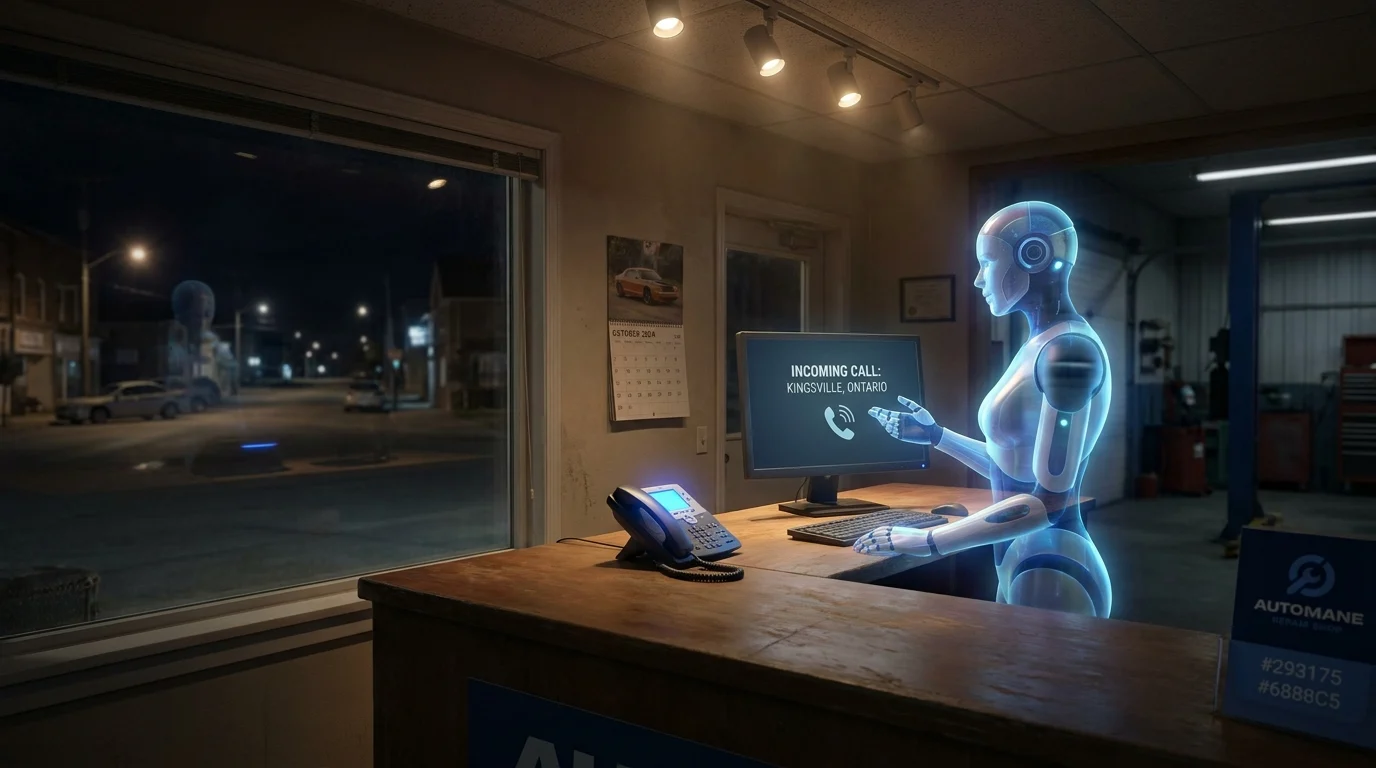
Picture a staff member who clocks in at midnight, answers the phone on the first ring every single time, and never asks for a raise. That’s not a thought experiment anymore. Small businesses across Windsor-Essex are quietly hiring AI customer service tools that behave less like software and more like a dedicated front-desk employee. They answer questions, qualify leads, book appointments, and chase down follow-ups while the owner sleeps. This piece walks through what that employee actually does hour by hour, where it fits into a local service business, what it can’t do, and how a real Windsor-Essex business put one to work without turning their operation upside down.
What an AI Employee Actually Does All Day
An AI employee’s job isn’t glamorous, and that’s exactly the point. It handles the repetitive, time-sensitive work that eats into an owner’s day and drains front-desk staff by 3 p.m. Here’s what that looks like in practice.
Answering the Same Questions, Every Time, Instantly
Most customer inquiries aren’t complicated. What are your hours? Do you serve my area? How much does a service call cost? An AI customer service small business tool answers these instantly, pulling from the business’s actual website, pricing sheet, and service area. No hold music, no “let me check and call you back.”
Sorting Real Leads from Tire-Kickers
Before a lead ever reaches a human, the AI employee asks the questions a good salesperson would ask: what’s the problem, when do you need it fixed, what’s the address, what’s the budget range. By the time a plumber or contractor sees the lead, it’s already qualified. No wasted callbacks to someone who was just browsing.
Booking the Appointment on the Spot
Once a lead is qualified, the AI checks the calendar and books the slot directly, no back-and-forth texting to find a time that works. Confirmation goes out immediately, with a reminder scheduled automatically.
Following Up So Nothing Falls Through
After the job’s done, it sends the review request. If a quote goes unanswered for three days, it follows up. This is the work that gets skipped when a business is busy, and it’s often where the real revenue leaks out.
Where an AI Employee Fits in a Local Service Business
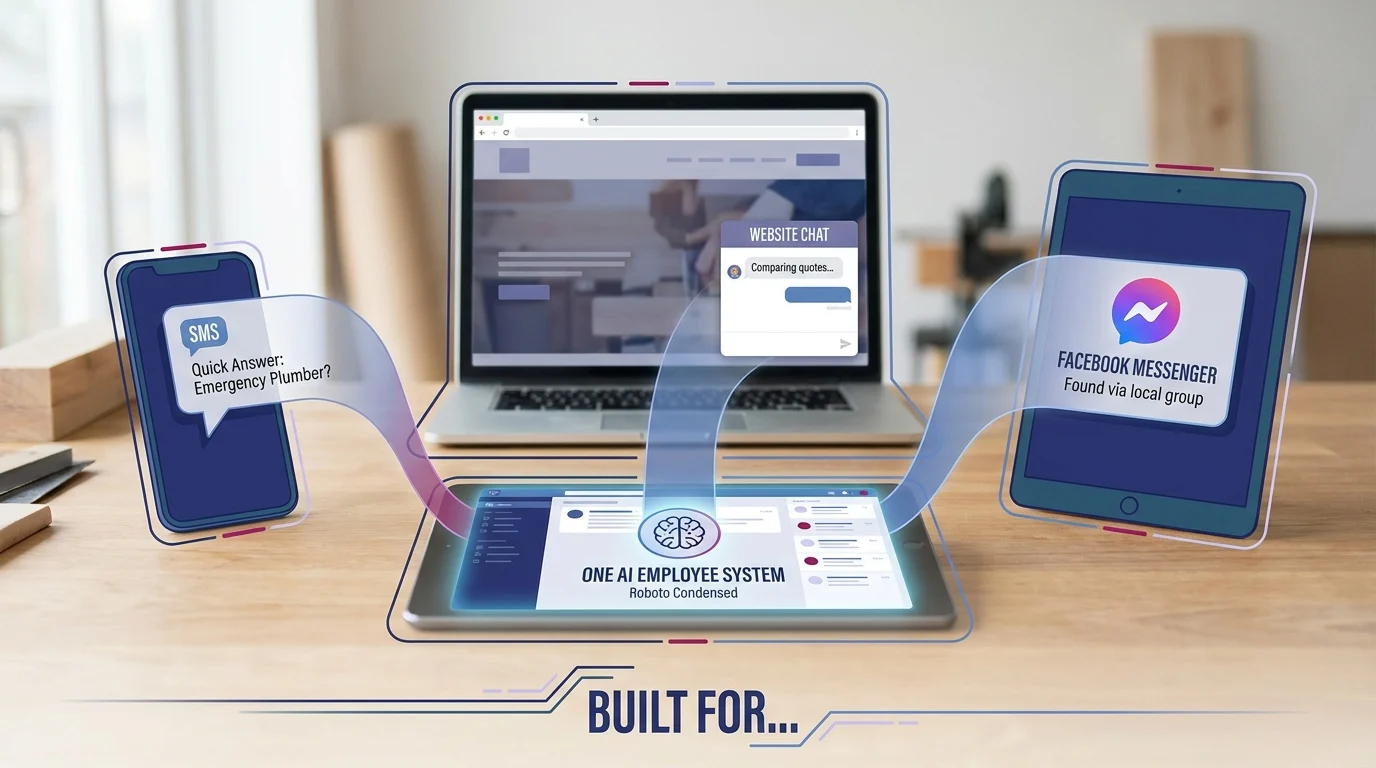
An AI employee doesn’t live in one place. It shows up wherever a customer already is: the website, Facebook Messenger, and text messages. That’s the point. A homeowner searching for an emergency plumber at 9 p.m. isn’t going to hunt for a contact form. They’re going to text, message, or type into whatever chat window pops up first.
One Employee, Three Channels
The website chat widget catches visitors comparing quotes. The Facebook integration catches people who found the business through a local group post or a review. SMS catches the customer who just wants a quick answer without downloading anything. All three feed the same system, so nothing gets lost between platforms.
Built for Contractors, Home Services, and Automotive
This setup fits naturally into trades and service businesses where jobs come from calls, quote requests, and quick decisions. An HVAC company can qualify a broken furnace call before a tech ever picks up the phone. An auto shop can confirm a brake job estimate while the mechanic is still under a different vehicle. A landscaping crew can book a spring cleanup without anyone stepping away from a mower.
A Teammate, Not a Replacement
None of this replaces the front-desk person or the owner who knows every regular customer by name. It handles the volume so the humans can handle the relationships. Staff still take the complicated calls, the frustrated customers, the jobs that need judgment. The AI employee just makes sure nobody’s waiting on hold, and no lead sits untouched, while that work happens.
What It Can Handle, and What It Can’t
An AI employee earns its keep on repetition. It answers the same 10 questions that eat up a front desk’s morning: hours, pricing ranges, service areas, appointment availability, and whether the business does a specific job at all. It books consultations, collects contact details, and qualifies whether a lead is worth a callback. That’s the job, and it does it without getting tired or distracted.
Where It Stays in Its Lane
It shouldn’t diagnose a mechanical problem, quote a job that requires an in-person look, or negotiate price. It shouldn’t handle a billing dispute, a warranty complaint, or anything involving an angry customer. Those situations need context, tone, and judgment that automation doesn’t have. A good setup recognizes its own limits and routes the conversation to a human instead of guessing.
Escalation Is the Feature, Not the Failure
The businesses that get this wrong treat automation as a way to avoid every human interaction. The businesses that get it right treat escalation paths as part of the design. If a customer types “this is an emergency” or asks something outside the script, the system should flag it and notify a real person immediately, not stall with a vague response that erodes trust.
Honesty Protects the Brand
Small businesses run on reputation. A customer who feels like they’re arguing with a wall will say so publicly, in a review, within the week. Setting clear boundaries around what the AI employee handles and what gets handed off keeps that risk low. It also sets expectations correctly. Customers don’t mind talking to a bot for a quick answer. They mind being stuck with one when they need a real conversation.
The 24/7 Lead Capture Problem: Nights, Weekends, and Missed Calls
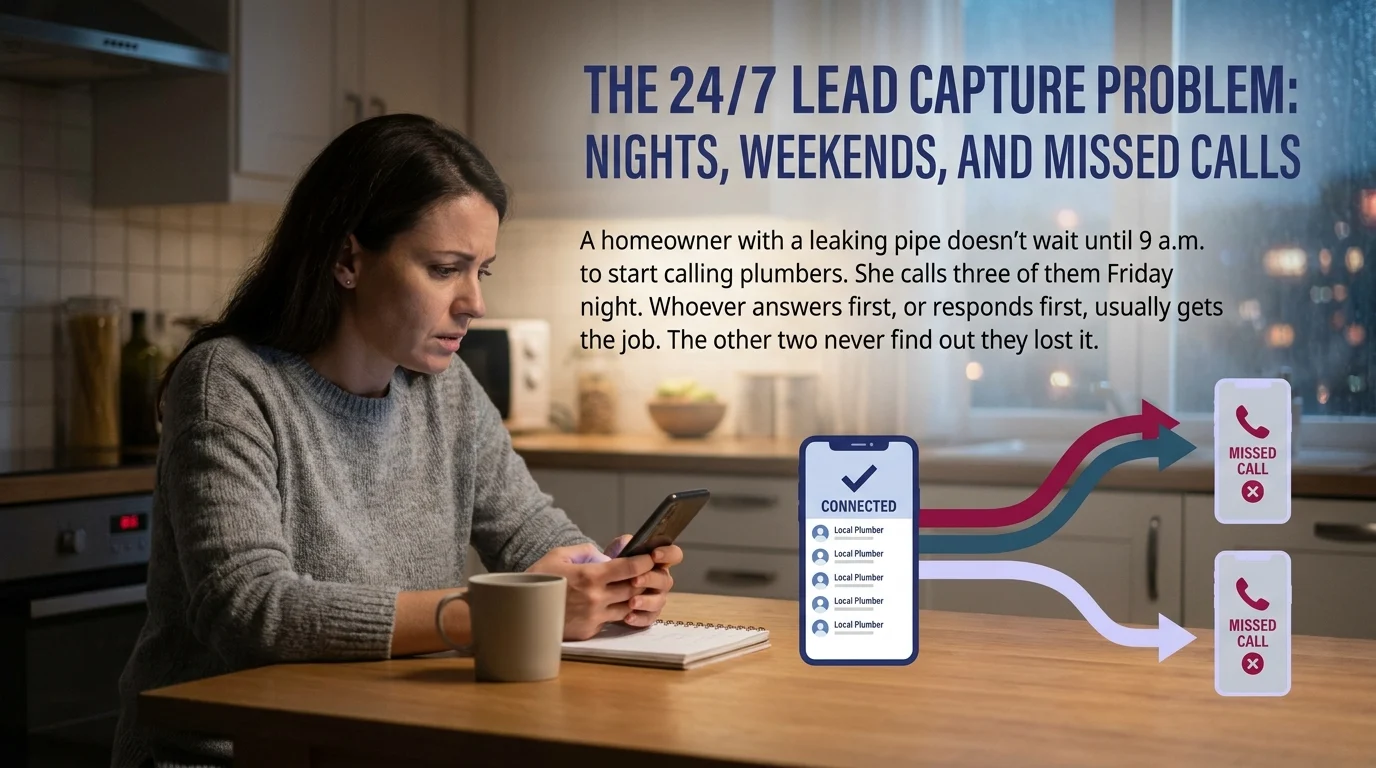
Most local service businesses lose money between 6 p.m. and 8 a.m. and never see it on a spreadsheet. A homeowner with a leaking pipe doesn’t wait until 9 a.m. to start calling plumbers. She calls three of them Friday night. Whoever answers first, or responds first, usually gets the job. The other two never find out they lost it.
The Math Behind the Missed Call
A single missed call rarely feels like a crisis. A dozen missed calls a week, compounded over a year, is a different story. Industry estimates on call abandonment for small businesses without after-hours coverage routinely land between 20 and 30 percent. For a business booking $400 average jobs, that’s not a rounding error. It’s real revenue walking to a competitor who happened to have a night shift, human or automated.
Speed Is the Whole Game
Response time studies consistently show that leads contacted within five minutes convert at dramatically higher rates than leads contacted an hour later. Waiting until Monday morning to return a Saturday night voicemail isn’t a minor delay. It’s a lost customer who already booked someone else.
An AI employee closes that gap by picking up every call and message the moment it arrives, at 2 p.m. or 2 a.m., and capturing enough detail to book a job or flag an urgent one for a real person. It doesn’t need a night shift, overtime pay, or a second location to cover weekends.
For a small business, that difference is not about convenience. It’s about which competitor gets the call back first, and which one gets the job.
A Windsor-Essex Example: How One Local Business Put This to Work
A small automotive repair shop in Kingsville, Ontario ran the way most one-bay operations do: the owner fixed cars during the day and answered the phone whenever he could get to it. Evenings and weekends, calls went to voicemail. Most people didn’t leave one.
The Problem That Prompted the Change
Customers were booking with the two other shops within a 10-minute drive, not because those shops did better work, but because someone there picked up the phone. The owner didn’t have hard numbers on what he was losing. He just noticed the schedule had more gaps than it used to.
What Changed
He set up an AI employee to answer calls and texts after hours, ask a few standard questions (vehicle, issue, preferred drop-off time), and book straight into his calendar. Routine requests, oil changes, brake checks, tire swaps, got scheduled without him touching his phone. Anything that sounded complicated or urgent got flagged and sent to him directly.
He didn’t rebuild his website or hire staff. He added one layer between the ringing phone and the voicemail box that used to catch everything.
What It Looked Like a Few Months In
Saturday morning bookings picked up first, since those were the calls that used to go unanswered while the shop was closed. Customers commented that they’d expected to leave a message and instead got booked on the spot. For a small automotive business in the Windsor-Essex Region competing against shops with more staff, that was the whole edge: being the one who answered.
Getting Started Without Overcomplicating It
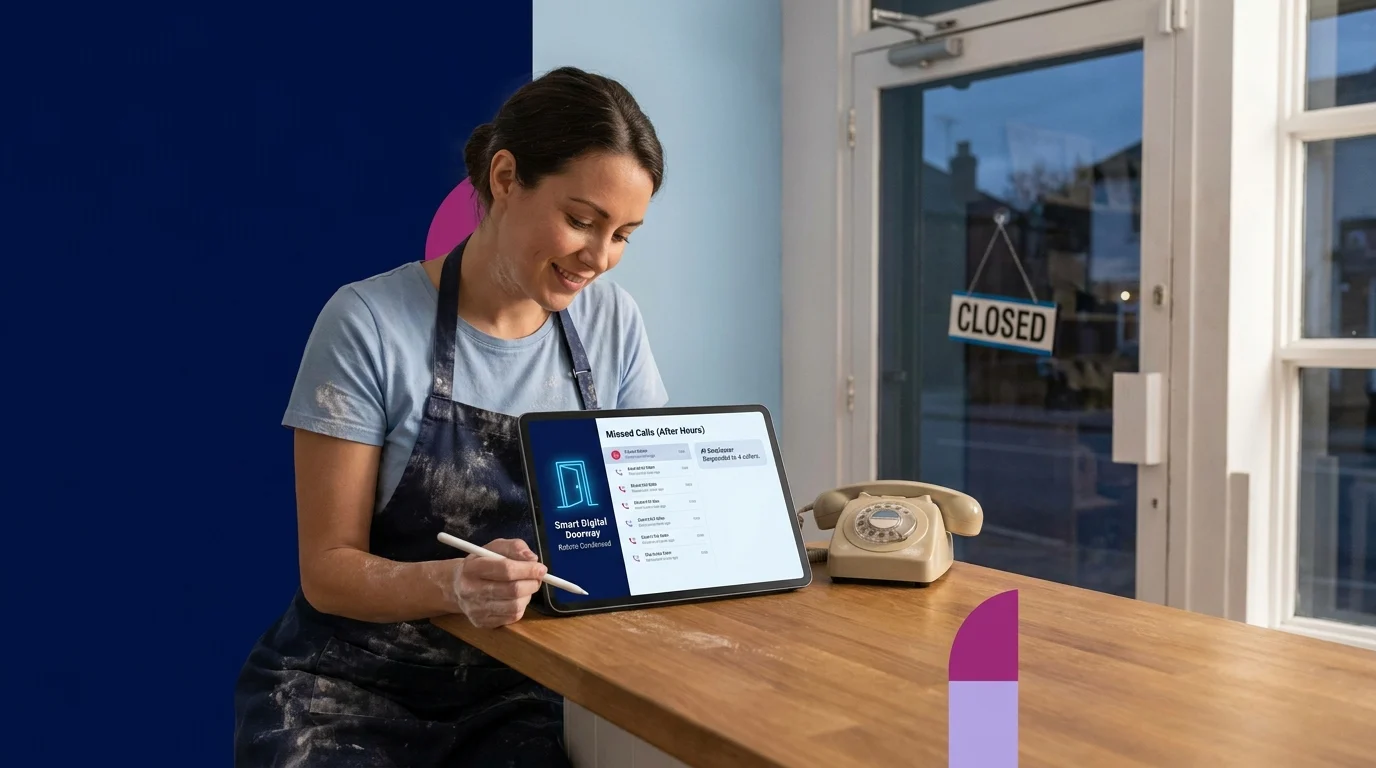
Most small businesses overthink this. They picture a complex software rollout with a learning curve and a training manual. Treat it instead as adding one doorway into your business, a smart digital doorway that catches what the front door already misses.
Start With One Problem
Don’t try to automate everything at once. Pick the single biggest leak: missed calls after hours, no-shows, slow follow-up, unanswered texts. Scope the AI employee to solve that one thing first. A narrow win builds trust in the system faster than a broad rollout that tries to do too much too soon.
Pick the Integration Points That Matter
An AI employee only earns its keep if it connects to the tools you already run: your calendar, your booking system, your CRM if you have one. It doesn’t need to replace anything. It needs to sit between the customer and your existing process, capturing information and handing off cleanly when a human is required.
Measure the Right Things
Skip vanity metrics. Track calls answered after hours, bookings made without staff involvement, and how many of those turned into paying customers. Those three numbers tell you whether the AI employee is actually doing the job, not just running quietly in the background.
For a business owner in Kingsville, Ontario and the Windsor-Essex Region, this isn’t a technical project. It’s a staffing decision, made simpler because the new hire never asks for a schedule.
Key Takeaways
AI customer service for small business isn’t about replacing people. It’s about closing the gap between when a customer reaches out and when someone, or something, responds. The businesses winning right now in Windsor-Essex aren’t necessarily better than their competitors. They’re just answering the phone.
Start small, connect it to what you already use, and measure whether it’s actually catching business you used to lose. That’s the whole framework. No technical background required, just a willingness to stop letting good customers hit voicemail.
Paul Hughes founded Doorways Into Your Business after more than five decades consulting across 30+ countries, from implementing early IBM email systems in the 1980s to running multi-million-dollar IT projects for global organizations. A St. Clair College graduate (1976), he settled in Kingsville, Ontario in 2019 to help local small businesses grow with practical “smart digital doorways”, websites, customer service, reviews, bookings, and payments, matched to what a business needs, not unnecessary technology.
All articles by Paul →